Web UI plugins
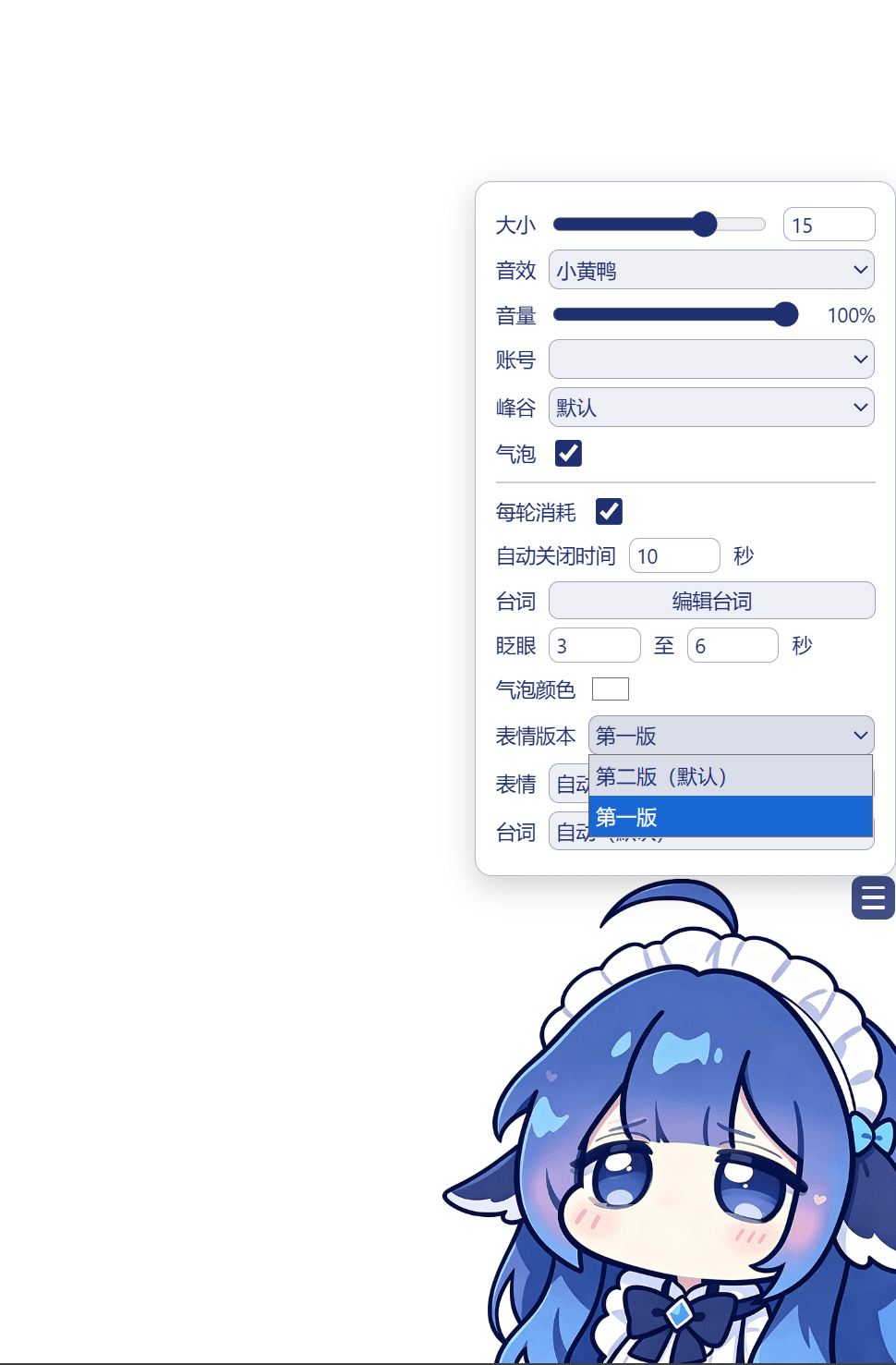
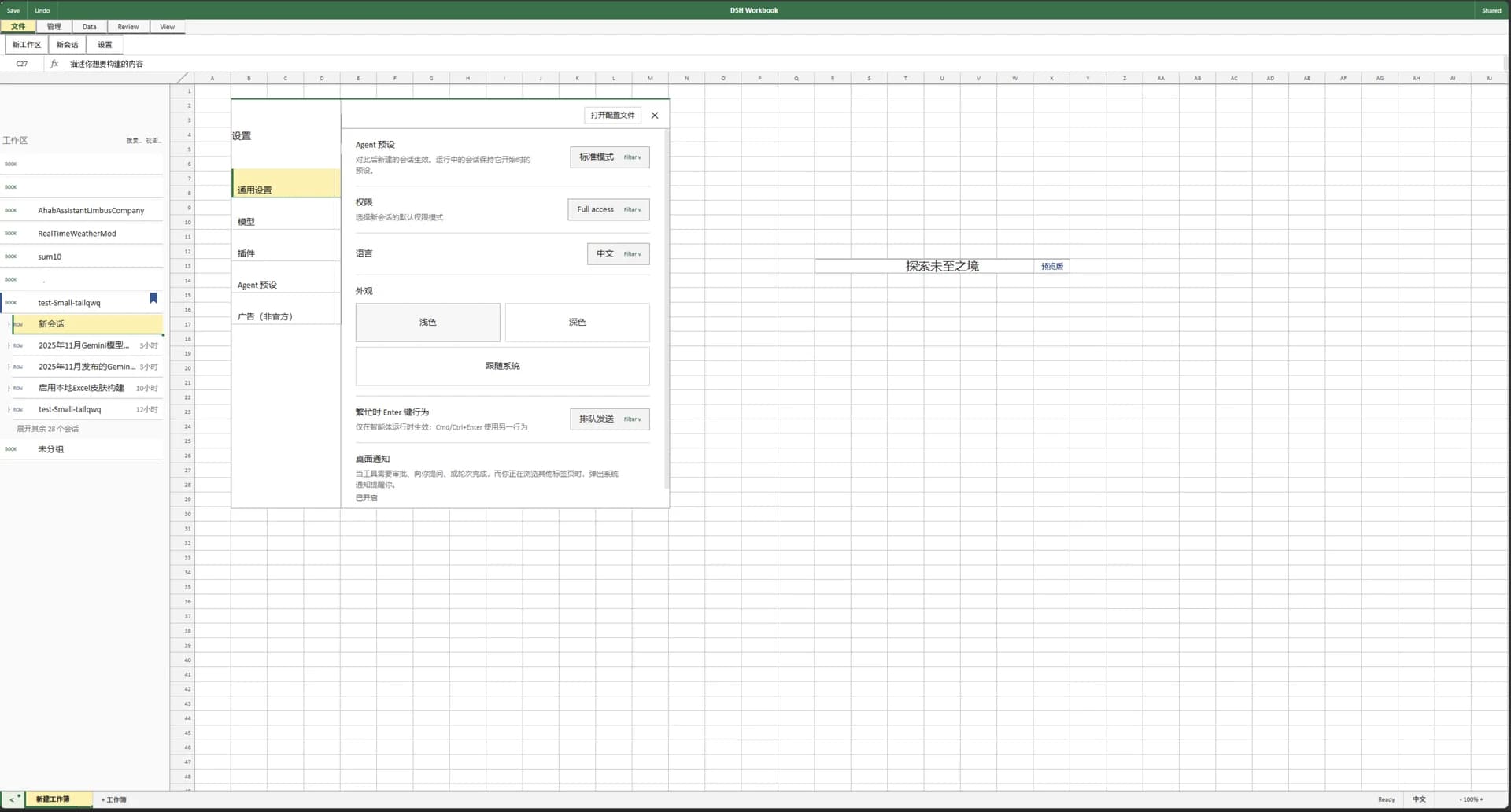
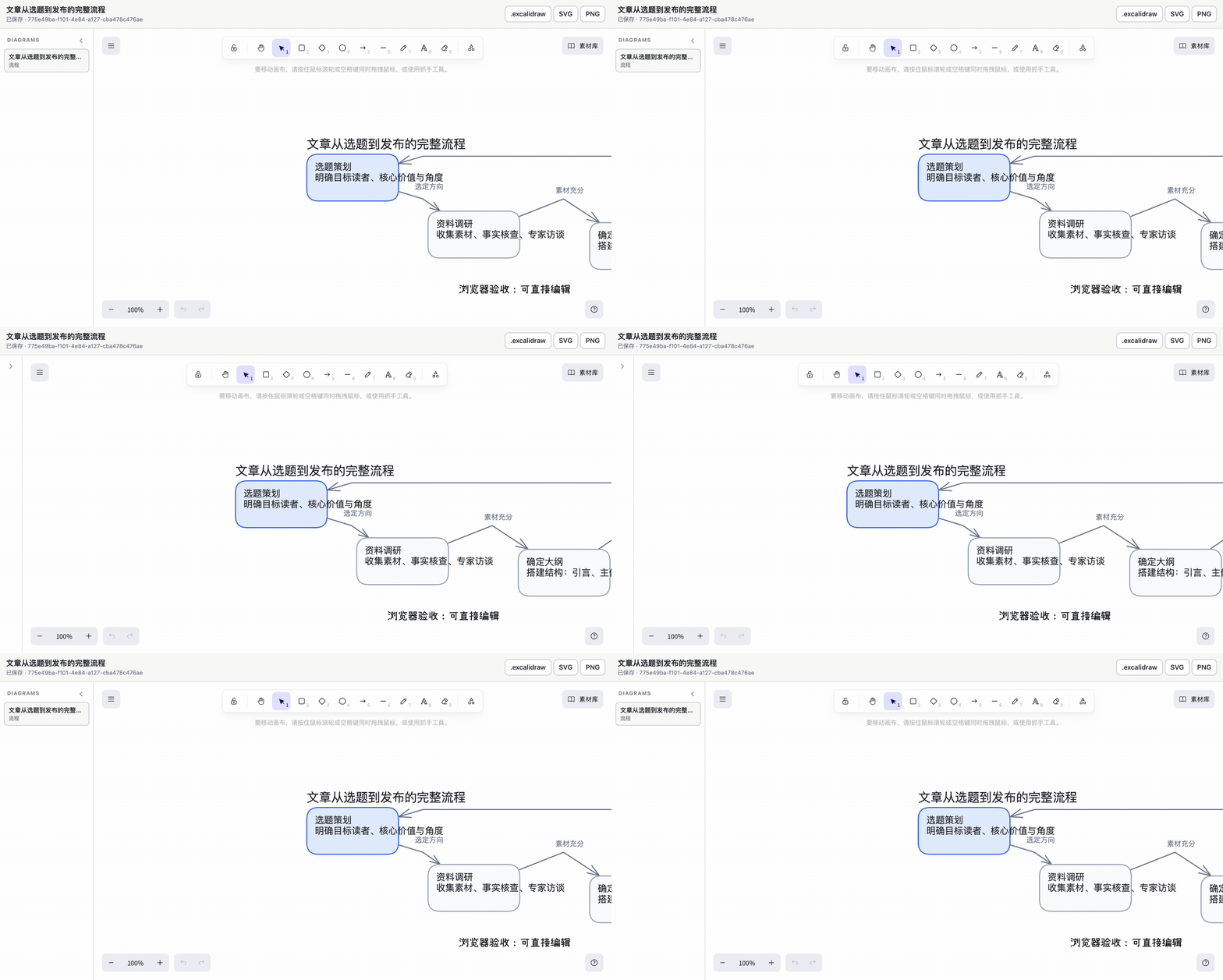
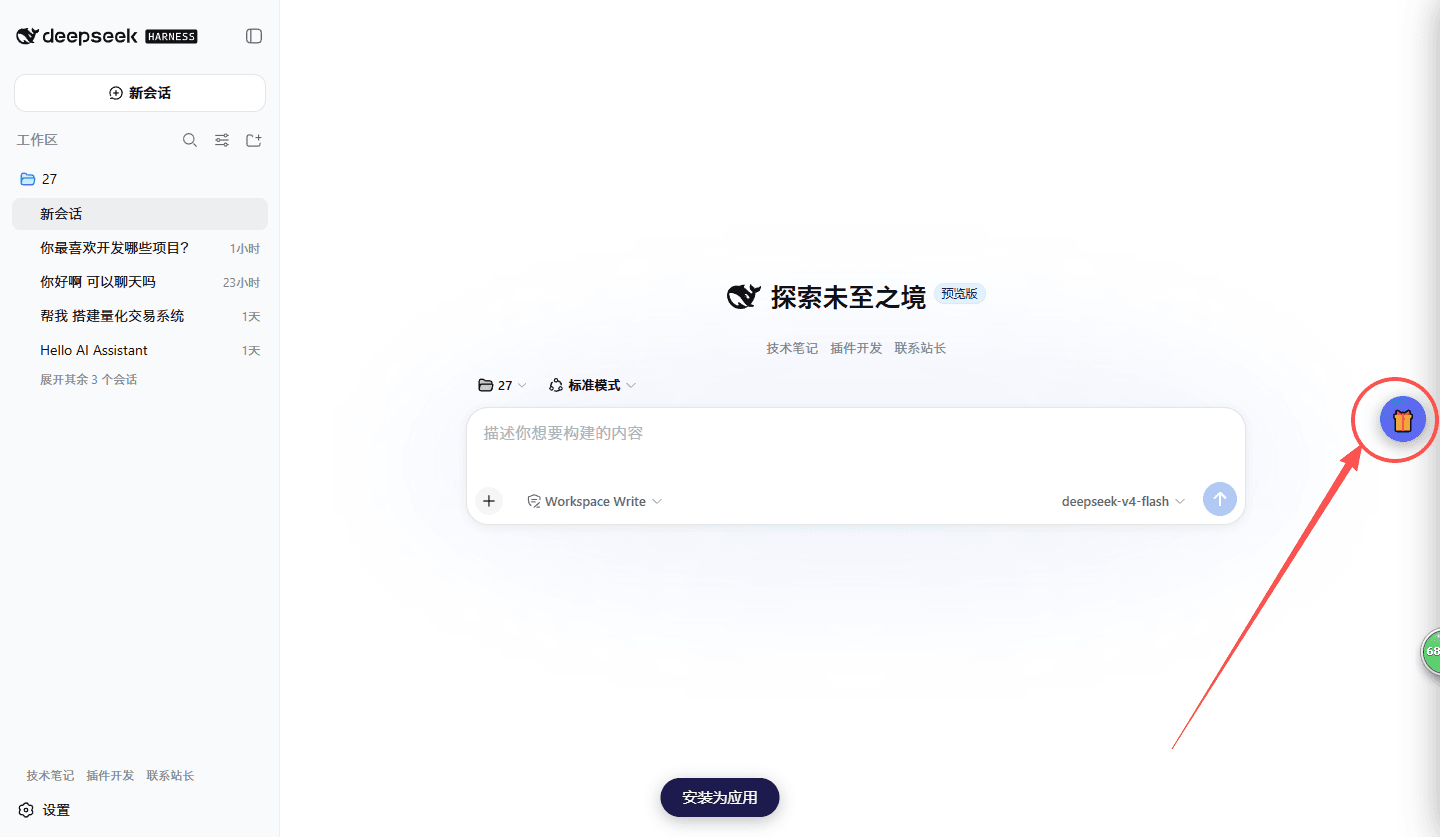
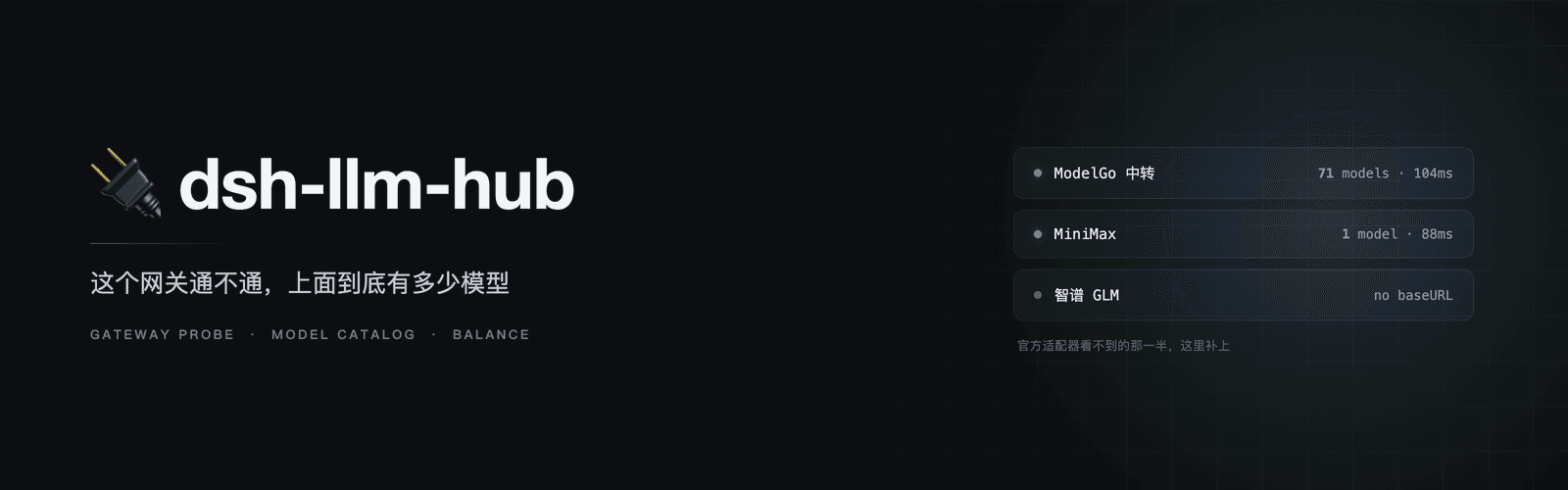
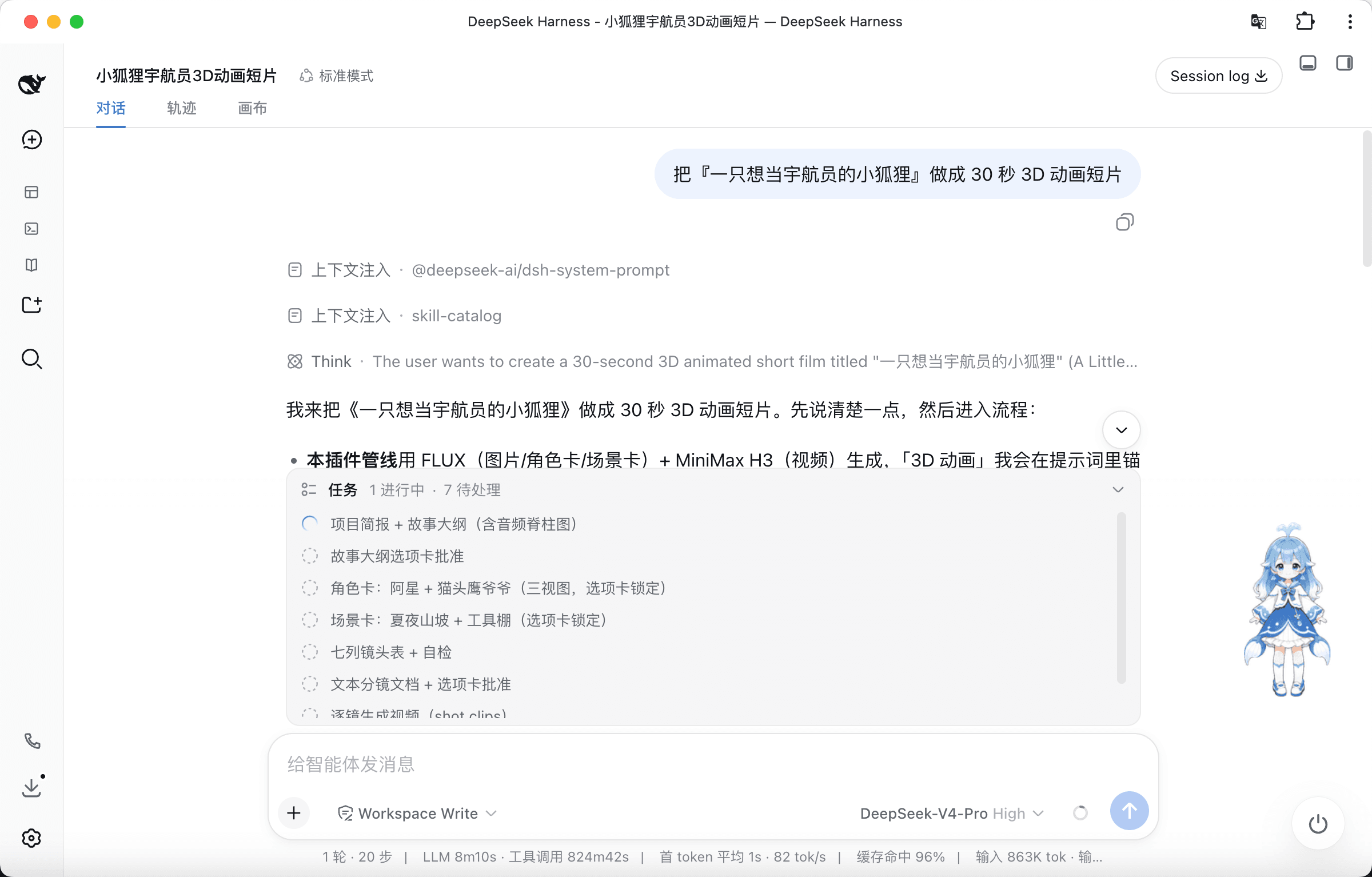
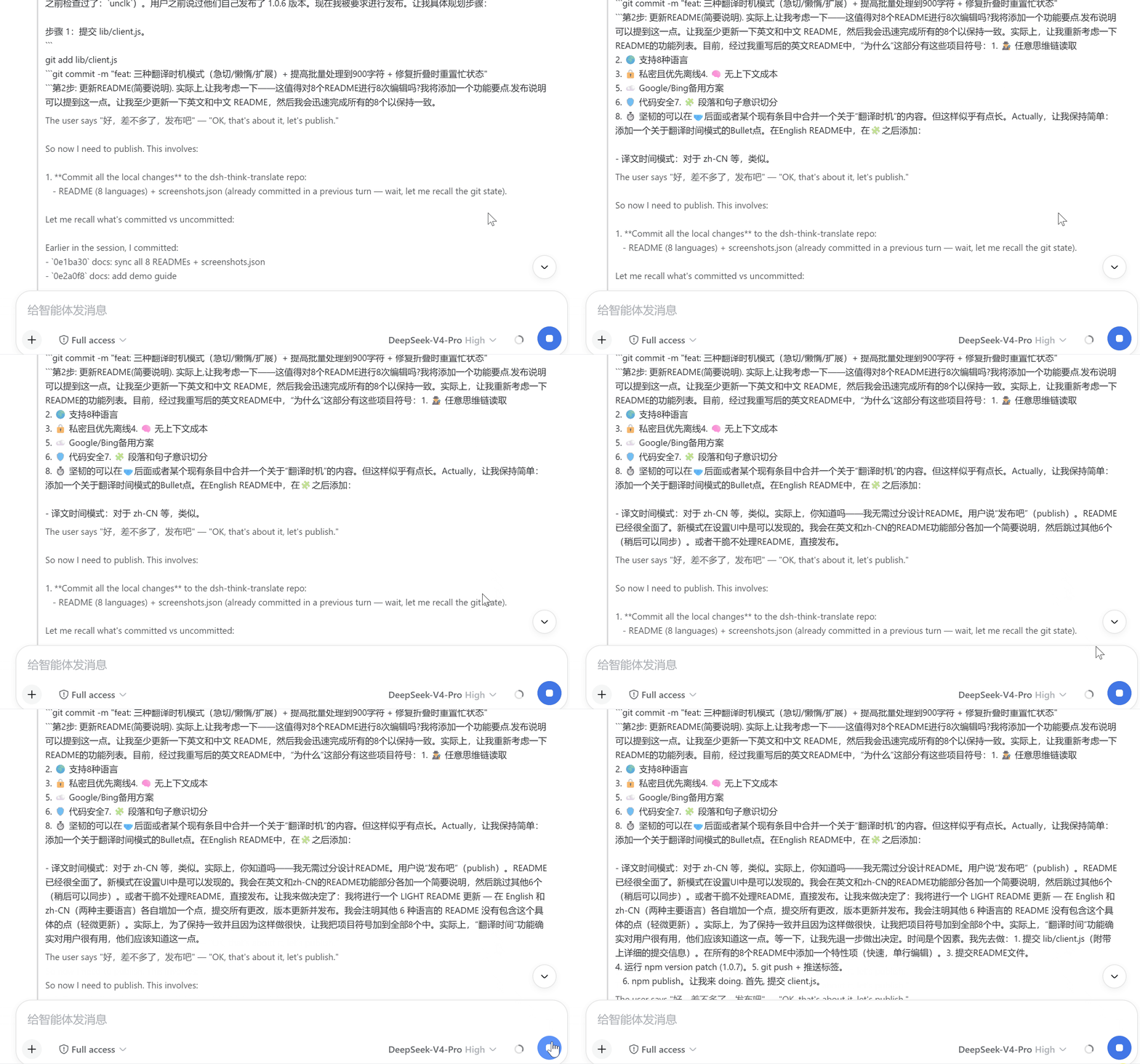
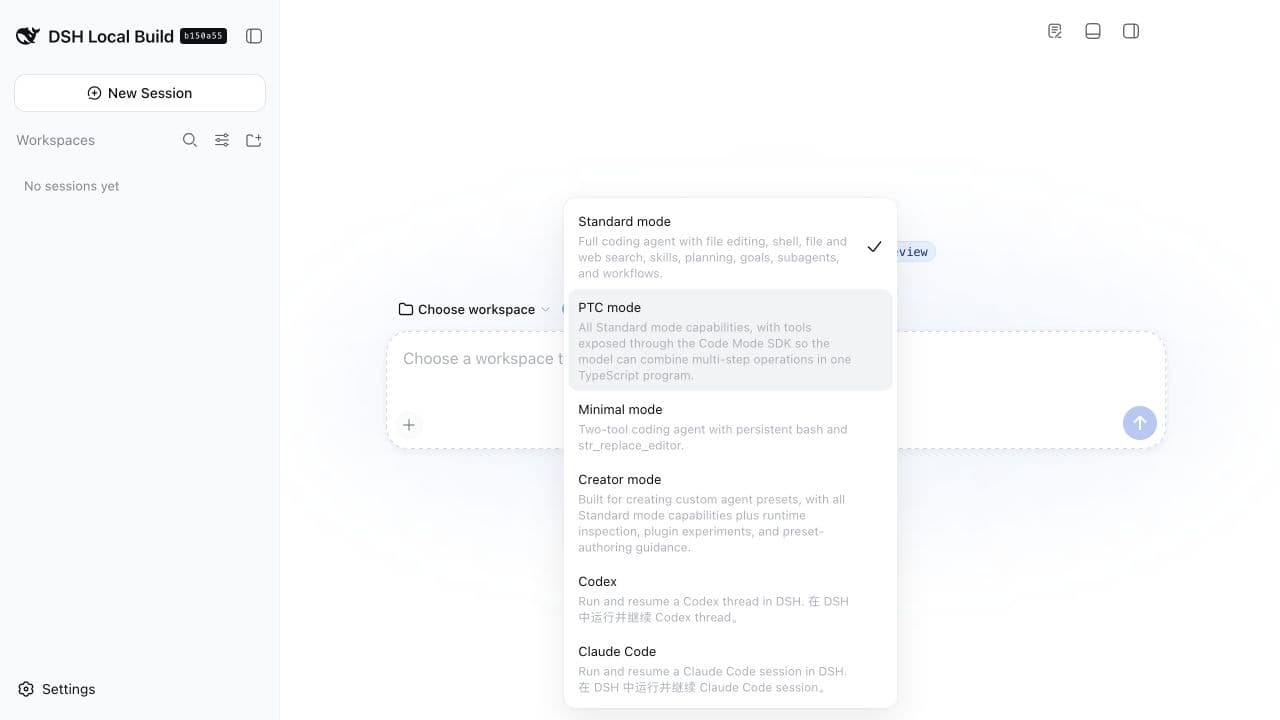
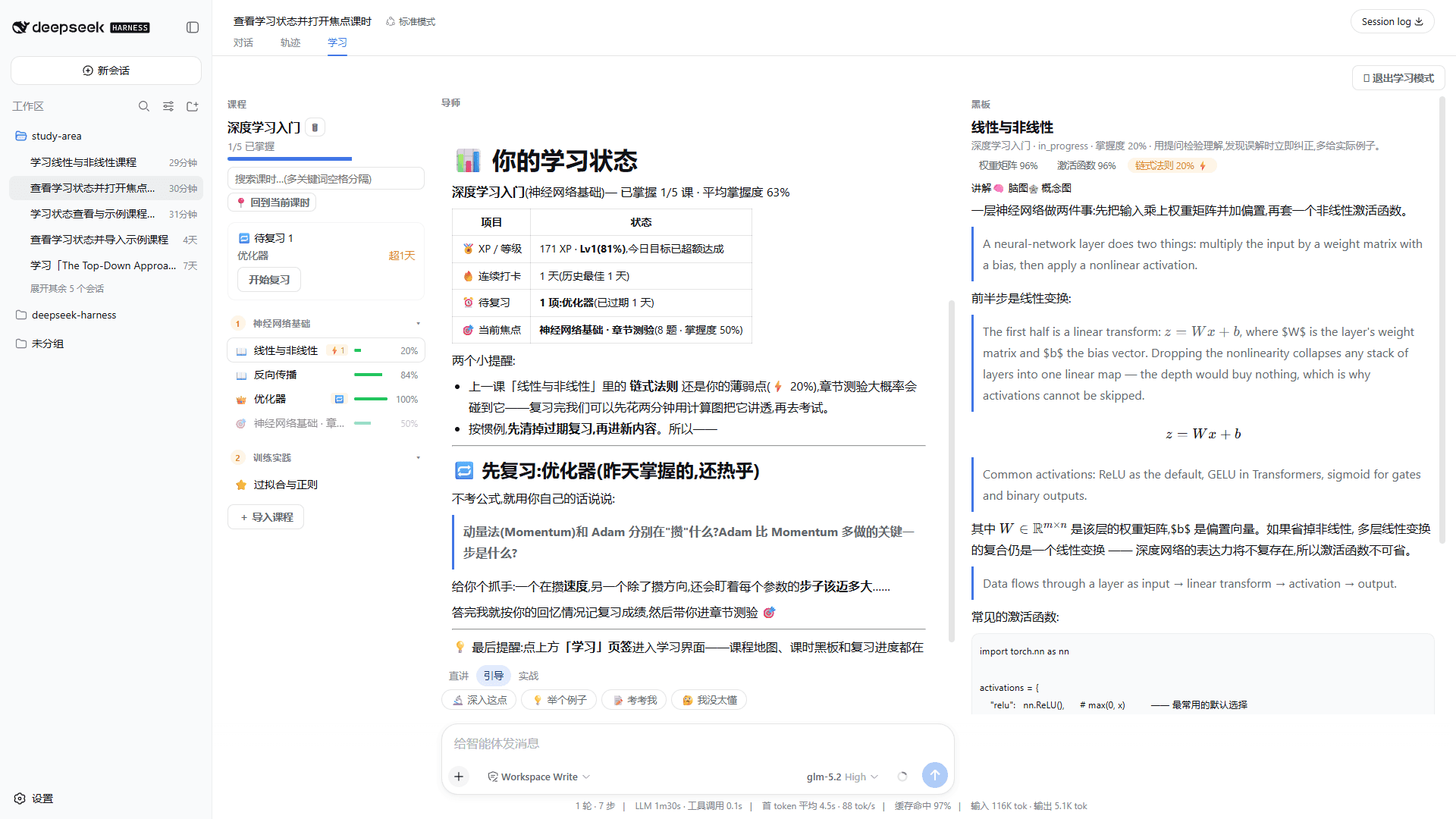
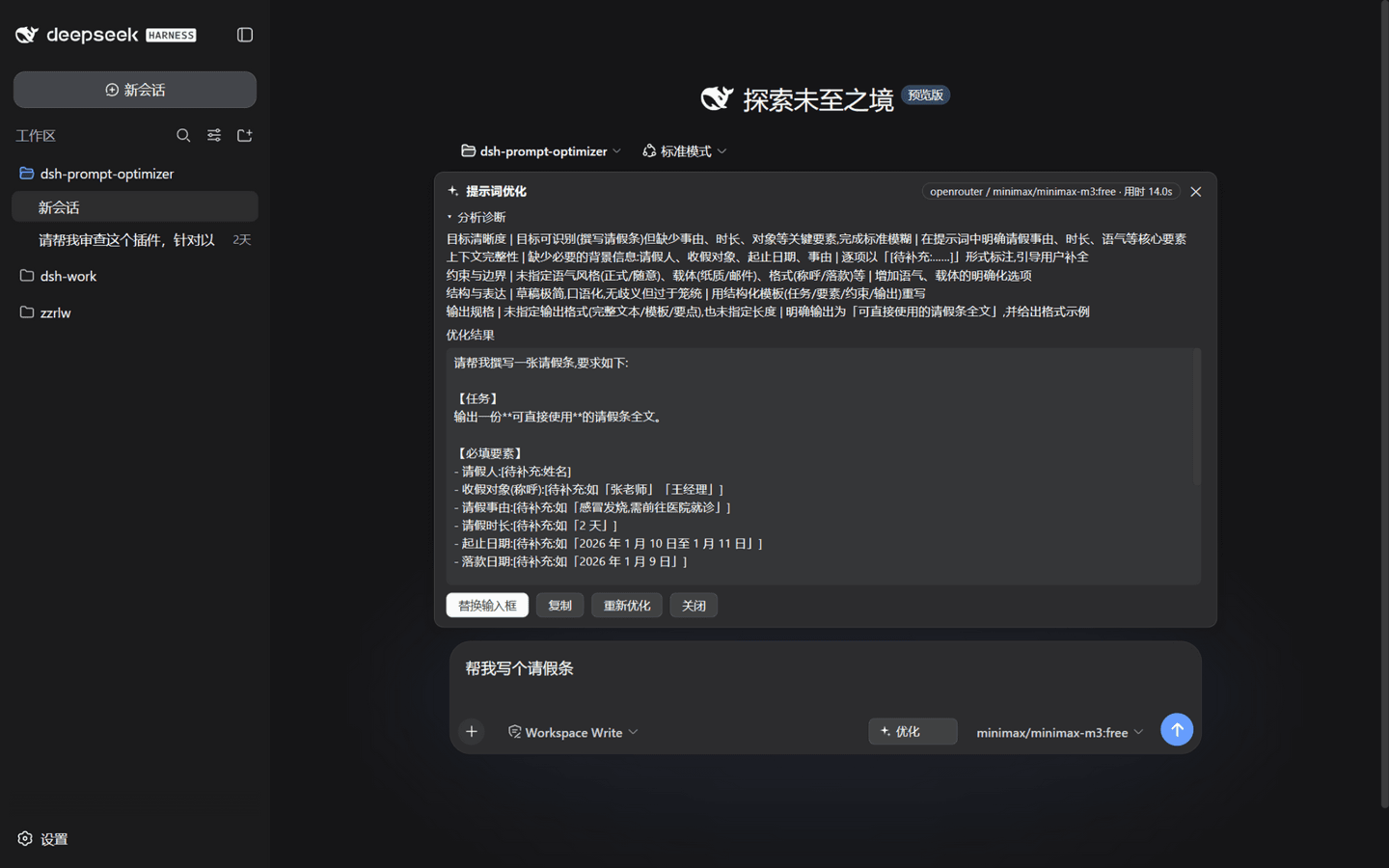
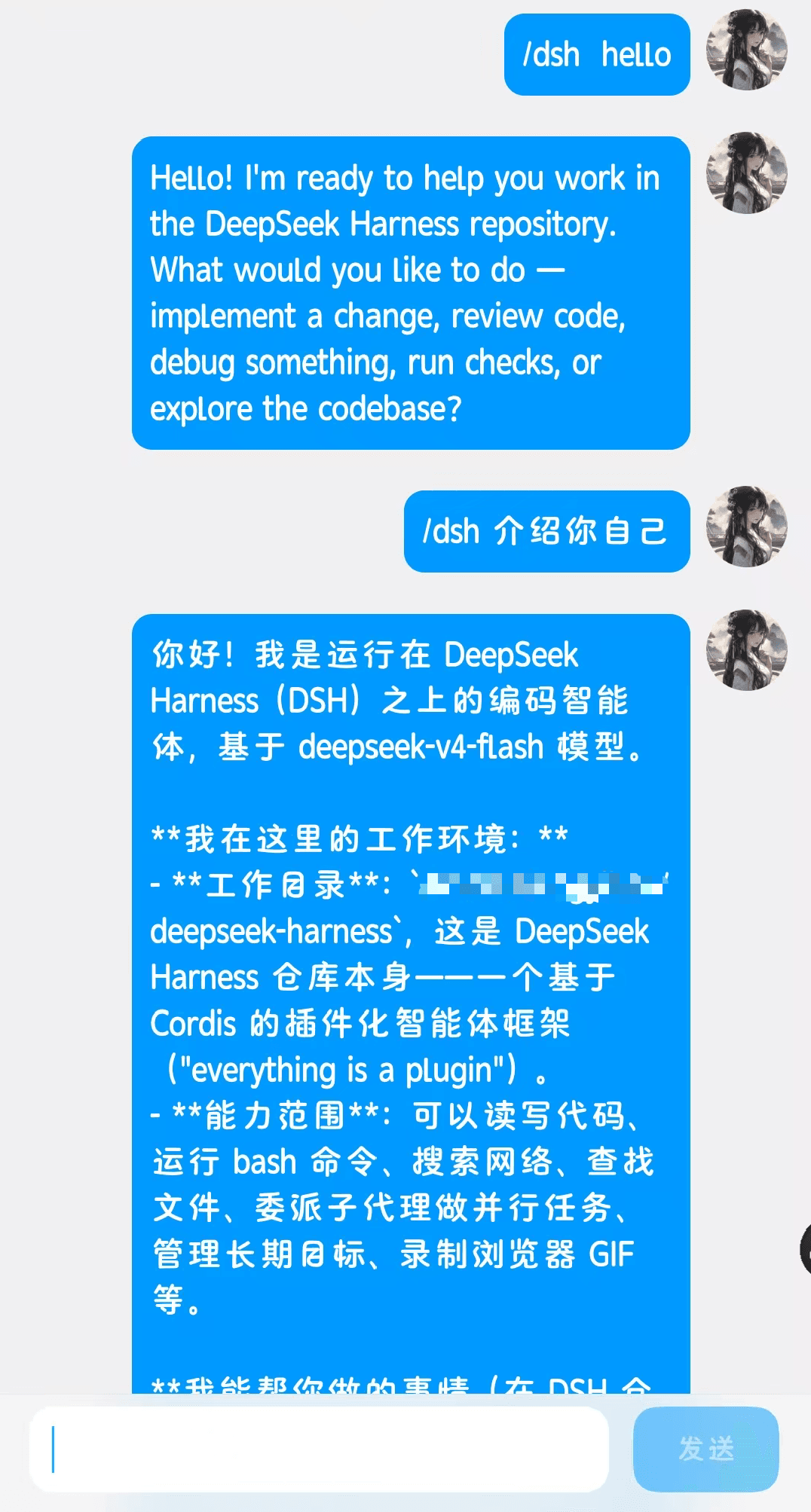
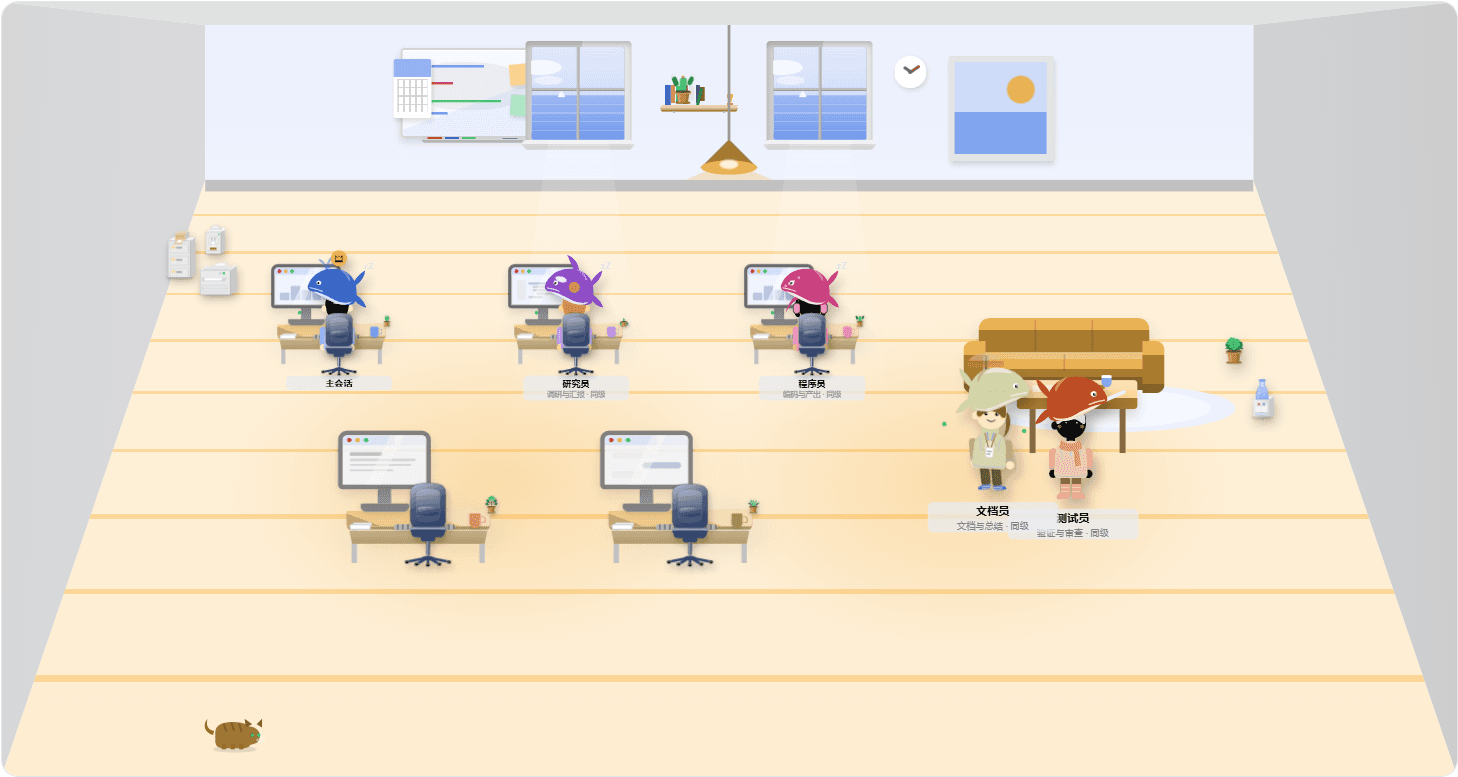
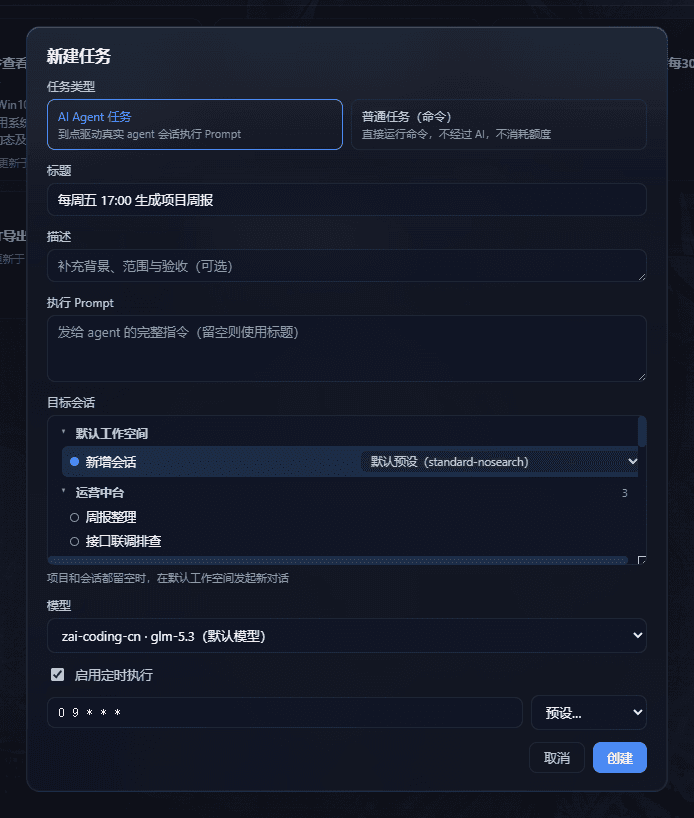
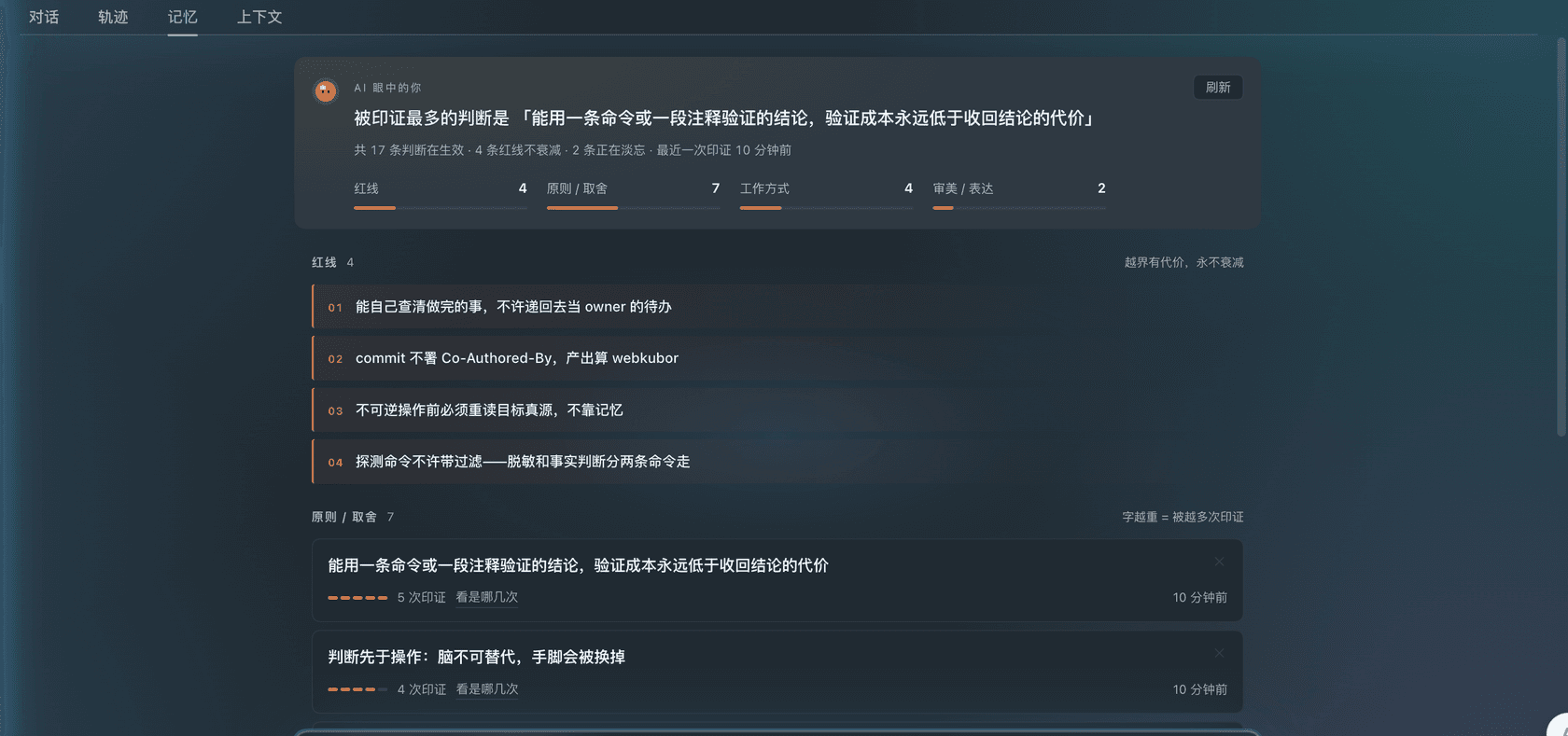
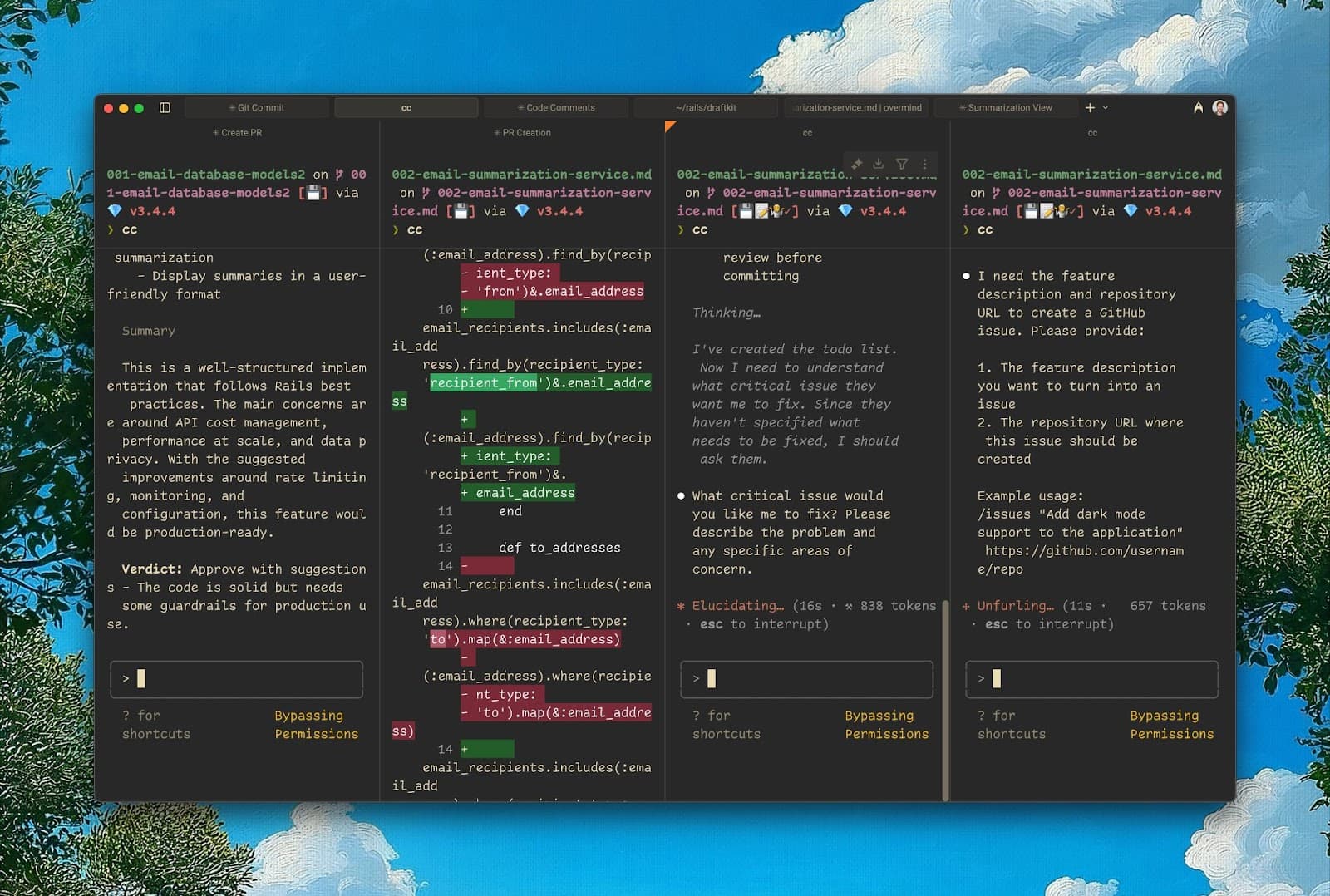
The largest category in the catalog. Web UI plugins reshape the DSH browser client: sidebars with file preview and terminals, task boards and kanban panels, skin centers, chat-width tweaks, mobile web shells, and live token stats. They mount beside your web profile — no fork of the official client required.
329 plugins
301–329 of 329








Web UI plugin FAQ
- How do I install a Web UI plugin?
- Copy the dsh plugin add command from the plugin page into your web profile, then restart dsh web. The new panel or skin appears in settings or the UI after boot.
- Can I run several Web UI plugins at once?
- Yes. Bundle layers compose at boot, so a sidebar pack, a skin, and a stats widget can coexist. If two plugins patch the same region, the later one in the profile wins.
- Will a skin plugin break after a DSH update?
- Possibly. DSH is a developer preview and client APIs change. Prefer plugins with recent commits — the updated date is shown on each plugin page.