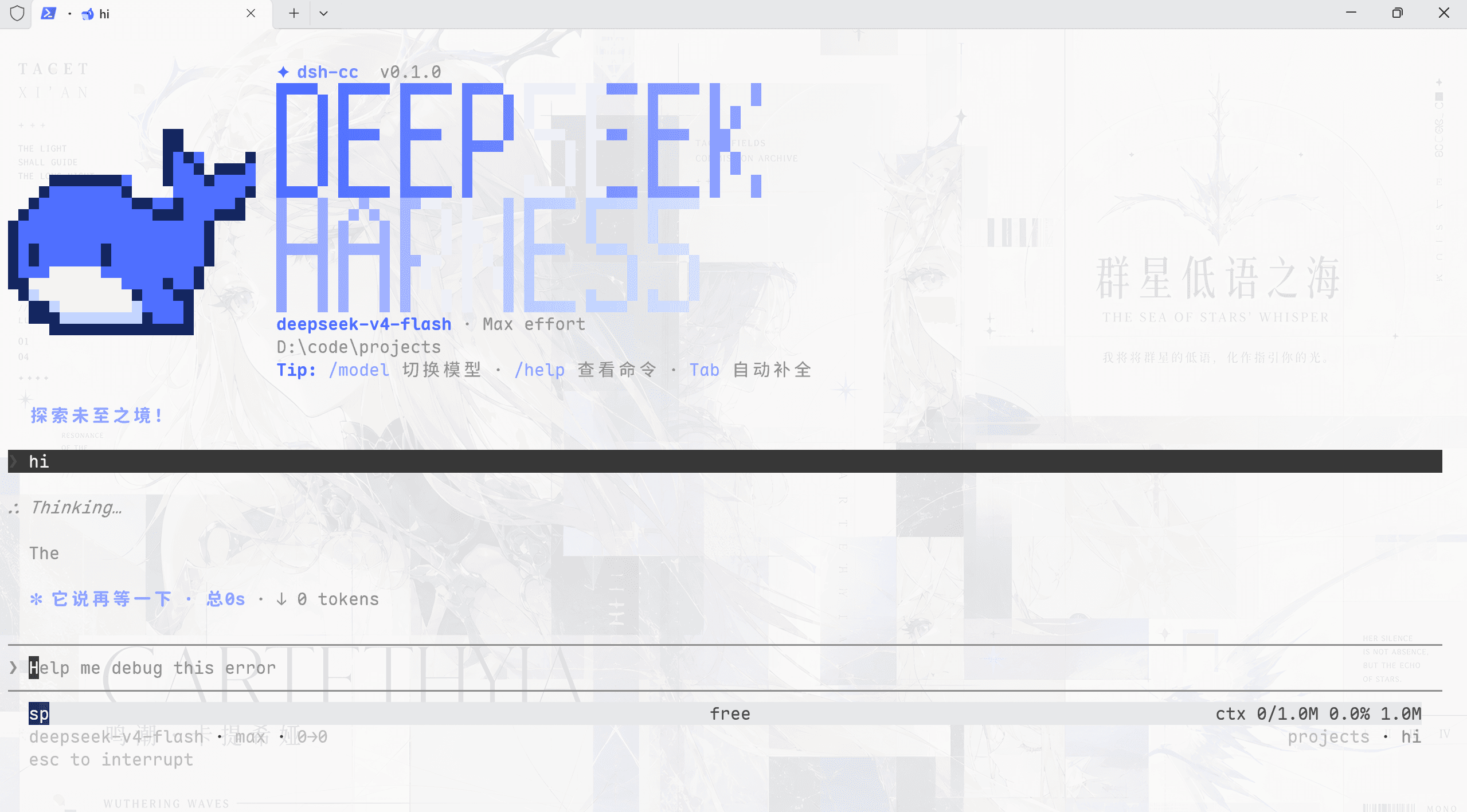
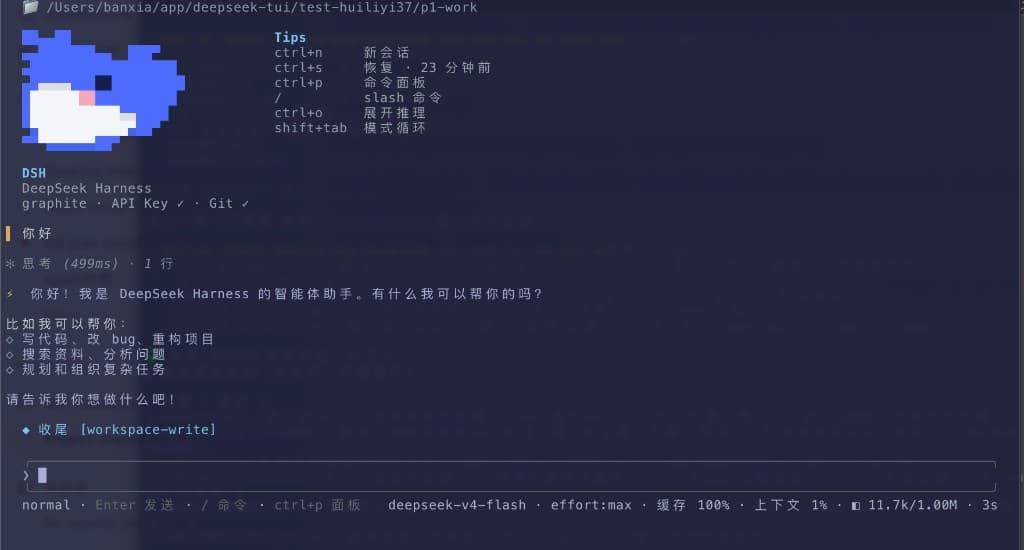
tomowang/dsh-tui
dsh-tui
An open-source terminal front door for DeepSeek Harness (dsh).
Install
npx @deepseek-ai/dsh plugin --profile tui add @tomowang/dsh-tuiRestart `dsh web` after install. Bundle APIs can change during the developer preview.
README badge

[](https://dshhub.dev/plugins/tomowang-dsh-tui)Paste this into your README. The star count updates with every catalog sync.
From the README
Excerpt from tomowang/dsh-tui, cleaned of badges and images.
dsh-tui
An open-source terminal front door for DeepSeek Harness (dsh).
@tomowang/dsh-tui is an out-of-tree mode bundle: it stacks on @deepseek-ai/dsh-base exactly like the shipped dsh-web-app and dsh-headless bundles do, but drives the agent from your terminal instead of a browser. The package is both a Cordis plugin (terminal input and presentation) and a dsh bundle (dsh.bundle.patch in package.json points at cordis.patch.yml); everything else — model adapters, tools, session persistence, sandbox and approval policy — stays in dsh-base and remains patchable underneath.
How it works
- The TUI renders only from the durable session log: it replays
agent.session.snapshotEvents()on startup and followssession/eventlive, so--resumeshows the exact history the log carries — the harness's "model-visible ⟺ logged" invariant does the heavy lifting. - The interface runs full-screen in the terminal's alternate screen buffer, with an application-owned transcript viewport (scroll with the mouse wheel/trackpad,
PageUp/PageDown) that auto-follows new output until you scroll up. - Line input maps to the agent inbox:
agent.followup()while idle,agent.steer()while a turn is running,Ctrl+Ccancels the running turn. tui-startupparses this app's flags (everything after the launcher's own) throughdsh-cmdlineand publishes them as an ordinary Cordis service; the runner row reads them via the bundle patch, mirroringdsh-headless.- Both stdin and stdout must be real TTYs; the plugin fails loud instead of degrading, so pipes keep using
dsh --profile headless.
Features
- Status bar — session id, active LLM provider/model, current agent preset, live run state with spinner, queued-message count, and logged event count.
- Stats line — turn/step counts, LLM/tool wall time, TTFT and decode tok/s, cache-hit %, billed tokens, and a compact context-usage summary; sections hide themselves until there's data.
/modelprovider management — switch the active model by picking from a provider's catalog, and add, edit, or delete custom LLM providers (route, base URL, API key, model discovery) without leaving the terminal.- Agent presets — start a fresh session on a given preset with
--agent-preset, or browse and switch presets from/presets(fixed once the session's first turn has run). - Session inspectors —
/trajectoryfor a turn/step event ledger with a detail view and filtering,/contextfor a context-window usage breakdown,/pluginsfor the loaded Cordis plugin tree and fiber state. - Collapsed tool calls with a live spinner — a running tool call shows as a single spinner line in the prompt area; once its result lands, it settles into one collapsed
✓/✖transcript line rather than an inline multi-line card. - Tool Cards overlay —
/toolsorCtrl+Oopens a scrollable browser over the session's tool calls/results, each shown expanded to its full presentation by default (Enter/Spacecollapses a card back to its title). - Reasoning display — a model's reasoning/thinking content never floods the screen: an animated
✦ thinkingline stands in for it while still streaming, and it collapses to a one-line✦ think · …summary ahead of the visible answer once settled in the transcript; the full text is always available via/trajectory. - Markdown rendering — assistant text wit
…