huiliyi37/dsh-tianshu-tui
dsh-tianshu-tui
Another DeepSeek Harness terminal UI. For people who want the agent to stay in the shell.
Install
npx @deepseek-ai/dsh plugin --profile web add github:huiliyi37/dsh-tianshu-tuiRestart `dsh web` after install. Bundle APIs can change during the developer preview.
README badge

[](https://dshhub.dev/plugins/dsh-tianshu-tui)Paste this into your README. The star count updates with every catalog sync.
From the README
Excerpt from huiliyi37/dsh-tianshu-tui, cleaned of badges and images.
dsh-tianshu-tui — DeepSeek Harness coding 终端
中文 | English
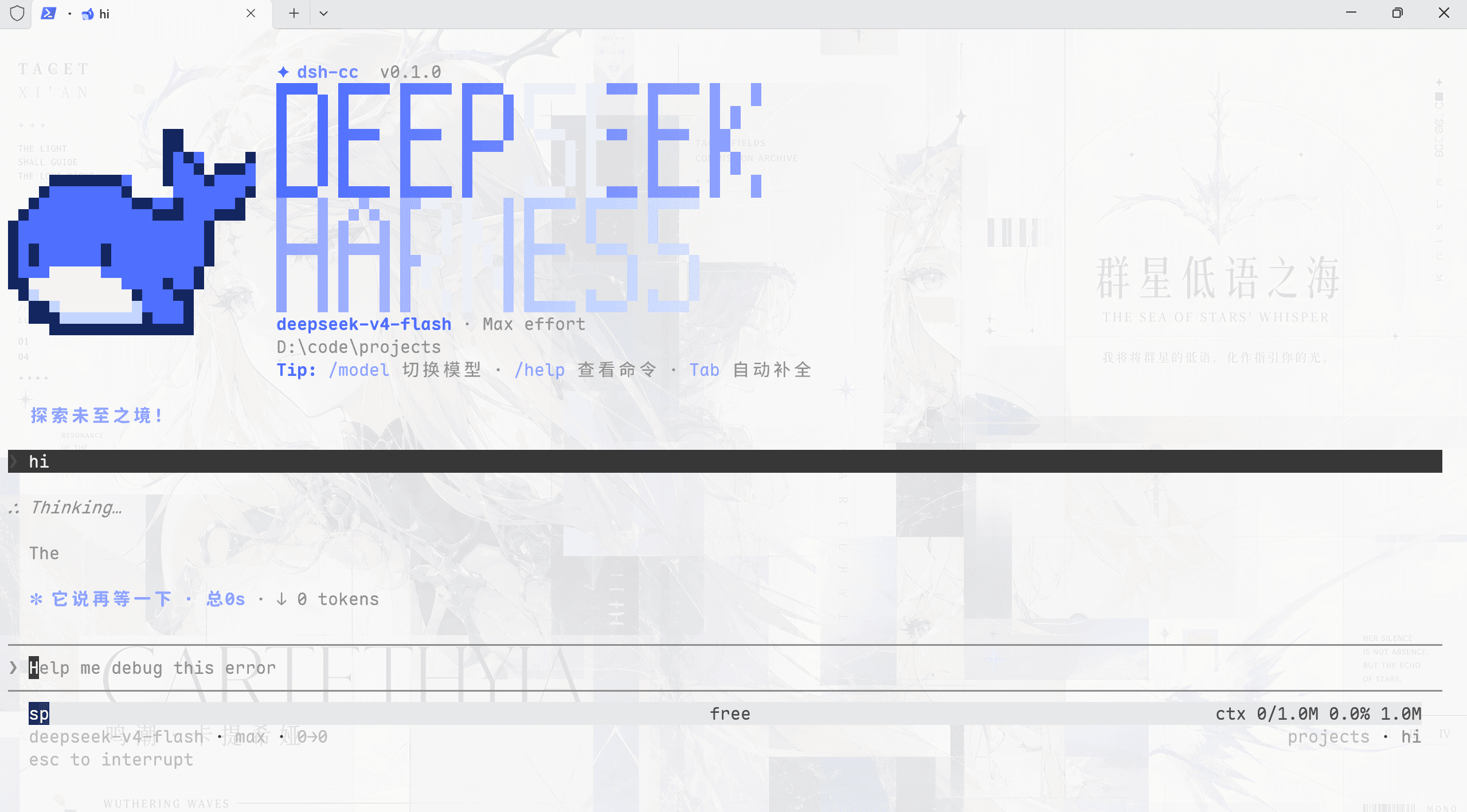
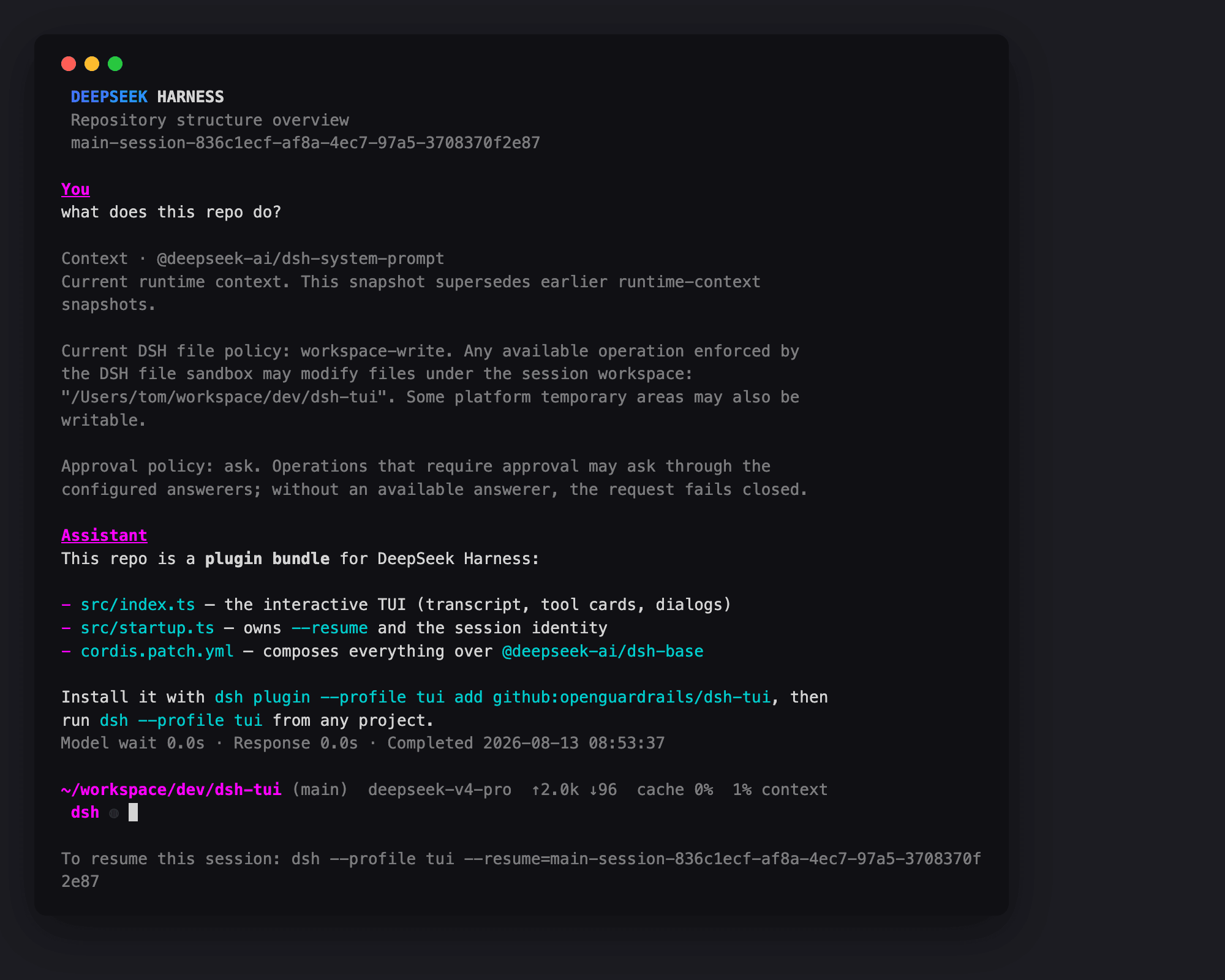
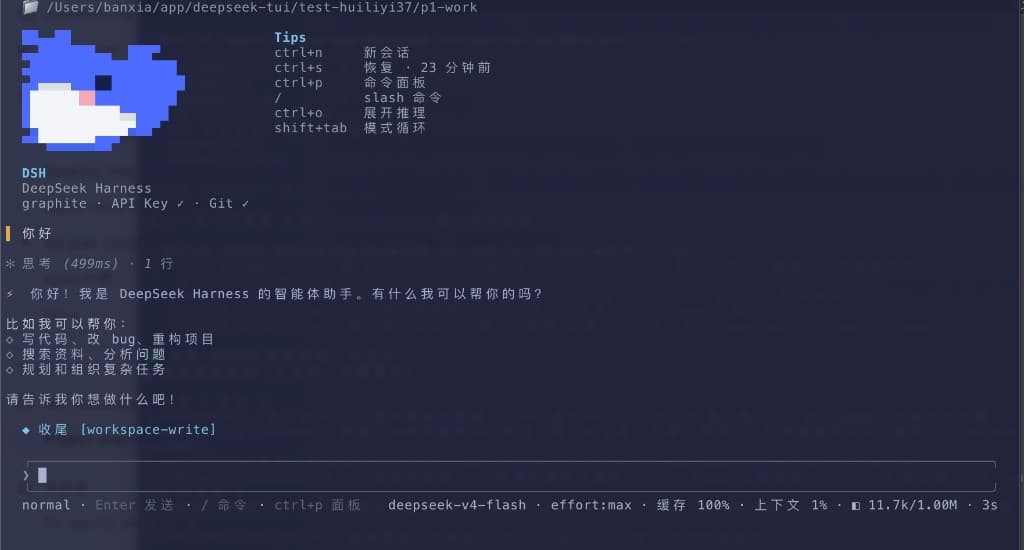
dsh-tianshu-tui是官方 [DeepSeek Harness] 上的交互式终端 TUI 面板插件。渲染核心为自研极简 ANSI引擎,轻量渲染使用体验极度流畅。(由作者的[天枢 Tianshu-harness] https://github.com/huiliyi37/Tianshu-harness 演进而来。UI 是纯展示层:所有 agent 状态都来自会话事件流,流式 Markdown/工具卡、16+ 主题、slash 命令与选择器、输入历史与本地偏好持久化、LSP 诊断。在此之上做了工程层的改造,如图像与视觉桥接、代码智能检索、memory记忆与跨会话召回等。
文档
| 文档 | 说明 |
|---|---|
| 快速开始 | 安装、启动与常见问题 |
| 交互手册 | 快捷键与命令全表 |
| 配置 | 装配选项、环境变量与运行时配置 |
| 架构 | 分层、数据流与设计决策 |
| 主题 | 16 个内置主题与自定义 |
| 插件生态 | 伴生插件与扩展点 |
| VS Code | 在 VS Code 中使用 |
| ADAPTER.md | TUI ↔ harness 边界契约 |
| 贡献指南 | PR 规范与验证矩阵 |
| 开发说明 | 结构、构建与发布 |
安装
本包不是独立程序。须先有官方 CLI @deepseek-ai/dsh(npm latest,当前 0.1.5-rc.1;需 ≥ 0.1.5-rc.1,peer 依赖对齐)。只 npm i 本包跑不起来。
一键安装(推荐):仓库自带跨平台脚本,自动检测 Node/pnpm、经 pnpm 安装官方 CLI + 装配本插件并启动(国内网络默认走 npmmirror 镜像):
# macOS / Linux(bash)
bash <(curl -fsSL https://raw.githubusercontent.com/huiliyi37/dsh-tianshu-tui/main/scripts/install-tui.sh)
# 只安装不启动:
bash <(curl -fsSL https://raw.githubusercontent.com/huiliyi37/dsh-tianshu-tui/main/scripts/install-tui.sh) --no-launch

# Windows(PowerShell)
powershell -ExecutionPolicy Bypass -Command "irm https://raw.githubusercontent.com/huiliyi37/dsh-tianshu-tui/main/scripts/install-tui.ps1 | iex"
# 只安装不启动:
powershell -ExecutionPolicy Bypass -File scripts\install-tui.ps1 -NoLaunch   # 克隆仓库后本地跑
1. 准备环境
⚠ npm 11 的 OOM 坑:官方 CLI
@deepseek-ai/dsh依赖树较大(60+ 子包),npm 11(Node 24 自带)安装时会 JavaScript heap out of memory(卡住数分钟后 OOM,实测复现)。请用 pnpm(下方命令)。若你已经在用npx -y @deepseek-ai/dsh且卡住/报 heap OOM,切到 pnpm 即可。
不要直接敲 dsh。 若 PATH 上已有旧的 dsh(例如 ~/.local/bin/dsh,dsh --version 低于 0.1.0-rc.8),会走到本地 staging,出现 ERR_FS_EISDIR / Path is a directory .../@deepseek-ai/dsh。请始终用下面的 pnpm dlx 命令。
2. 把本插件装进 tui profile
pnpm dlx @deepseek-ai/dsh plugin --profile tui add @huiliyi37/dsh-tianshu-tui
pnpm 可能提示 peer missing,可忽略:peer 由官方 dsh 宿主提供,不必另装。没有 pnpm 也可以 npx -y pnpm dlx @deepseek-ai/dsh plugin --profile tui add @huiliyi37/dsh-tianshu-tui。
从 npm 安装后,每次启动会对照 npm latest:有新版本就写入 profile,提示重启后生效。也可在 TUI 里敲 /update 手动检查(只查不装,给出更新命令)。不想联网检查时设 DSH_TUI_SKIP_UPDATE=1。github: / link: 安装不会改写成 npm 包。
也可以从 Git 装:pnpm dlx @deepseek-ai/dsh plugin --profile tui add github:huiliyi37/dsh-tianshu-tui(仓库已包含 lib/index.js,不必再打包)。
3. 启动
pnpm dlx @deepseek-ai/dsh --profile tui
看到欢迎页品牌 dsh-tianshu-tui 即成功。Ctrl+Q 或 /exit 退出。
已全局安装官方 CLI(pnpm add -g @deepseek-ai/dsh)且 dsh --version 不低于 0.1.0-rc.8 时,把上面的 pnpm dlx @deepseek-ai/dsh 换成 dsh 即可。
4. agent 预设(/preset)
命令是 /preset(没有 /presets)。本包 bundle 对标官方 web:关掉 host 上的 agent 面,挂上 @deepseek-ai/dsh-agent-presets(依赖钉死 0.1.5-rc.1,npm latest 仍停在过时的 0.0.1-rc.1)。plugin add 本包即连带装上花名册;新会话在 setup 里 mount,/preset 换的是官方 shipped 面(标准 / PTC / 极简 / 创造),不是叠在 dsh-base 工具上。
用法:
…