LayneChai/superpowers-dsh
superpowers-dsh
Superpowers skills for DeepSeek Harness: TDD, debugging, planning, and collaboration skills adapted from obra/superpowers
Install
npx @deepseek-ai/dsh plugin --profile web add github:LayneChai/superpowers-dshRestart `dsh web` after install. Bundle APIs can change during the developer preview.
README badge

[](https://dshhub.dev/plugins/superpowers-dsh)Paste this into your README. The star count updates with every catalog sync.
From the README
Excerpt from LayneChai/superpowers-dsh, cleaned of badges and images.
English | 简体中文
superpowers-dsh
为 DeepSeek Harness (DSH) 打造的 Superpowers 插件包:把 obra/superpowers 的核心技能 (Claude-Code 技能库:TDD、调试、规划、协作模式)移植到 DSH 的 Cordis 插件架构上。
插件会向 ctx.skills 注册表的 host 层 注册一个技能提供者,因此每个
agent preset 的作用域链都会合并这些技能。技能正文随包分发
(skills/<name>/SKILL.md),通过 import.meta.url 定位——这是包的
组装事实,不需要任何用户配置。
目录
在 DeepSeek Harness 中安装与使用
这是 DeepSeek Harness 的插件包。安装后会把下面的 15 个技能注册进
host 技能注册表,你 profile 里的每个 agent 会话都能在技能目录中看到它们,
并可用 skill 工具加载。技能内容同步自上游 obra/superpowers v7.0.1。
最简单:一条命令
不需要先全局安装 dsh,在任意目录执行:
npx @deepseek-ai/dsh plugin --profile web add github:LayneChai/superpowers-dsh
装完后重启 npx @deepseek-ai/dsh web(或 dsh web),刷新浏览器即可。
最推荐:直接让 DeepSeek Harness 帮你安装
打开 DeepSeek Harness(Web 界面),新建对话,把下面这句话发给它:
帮我安装这个链接里边的插件:https://github.com/LayneChai/superpowers-dsh
Agent 会自动完成安装(dsh plugin --profile web add → 重启 profile →
验证技能注册),无需你手动敲任何命令。装完后你可以在对话里让它运行
dsh --profile web --dump-config,确认输出里有 superpowers-dsh 行。
从 npm 安装(推荐,一条命令)
包已发布到 npm,名为 superpowers-dsh(国内会自动同步到 npmmirror 镜像):
dsh plugin --profile web add superpowers-dsh
必须用
dsh plugin形式——直接npm install superpowers-dsh只会把包当 普通库装到当前目录,不会注册进任何 DeepSeek Harness profile,技能 永远不会被加载。
从 GitHub 安装
# 任意目录下执行
dsh plugin --profile web add https://github.com/LayneChai/superpowers-dsh.git
从 tarball 或本地文件夹安装
# tarball(例如 Release 里的 superpowers-dsh-0.1.0.tgz)
dsh plugin --profile web add C:\路径\to\superpowers-dsh-0.1.0.tgz

# 或解压后的插件文件夹(pnpm 以链接方式安装,改完重启即生效)
dsh plugin --profile web add C:\路径\to\superpowers-dsh
重启并验证
bundle 层在 profile 启动时挂载,所以需要重启 profile(停掉后重新运行
dsh web / npx @deepseek-ai/dsh web,再刷新浏览器)。确认层已组合:
dsh --profile web --dump-config # 必须出现 `superpowers-dsh` 行
之后技能会出现在 agent 技能目录中(using-superpowers 是入口技能),
可以用 skill 工具加载。
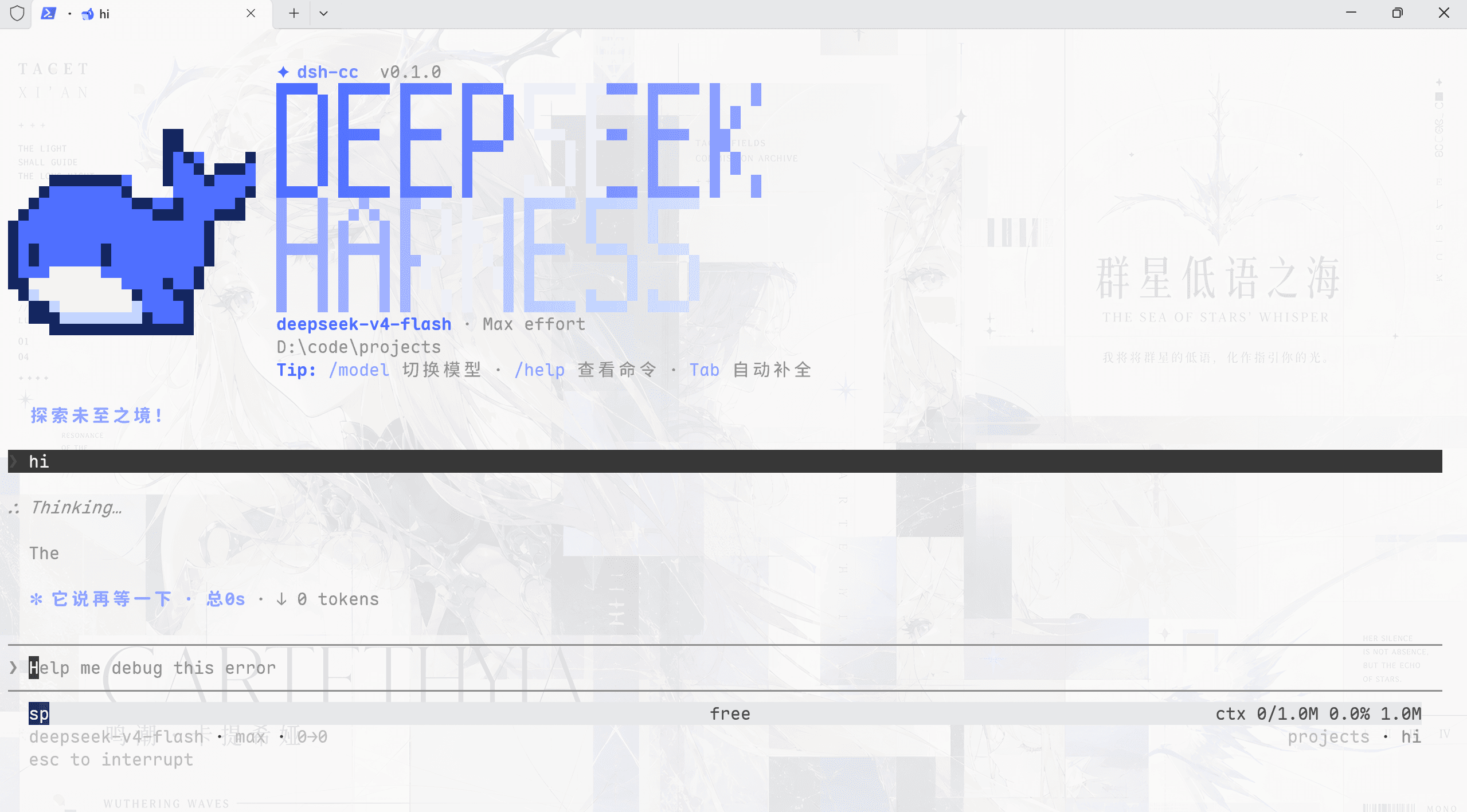
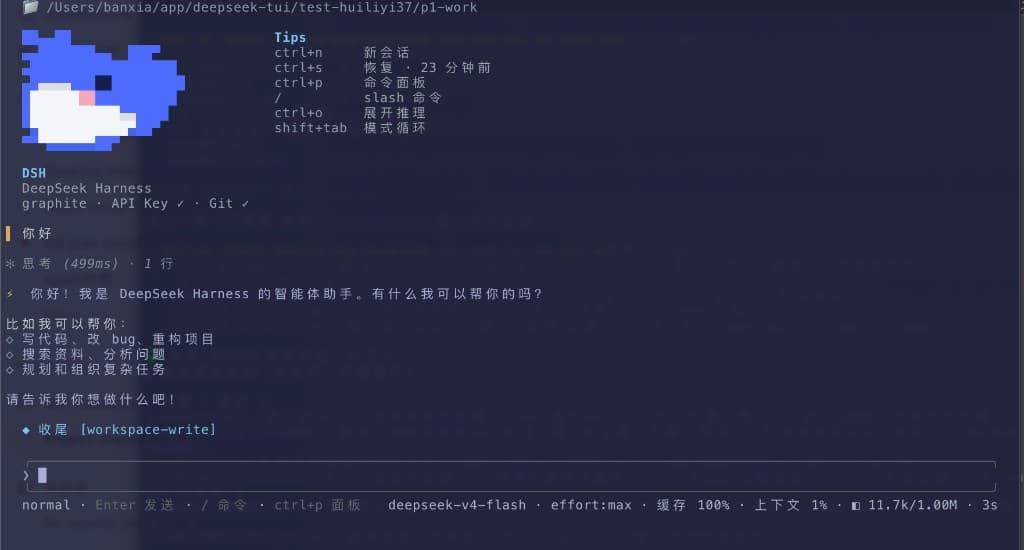
安装成功后的界面如下:
在其他 profile(headless / tui / 自定义)中使用
把 --profile 指向你实际运行的 profile:
dsh plugin --profile headless add superpowers-dsh
dsh --profile headless --dump-config
卸载
dsh plugin --profile web remove superpowers-dsh
# 卸载后同样需要重启 profile
注意事项
- 国内用户可以先把 npm 镜像设为 npmmirror,让
dsh plugin add superpowers-dsh更快:npm config set registry https://registry.npmmirror.com - 从文件夹或
file:规格安装的插件是链接安装(不是复制):修改该文件夹后, 下次重启 profile 生效 - 使用者不需要 npm 账号,也不需要 2FA——安装只是普通的包下载
DSH 版本兼容性
结论:与 npm 上已发布的全部 DSH 版本兼容;已在 DSH 0.2.0-rc.2(当前 latest)上端到端实跑验证。无已知不兼容问题。
核对日期 2026-10-03,npm 发布通道:latest = next = 0.2.0-rc.2,alpha = 0.2.1-alpha.1。
支持矩阵
| 检查项 | 结果 |
|---|---|
| 插件依赖的 DSH 接口 | ① ctx.skills.registerProvider(...)(技能提供者注册)② dsh.bundle.patch(bundle 挂载自己的 cordis.patch.yml) |
| 已发布版本数 | 承载接口的两个包 @deepseek-ai/dsh-skill 与 @deepseek-ai/dsh-app-boot 各 31 个已发布版本 |
| 逐版本核对结果 | 31 / 31 全部一致,从最早的 0.0.1-rc.1 到最新的 0.2.1-alpha.1,接口签名与语义均未变 |
| 端到端实跑 | 把 lib/index.js 挂进本机 DSH 0.2.0-rc.2 的真实 SkillRegistry:list() 返回 15 个技能,逐个 get() 都能取到正文与 resourceBase |
| 插件自身版本 | 0.4.0(技能内容同步自 obra/superpowers v7.0.1) |
| 运行时依赖 | 无。只用 Node 内置模块,不引入任何第三方依赖,因此不受 DSH 依赖树变化影响 |
| Node.js | 本机验证 v22.22.2;DSH 自身未声明 engines,本插件也未限制 |
已知兼容性说明
…