Hilbert-beinghappy/seektty
seektty
seektty is a community DeepSeek Harness plugin. Read the repository README before installing.
Install
npx @deepseek-ai/dsh plugin --profile tui add --config.enable-global-virtual-store=falseRestart `dsh web` after install. Bundle APIs can change during the developer preview.
README badge

[](https://dshhub.dev/plugins/seektty)Paste this into your README. The star count updates with every catalog sync.
From the README
Excerpt from Hilbert-beinghappy/seektty, cleaned of badges and images.
<h1>SeekTTY</h1> <p>A terminal workspace for DeepSeek Harness.</p>Release compatibility: The current tested Host is official
0.2.0-rc.2. SeekTTY1.3.0is paired with that Host. See the release notes for changes and installation, and the verification record for exact package evidence.
<a href="#overview">Overview</a> · <a href="#quick-start">Quick start</a> · <a href="#clarify-and-plan">Clarify and Plan</a> · <a href="#features">Features</a> · <a href="#compatibility-and-verification">Compatibility</a>
<p>English · <a href="README.zh.md">中文</a></p>Overview
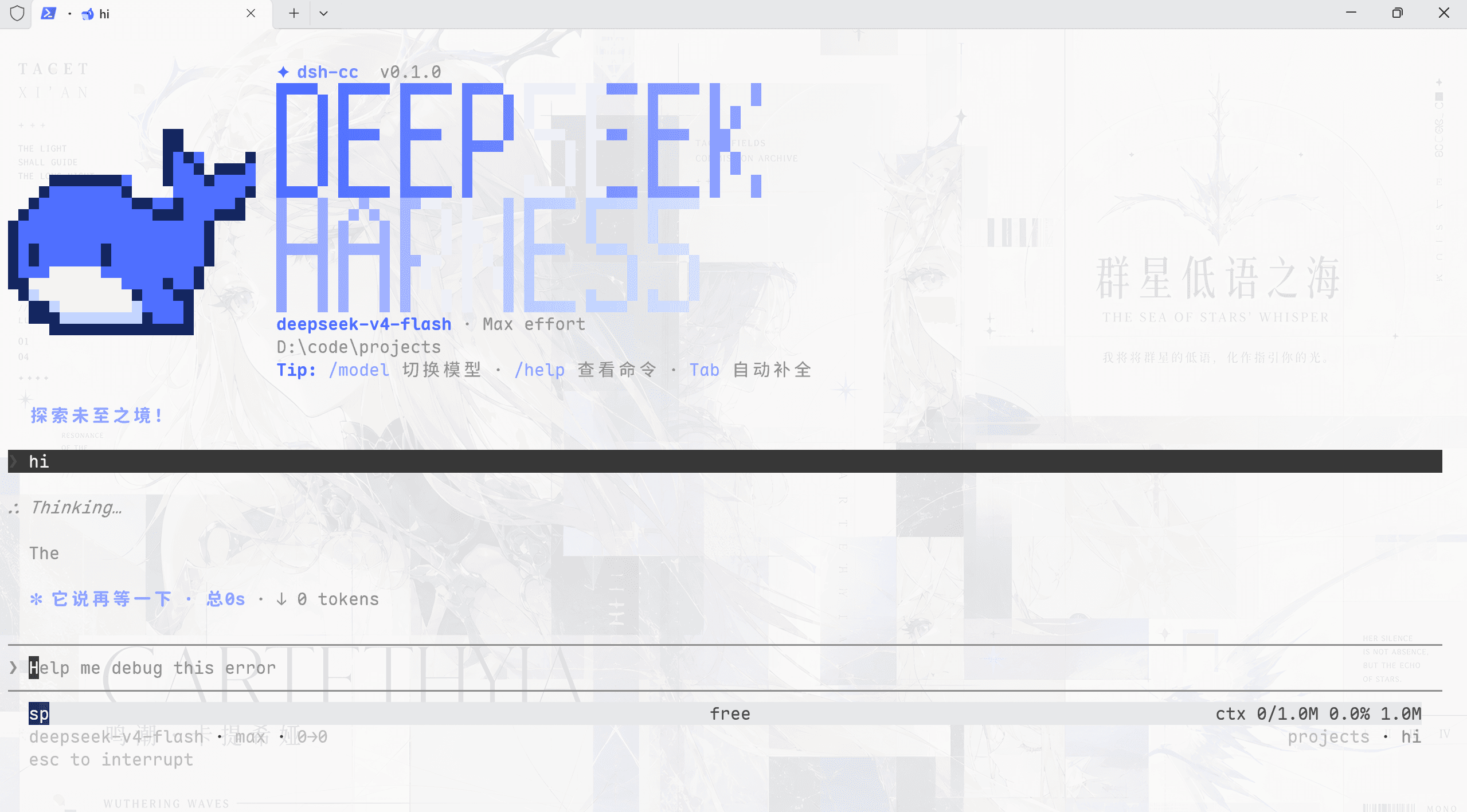
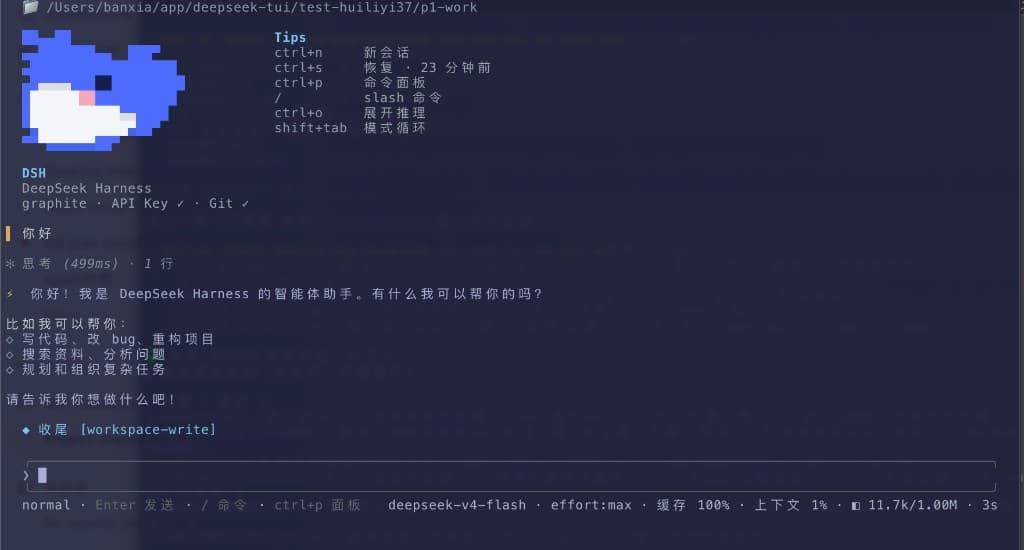
Run deepseek from a project directory to use the native Agent, Session, model, permission, Settings, Profile, plugin, and persistence services of DeepSeek Harness in one terminal workspace. SeekTTY is the terminal surface; Harness remains the owner of runtime state.
Models, Providers, Agent Presets, permissions, commands, tools, Settings, Skills, MCP servers, and marketplace sources are discovered from the running Harness. Capabilities added by upstream or third-party Bundles therefore appear without being hard-coded into SeekTTY.
For requirements that still need definition, the optional Clarify Host plugin adds a guided /clarify workflow. It asks focused questions, updates a reviewable Draft after each answer, and returns the accepted Draft to the composer. Harness-native /plan can then turn the submitted requirement into an implementation plan.
Development checkout
Build and install a local SeekTTY package from the repository root:
pnpm add --global --config.enable-global-virtual-store=false @deepseek-ai/[email protected]
pnpm install --frozen-lockfile
pnpm run build
pnpm pack
dsh plugin --profile tui add --config.enable-global-virtual-store=false ./seektty-1.3.0.tgz
dsh --profile tui
Use the local tarball for source development and testing. For the released package, use the exact npm version below.
Quick start
Install the published SeekTTY release on its verified official DeepSeek Harness 0.2.0-rc.2:
pnpm add --global --config.enable-global-virtual-store=false @deepseek-ai/[email protected]

dsh plugin --profile tui add --config.enable-global-virtual-store=false [email protected]

dsh --profile tui
These commands install the prebuilt Bundle through native dsh plugin reconciliation. The per-command pnpm option avoids the pnpm 11 Global Virtual Store layout that the Cordis loader in the currently tested dsh releases cannot reliably load. SeekTTY never changes global pnpm configuration. Clarify and Auxiliary Runtime are optional, not default dependencies; their historical joint acceptance is listed under Compatibility.
The exact [email protected] npm package is documented in the release notes, PR audit, and verification record.
Bare deepseek launcher
After installing dsh, install the same SeekTTY release globally and pin Profile reconciliation to its exact npm version:
pnpm add --global --config.enable-global-virtual-store=false [email protected]
export [email protected]
deepseek
PowerShell uses the same exact npm spec:
…