fan56/dsh-tui-pi
dsh-tui-pi
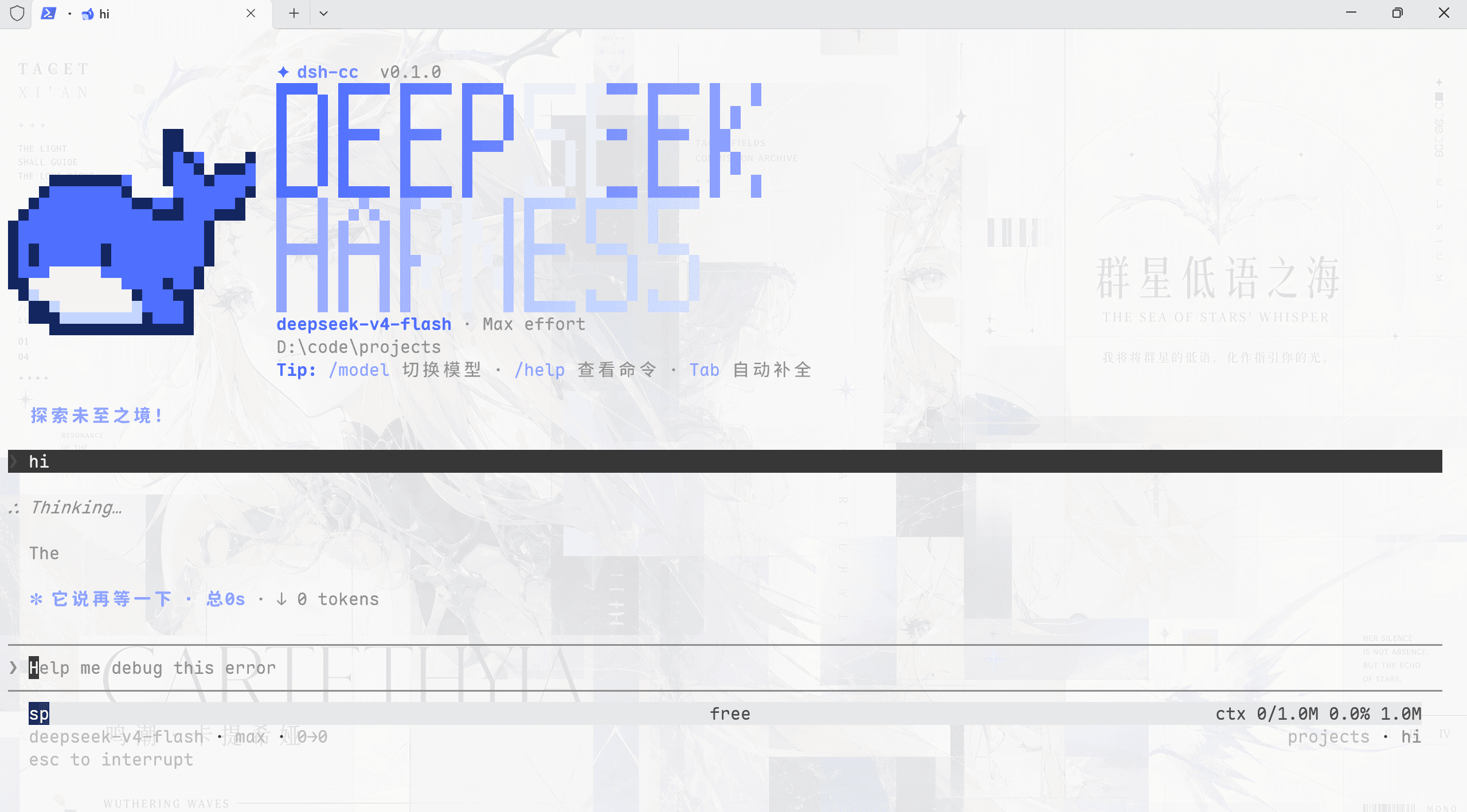
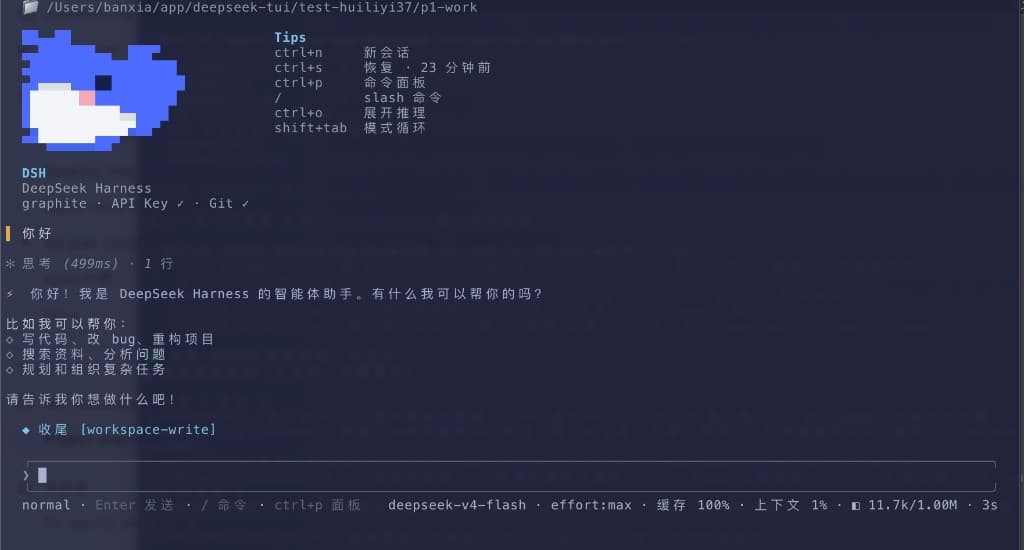
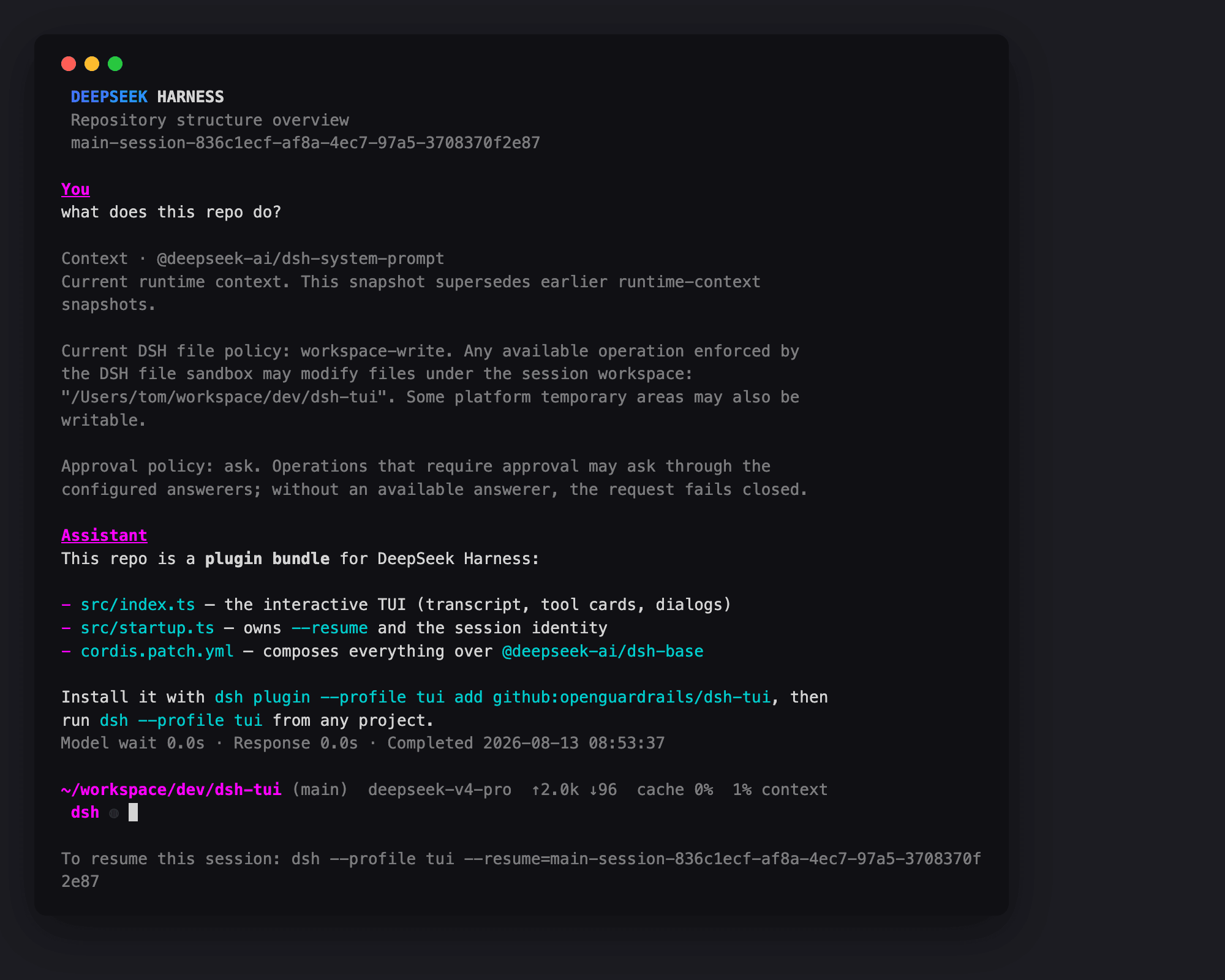
pi-style terminal UI for DeepSeek Harness (dsh) — pi-tui look & feel, dsh slash commands, GitHub light/dark themes, powerline footer
Install
npx @deepseek-ai/dsh plugin --profile tui add @aiwayds/dsh-dcpRestart `dsh web` after install. Bundle APIs can change during the developer preview.
README badge

[](https://dshhub.dev/plugins/dsh-tui-pi)Paste this into your README. The star count updates with every catalog sync.
From the README
Excerpt from fan56/dsh-tui-pi, cleaned of badges and images.
dsh-tui-pi
pi-style terminal UI for DeepSeek Harness (dsh) — a plugin suite that turns dsh into a pi-like coding-agent experience: pi-tui look & feel, dsh slash commands, GitHub light/dark themes and a powerline footer.
Compatibility: tested against dsh 0.1.1-rc.2; slash commands keep working across dsh-commands' execute() signature change (pre-rc.8 3-arg → current 4-arg).
https://github.com/user-attachments/assets/6a7e00bb-1fd0-4bc5-9070-457f1e9fa54d
A live recording of a session (MP4, 1.5× speed) — todos, running subagents, think/tool panels and the powerline footer in action.
✨ Features
Each item links to its section below — one line for what it gives you.
- Footer — live session overview — provider/model, context pressure and the session cache-hit rate at a glance, always in view.
- Think & tool panels — reasoning and tool activity stay out of the transcript, so the conversation reads clean.
- Subagents — every running subagent gets a status line; watch and steer it live.
- Ask User Question — the model can pause and ask you structured questions, answered without leaving the TUI.
- Feishu integration demo — dsh-tui-pi on the desktop and Feishu/Lark on the phone driving (and answering for) the same dsh session.
- Dynamic context pruning (DCP) — context stays within limits automatically, with zero LLM calls.
- Persistent context — your ground rules ride along on every request, hot-applied with no restart.
- Model profiles & favorites — switch a whole model setup per project and keep the picker small.
- Sessions & resume — sessions stay tidy automatically and resume in a few keystrokes.
- Themes — GitHub light/dark palettes, hot-switchable;
autofollows your terminal.
Footer
Every number that matters for a session — provider/model route, thinking level, context use, message and tool counts, plus a live clock — sits in one powerline bar pinned at the bottom, with the editor's top border showing your cwd and git branch. You see cost pressure (context %, cache-hit %) and activity without ever leaving the terminal.
dsh ▸ volc-ark-plan ▸ deepseek-v4-flash ▸ high ▸ 48.7k/1.0M(4.6%) ▸ ⚡ CH85.4% ▸ 15 msgs ▸ 11 tools 00:02:13
Cache-hit (CHxx%) is the session's cache-hit rate — the share of the session's total billed input traffic that was served from the prompt cache. It is cumulative over the whole session (a provider/model switch does not reset it) and appears only once the session has actually billed any cached tokens. (Layout: ARCHITECTURE.md.)
Think and tool panels
Live reasoning and tool calls render as fixed panels pinned above the chat input instead of scrolling into the transcript, so the conversation thread stays readable. Panels appear only while something is active, and their height is configurable (dsh-tui.panelHeight: 1 line, 5/7/10 boxed rows, or all).
Subagents
…