ccch1mneyyy/dsh-TUI
dsh-tui
dsh-tui is a community DeepSeek Harness plugin. Read the repository README before installing.
Install
npx @deepseek-ai/dsh plugin --profile dsh-tui add @deepseek-harness-tui/dsh-tui`.Restart `dsh web` after install. Bundle APIs can change during the developer preview.
README badge

[](https://dshhub.dev/plugins/dsh-tui)Paste this into your README. The star count updates with every catalog sync.
From the README
Excerpt from ccch1mneyyy/dsh-TUI, cleaned of badges and images.
<strong>English</strong> | <a href="README_ZH.md">简体中文</a>
dsh-TUI
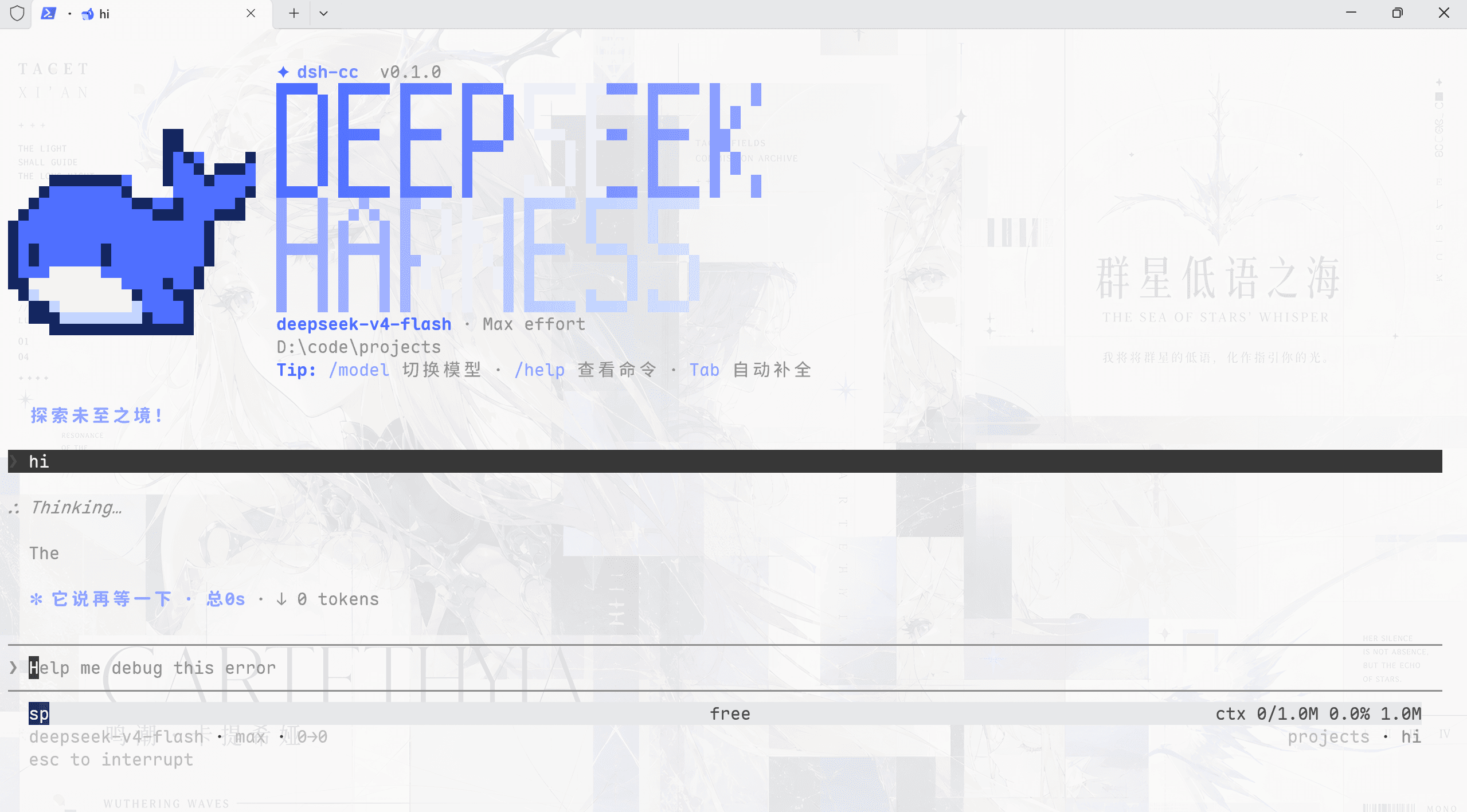
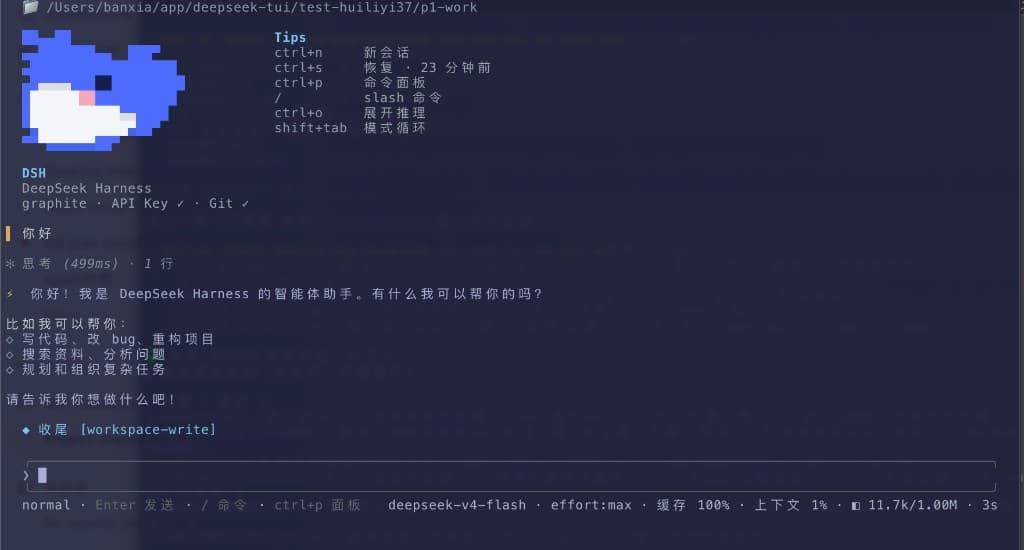
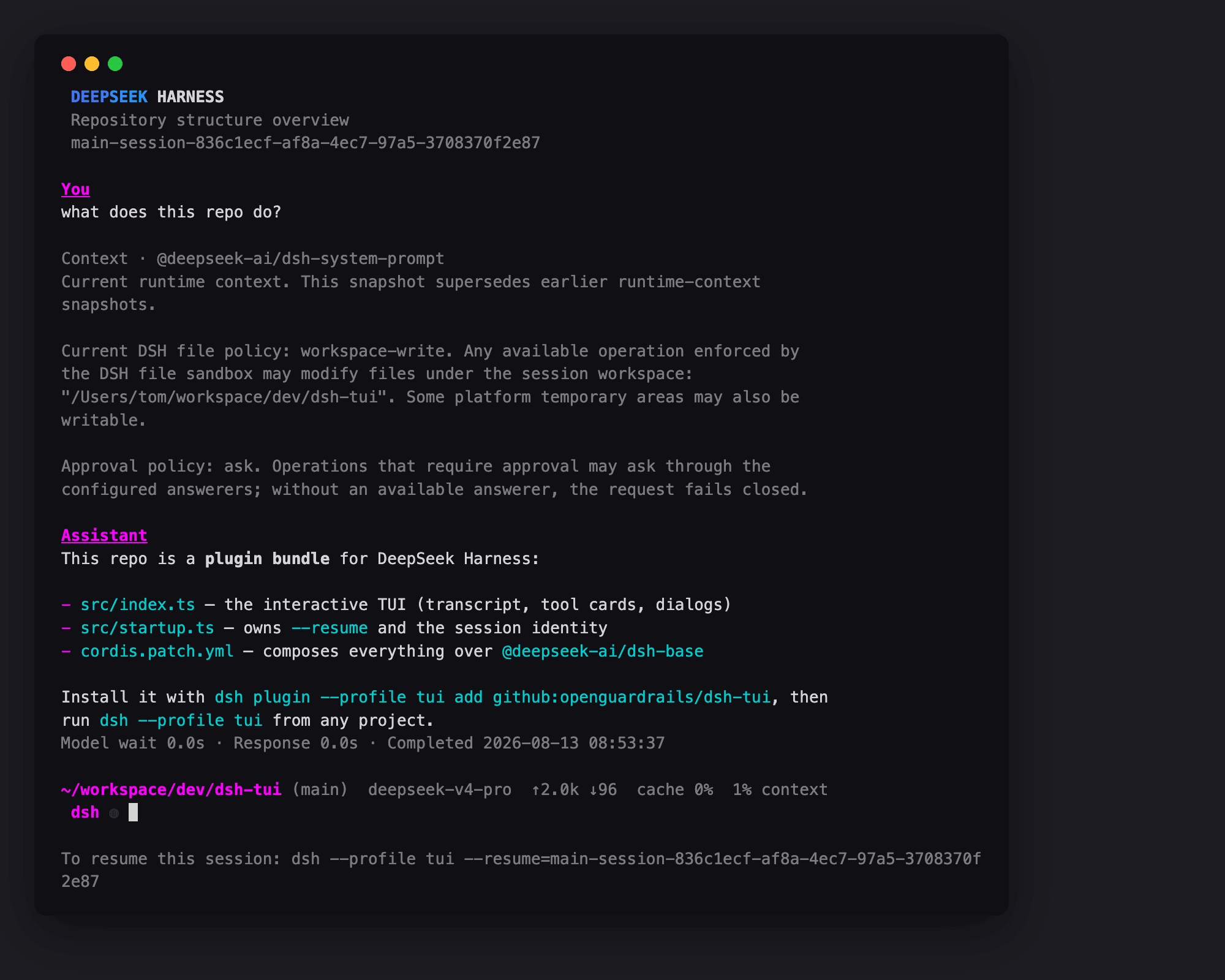
An interactive terminal UI for DeepSeek Harness. It ships a pixel-whale header, live work status, streaming thinking, double-Esc time rewind, a context progress bar, and a TPS gauge. Zero core changes: it consumes only DSH's public exports, and is moving from a mounted plugin to an app with its own entry and composition root, where DSH loads in process as the first-party backend. Install to enable; uninstall leaves no patches behind. The prompt footer hides completed goals once the turn is idle; the Todo side panel retains their history.
Ctrl+Qfolds todos while working and hides/restores the idle goal/todo footer. Clicking its todo header also hides it while idle. Hiding changes only this display: a new goal/todo snapshot or session reveals it again, and/goal cleardoes not clear todos.
Split diff cards give one-sided additions and deletions the full body width, without an empty opposite pane. Ordinary edits remain side by side, and mixed files choose their layout separately before folding or streaming reveal.
Compaction status stays on one line in narrow panes: phase and cancellation hints yield first, then the label is shortened; elapsed time is shown only as a complete field.
Image files referenced with @path use the same admission and resize/conversion policy as pasted images. Adjustment notices report the stored dimensions and format; required animation conversion is refused instead of dropping frames. Mention images and staged images still share count and stored-byte limits in source order.
Highlights
Panels without a verified Component identity are temporary: settings show their title and a distinct number for this run. Their toggles take effect immediately without being saved, and unrelated settings changes preserve that choice. Old actN:panel entries cannot be mapped safely: remove the placeholder and select the current panel again. Verified Components named actN keep their public runtime address; an explicit selection uses component:actN:panel in saved preferences to avoid claiming an old anonymous entry.
The default reasoning-effort setting offers the current backend/model’s declared tiers, including custom IDs. Saved values absent from that catalog stay visible and stored; while loading or unavailable, only Auto is selectable. On DSH, Auto follows the saved /effort choice, then the configured effort, then the model default. Claude/Codex retain backend preferences for Auto at startup and for resumed sessions; explicitly choosing Auto resets the model default. Explicit settings changes affect the next request; unsupported preferences fall back with a notice and are never forced onto a route.
Resuming a DSH session preserves its recorded reasoning effort (or its live selection when reattaching). The saved default seeds new sessions; explicit /effort and effort-default settings changes still apply to the current session’s next request.
…