kouyichi/dsh-tui-app
dsh-tui-app
DeepSeek Harness terminal UI plugin (Ink/React)
Install
npx @deepseek-ai/dsh plugin --profile web add github:kouyichi/dsh-tui-appRestart `dsh web` after install. Bundle APIs can change during the developer preview.
README badge

[](https://dshhub.dev/plugins/dsh-tui-app)Paste this into your README. The star count updates with every catalog sync.
From the README
Excerpt from kouyichi/dsh-tui-app, cleaned of badges and images.
🐋 dsh-tui-app
DeepSeek Harness 的终端主界面 —— 一条蓝鲸,指挥全家
一个基于 Ink(React for CLI,Claude Code 同款技术栈)的 dsh profile 插件:Claude Code 形态的交互式终端界面,DeepSeek 品牌鲸鱼, 一个终端同时指挥 hermes / claude / codex / dsh 四个 Agent。
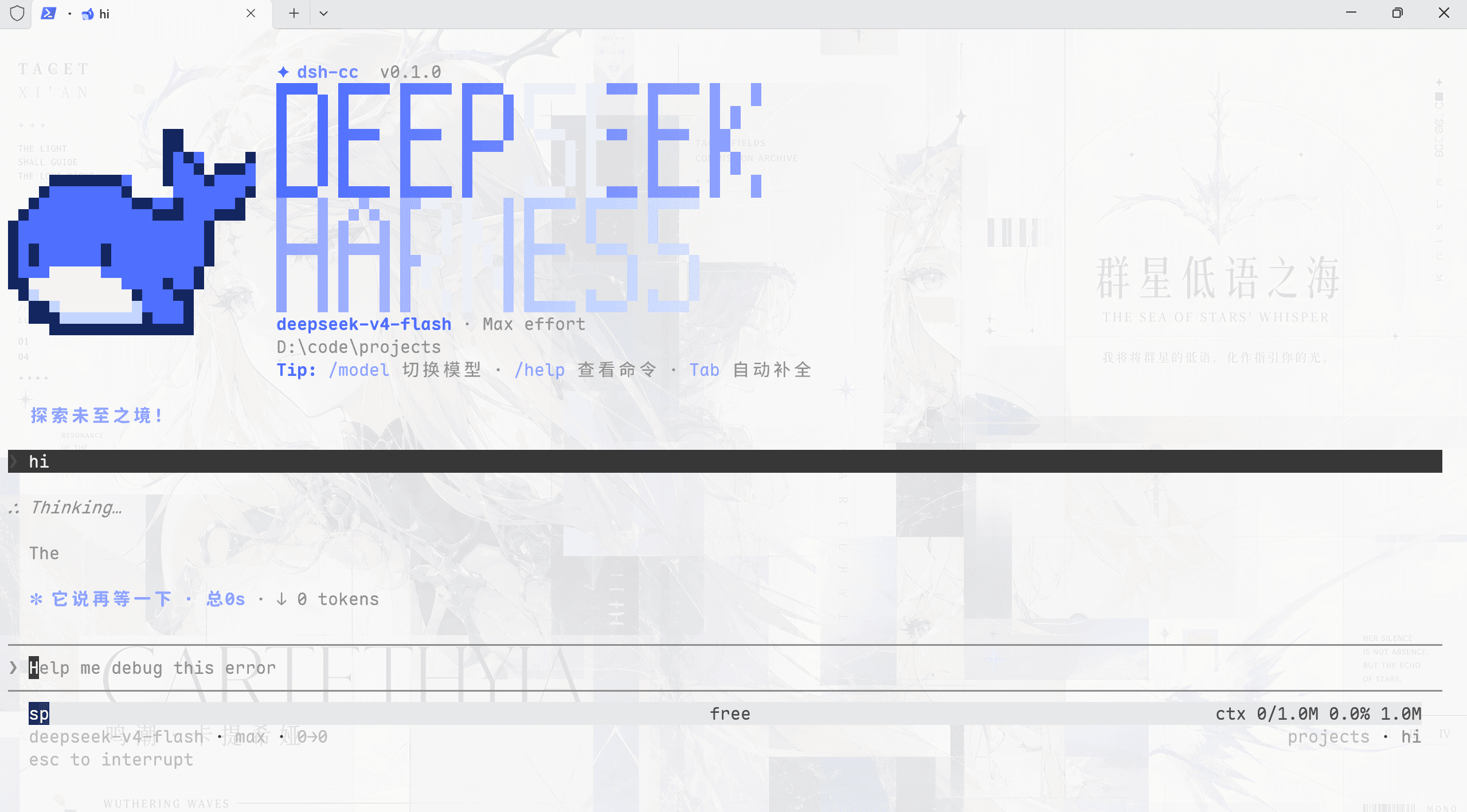
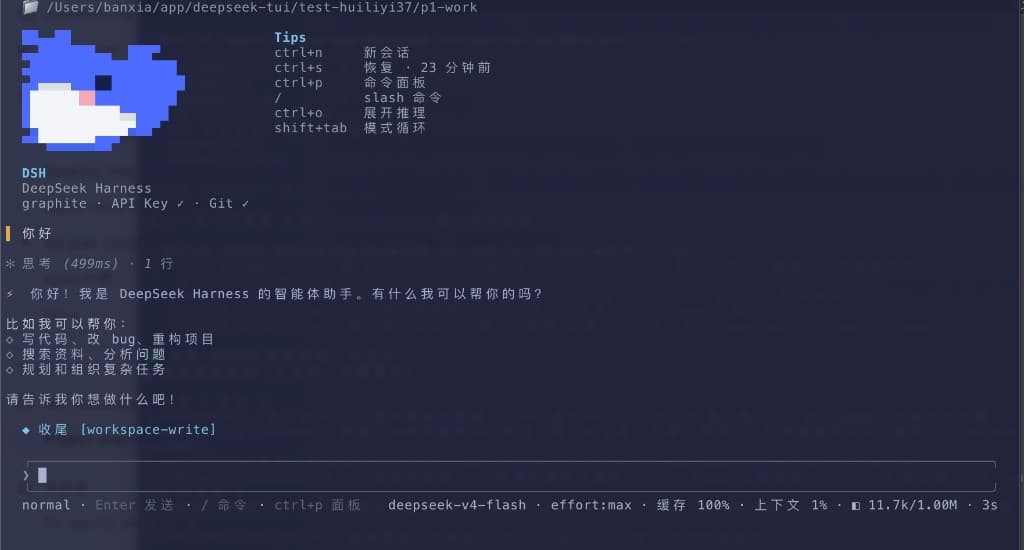
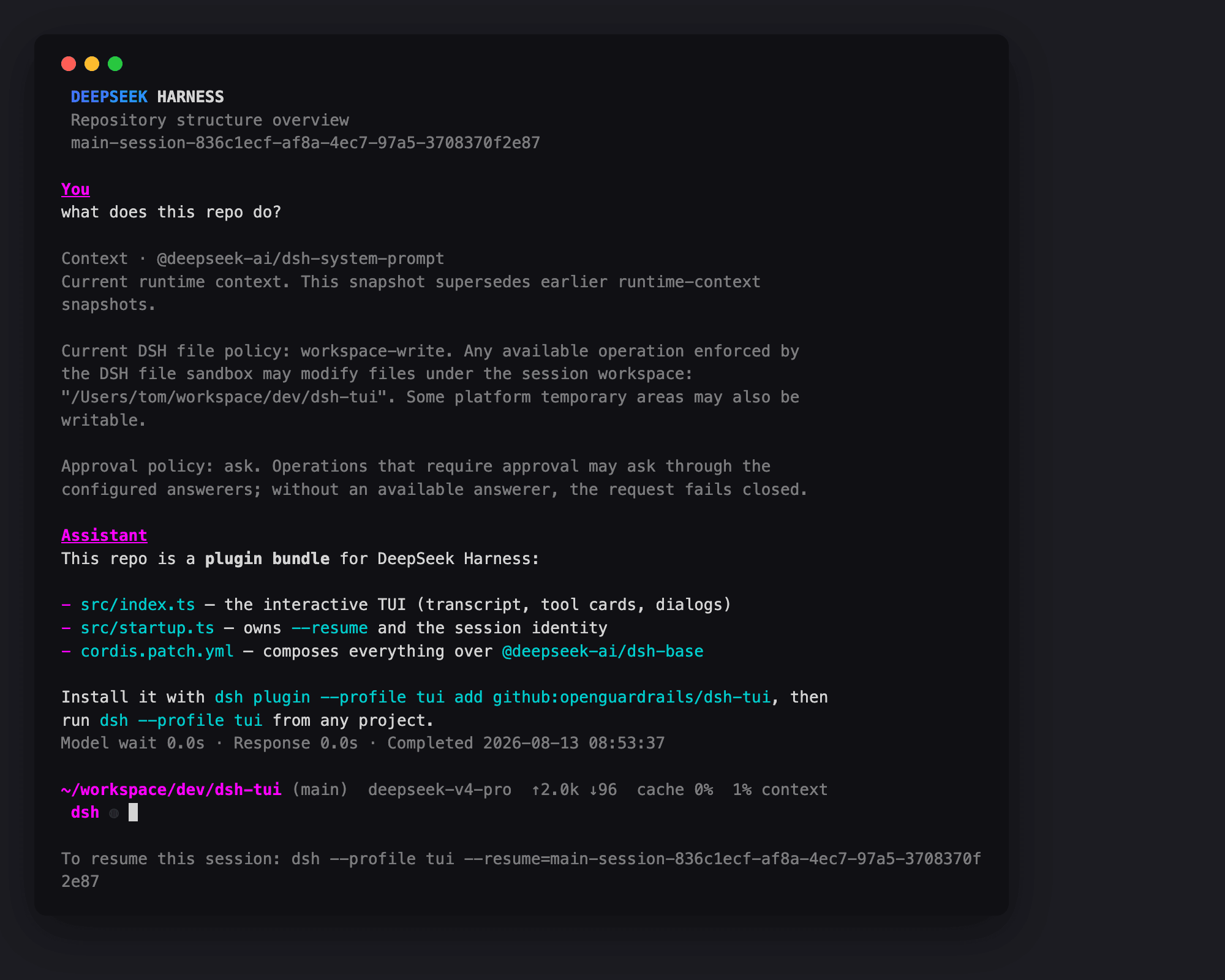
✨ 界面预览
██████╗ ███████╗ ██╗  ██╗                                  ▄▄▄▄▄        ██
██╔══██╗ ██╔════╝ ██║  ██║                  ▄▄▄▄▄▄▄▄▄▄▄▄██████▀        ████
██║  ██║ ███████╗ ███████║               ▄████████████████████         ██████▄▄
██║  ██║ ╚════██║ ██╔══██║             ████████████████████████▄       ▀███████▄
██████╔╝ ███████║ ██║  ██║           ▄████████████████████████████▄     ██████████
╚═════╝ ╚══════╝ ╚═╝  ╚═╝           ████████████████████████████████▄    ▀██████▀
╭───────────────────────────────╮    ████▀▀▀▀▀▀████████████████████████▄  ▄█████
│  DeepSeek Harness            │    ████     ▀▀██████████████▀▀▀▀██████████████
│  model     deepseek-v4-flash │    ████         ▀████████████▄▄  ▀████████████
│  mode      标准模式           │    ████▄           ▀████████  █    ███▀██████
│  session   session-41bbb…    │     █████             ▀██████   ▀█▄▄ ▀███████▀
│  stats     skills 15 · pl 92 │      ██████▄      ▄▄▄       ▄  ▄█████████▀
│  /help · /config · /quit     │       ▀██████▄▄  ██████▄▄▀   ▀█████████▄▄
╰───────────────────────────────╯           ▀███████████████▄▄▄▄▄███████████
🎯 为什么用它
- 🐋 DeepSeek 品牌鲸鱼开屏:figlet 大标题 + 官方 logo 形状鲸鱼(品牌蓝 #4D6BFE),Hermes 式并排布局
- 🌐 A2A 派活:输入
@hermes 帮我查…/@codex 修个 bug—— 一个终端指挥本机全部 Agent,结果卡片化返回 - 📊 实时统计:轮次/步数、LLM 时间、工具时间、缓存命中率、TPS、token 总量,
/config空格开关 - 🎭 四种模式:标准 / PTC / 极简 / 创造 —— 与 web 同款设置,
/mode切换 - 📝 Markdown 渲染:标题、列表、引用、代码、粗体斜体直接可视化
- 🔍 全文搜索:SQLite FTS 索引全部会话,
/search秒级定位历史 - 🎬 轨迹回放:
/trajectory逐步回看每一步思考与工具调用 - 📑 多会话 Tab:
/tab new或 PgUp/PgDn 热切换,每会话独立记忆 - 🛠 完整工具面:后台任务面板、ask_user_question 浮层、plan 审批流、goal 状态、消息反馈
- ⌨️ 中文 IME、vim 模式、多行输入、命令联想、
@文件补全、历史浏览
🚀 快速开始
前置:dsh ≥ 0.1.0-rc.6、Node ≥ 22(含 corepack/pnpm)。
# 1. 建 profile
mkdir -p ~/.dsh/profiles/tui && cd ~/.dsh/profiles/tui
cat > package.json <<'EOF'
{
  "name": "dsh-profile-tui",
  "private": true,
  "dependencies": {
    "dsh-tui-app": "github:kouyichi/dsh-tui-app"
  },
  "dsh": { "profile": { "bundles": ["@deepseek-ai/dsh-base"] } }
}
EOF
printf 'packages:\n  - .\n\nnodeLinker: hoisted\nautoInstallPeers: false\n' > pnpm-workspace.yaml

# 2. 装依赖
corepack pnpm install

# 3. 写 profile patch(注入插件行 + 沙箱 + 搜索索引,见 README 完整版)
cat > cordis.patch.yml <<'EOF'
- id: system-prompt
  config:
    persona: >-
      You are a coding agent powered by the {{model}} model. Your working directory is {{cwd}}.
- id: hmr
  disabled: true
- id: sandbox-policy
  config: { mode: danger-full-access, workspaceRoot: !!js process.cwd() }
- id: approval
  config: { policy: never }
- id: web-search-deepseek
  config:
    apiKeyEnv: DEEPSEEK_API_KEY
    baseURL: http://127.0.0.1:8899/anthropic/v1
- insert:
    - id: tui-startup
      name: 'dsh-tui-app/startup'
    - id: session-stats
      name: '@deepseek-ai/dsh-session-stats'
    - id: agent-presets
      name: '@deepseek-ai/dsh-agent-presets'
      config: { default: standard }
    - id: tui-runner
      name: 'dsh-tui-app'
      inject: [tuiStartup]
      config: { sessionId: !!js ctx.tuiStartup.sessionId }
EOF

# 4. 启动
dsh --profile tui
⌨️ 命令与快捷键
…