MitterMeierGithub/dsh-darksoft-theme
dsh-darksoft-theme
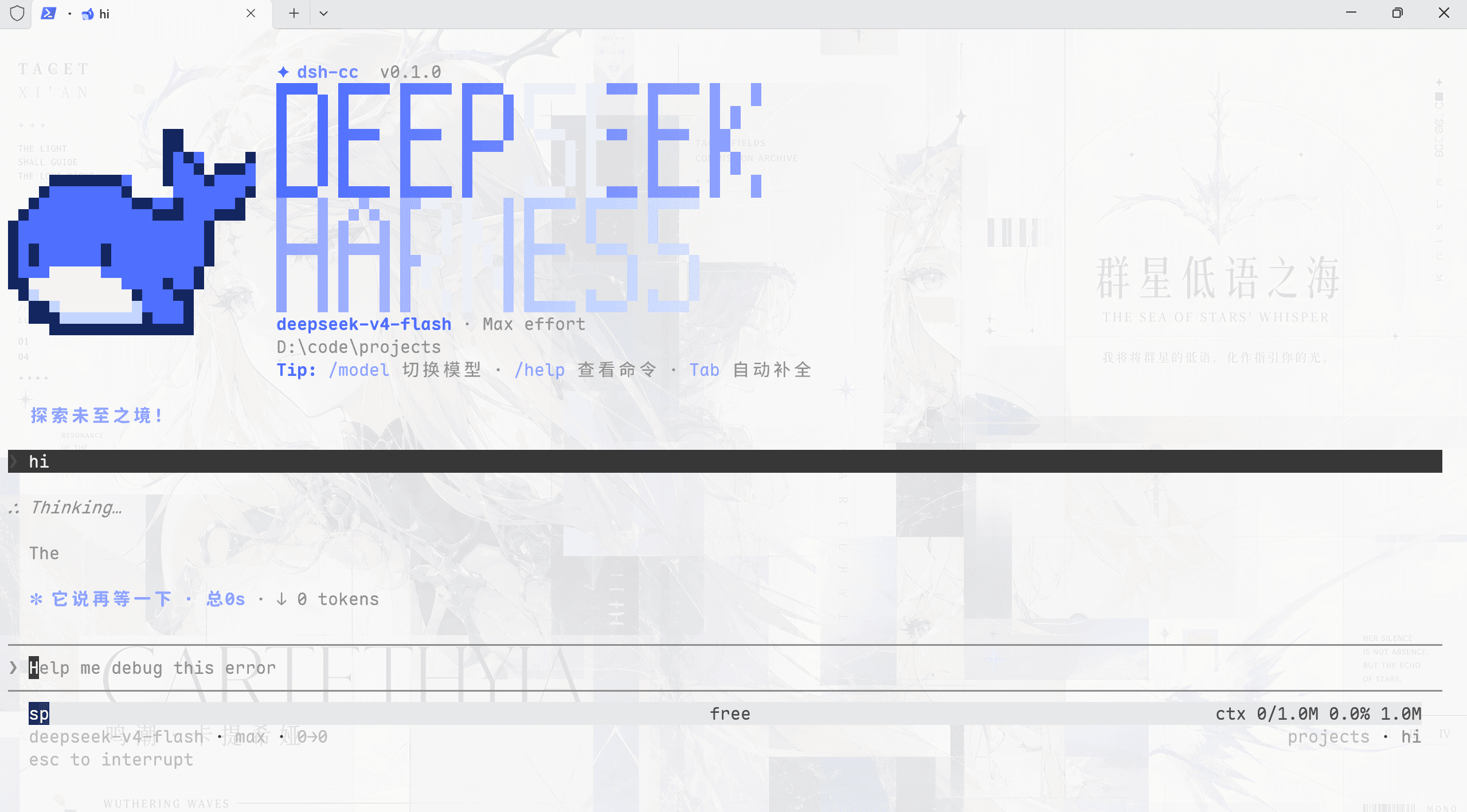
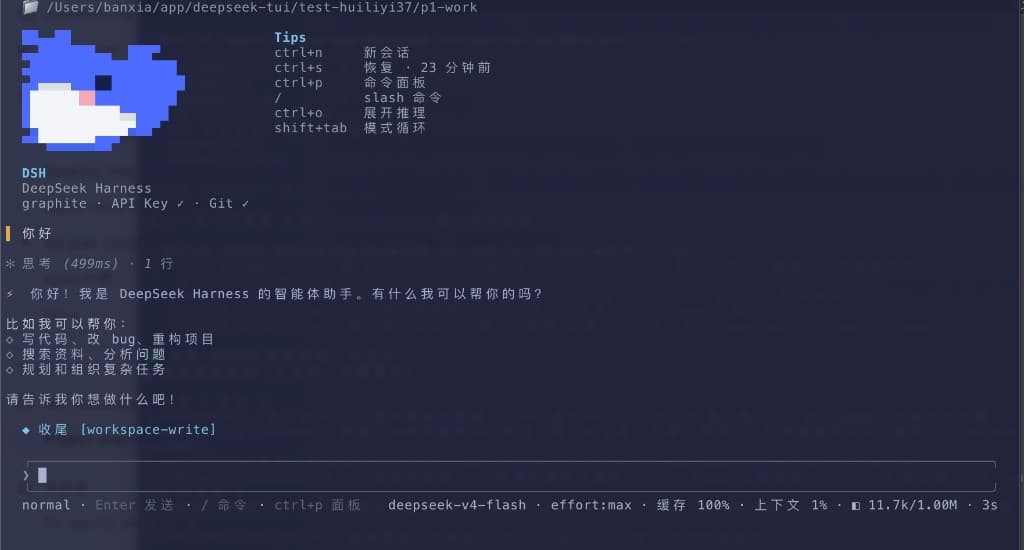
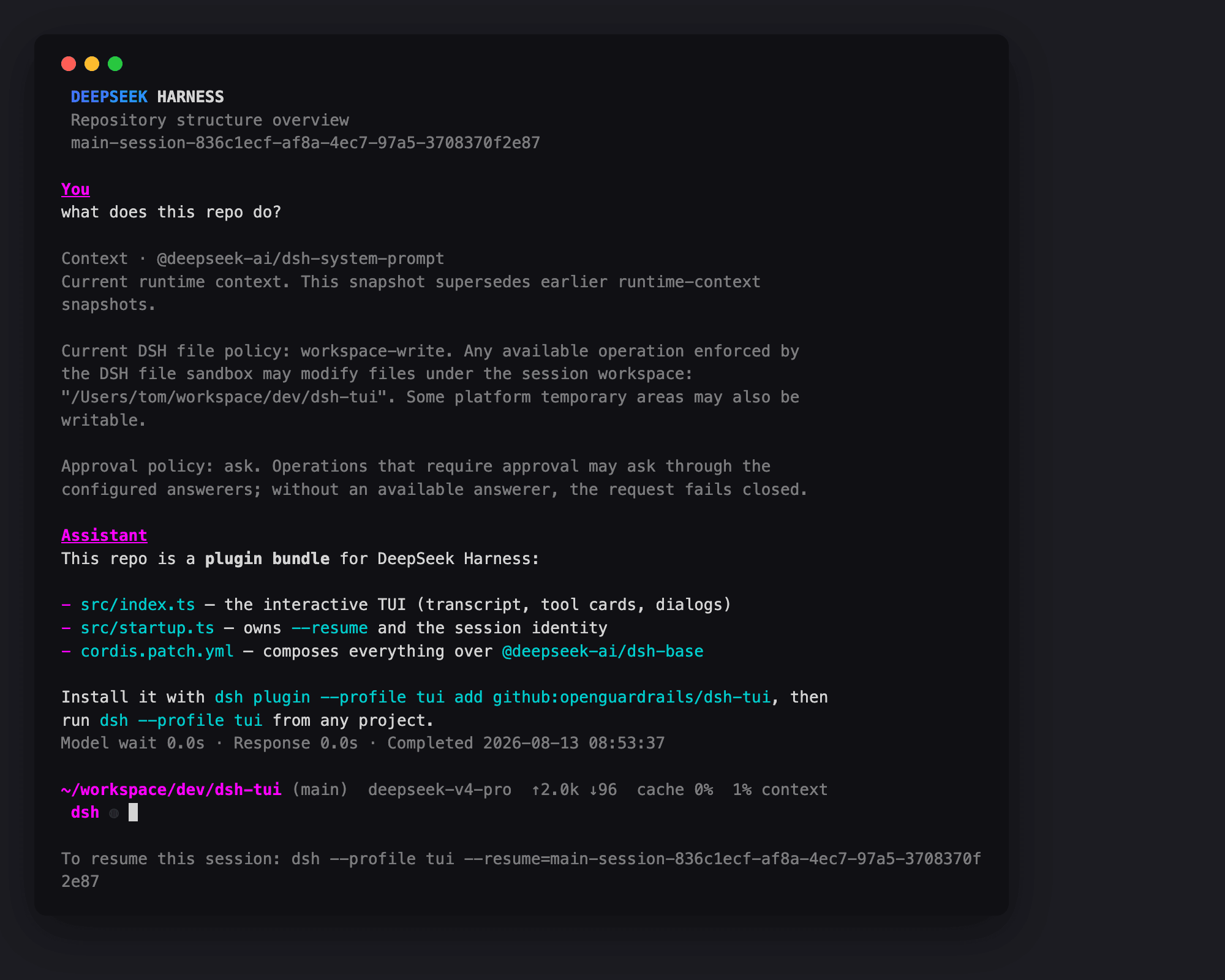
dsh web dark theme plugin: soft colorful headings and context
Install
npx @deepseek-ai/dsh plugin --profile web add github:MitterMeierGithub/dsh-darksoft-themeRestart `dsh web` after install. Bundle APIs can change during the developer preview.
README badge

[](https://dshhub.dev/plugins/dsh-darksoft-theme)Paste this into your README. The star count updates with every catalog sync.
From the README
Excerpt from MitterMeierGithub/dsh-darksoft-theme, cleaned of badges and images.
dsh-darksoft-theme
简体中文 | English
Obsidian things-soft-colorful-headings 风格的 dsh web 暗色主题插件:暖灰色调暗文本(
--dsw-alias-label-*token 覆盖)+ 柔和的彩色 h1-h6 标题。
零依赖、纯样式注入,lib/ 即最终产物(无构建步骤)。
安装
# 从 GitHub 安装
dsh plugin --profile web add github:MitterMeierGithub/dsh-darksoft-theme

# 从 npm 安装
dsh plugin --profile web add dsh-darksoft-theme

# 本地目录或 tarball
dsh plugin --profile web add ./dsh-darksoft-theme
dsh plugin --profile web add ./dsh-darksoft-theme-1.0.0.tgz
安装完成后请重启 dsh web。
功能
- 暗色主题下的柔和彩色标题(h1-h6)
- 暖灰色调暗文本,降低对比刺眼度
兼容性
- 仅作用于 dsh web 的暗色主题(
body[data-ds-dark-theme]),浅色主题不受影响 - 纯 CSS 注入,不依赖任何运行时组件,与同类的主题/皮肤插件可共存
- 需要 dsh web(web profile)环境;TUI / headless profile 无需安装
说明
同一套色值在不同屏幕/浏览器上的观感可能偏暖或偏蓝,这是显示器色温/色域/亮度的差异,不是插件缺陷。跨设备对比观感前,建议先统一色温与色彩配置文件。