Isanti2016/dsh-console
dsh-console
dsh-console is a community DeepSeek Harness plugin. Read the repository README before installing.
Install
npx @deepseek-ai/dsh plugin --profile web add dsh-consoleRestart `dsh web` after install. Bundle APIs can change during the developer preview.
README badge

[](https://dshhub.dev/plugins/dsh-console)Paste this into your README. The star count updates with every catalog sync.
From the README
Excerpt from Isanti2016/dsh-console, cleaned of badges and images.
dsh-console
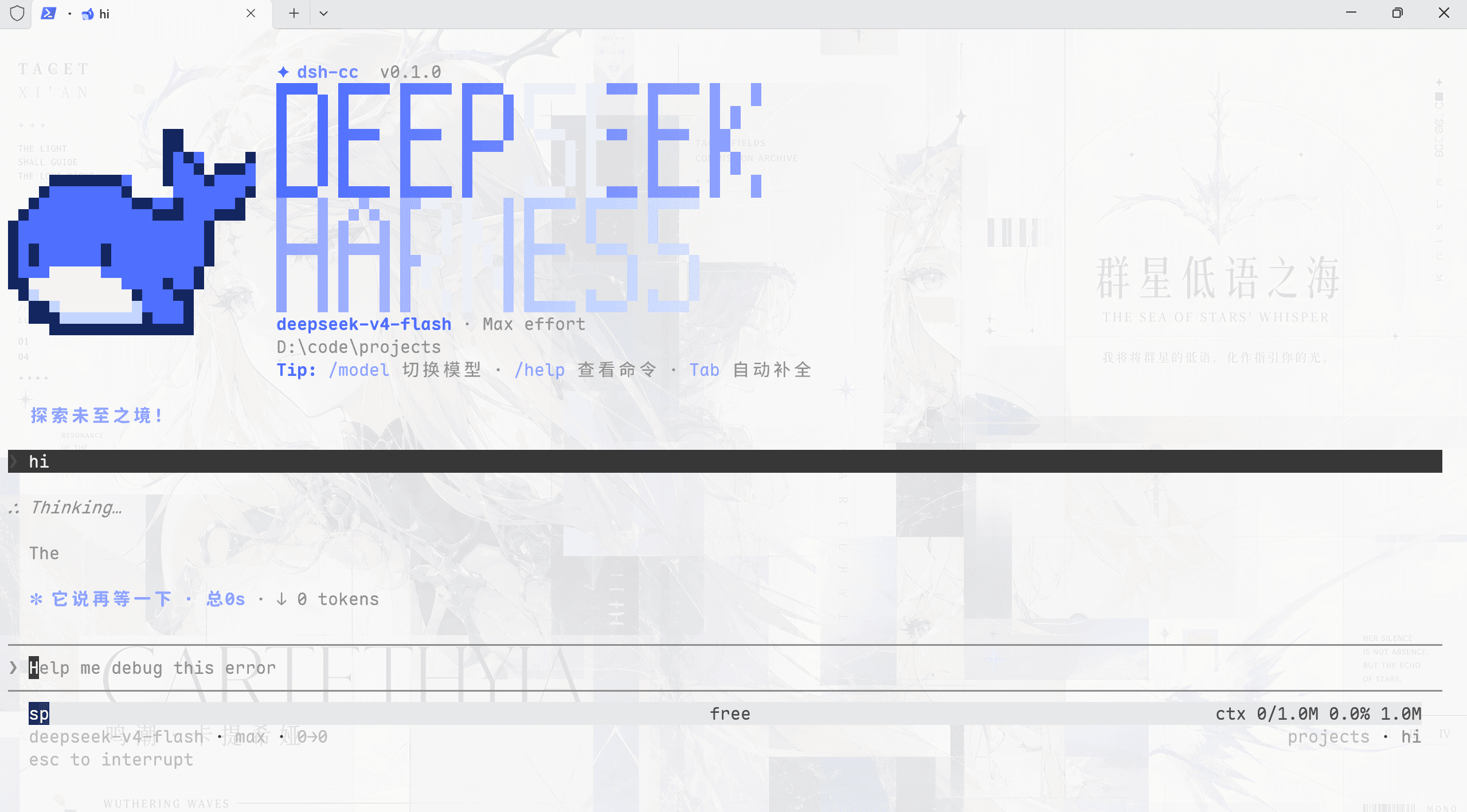
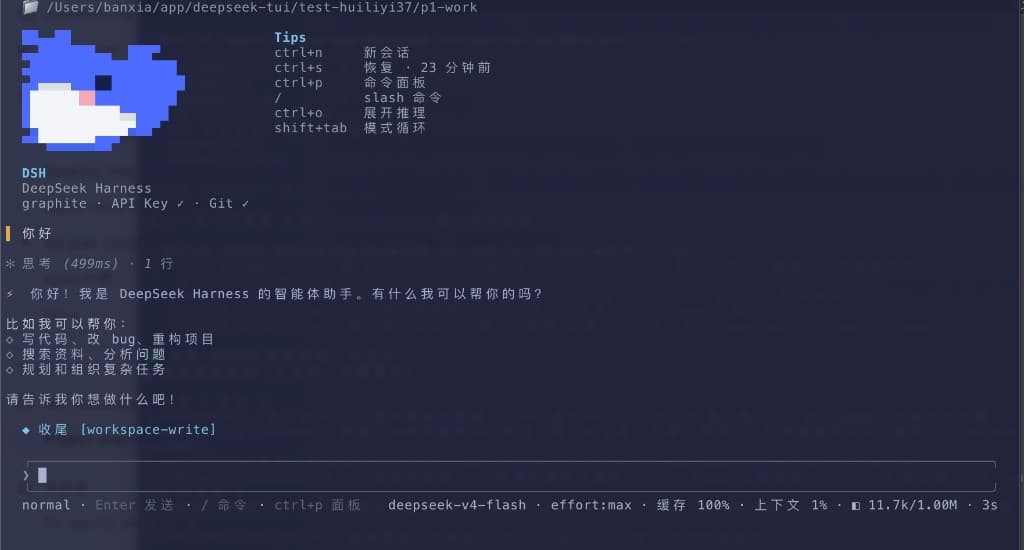
Console commands for DeepSeek Harness: manage the web service, the SSH tunnel, one-shot questions, and an optional console TUI — straight from the slash-command plane.
Quick start
# 1. install the bundle
dsh plugin --profile web add dsh-console

# 2. restart dsh web, then use the commands
/web status
/tunnel status
Out of the box, /web and /tunnel status work with zero config (the plugin auto-detects the running dsh entry). Configure the tunnel host and the console TUI path in the profile's cordis.patch.yml:
- id: dsh-console
  config:
    tunnelHost: '192.168.1.100'        # your SSH server
    tunnelUser: 'root'
    tunnelKey: 'C:\\Users\\you\\.ssh\\id_rsa'
    consoleCommand: 'python C:\\tools\\dsh-tui\\main.py'
Then dsh plugin --profile web again + restart, and /tunnel start / /console are live.
Commands
| Command | Description |
|---|---|
/web status | Is the web UI up? (port + PID) |
/web start | Background-start the web UI (node <dshBin> web --port <webPort>) |
/web stop | Stop the web UI process |
/web restart | Restart it |
/tunnel status | Is the SSH tunnel up? |
/tunnel start | Start the SSH tunnel (needs tunnelHost) |
/tunnel stop | Stop the tunnel |
/ask <问题> | One-shot question through the headless profile (timeout-bounded) |
/console | Launch the console TUI (needs consoleCommand) |
Configuration
All keys carry sensible defaults; set them in the profile's cordis.patch.yml (or a --patch overlay), overriding the row this bundle adds:
- id: dsh-console
  config:
    webPort: 3080            # dsh web UI port
    dshBin: ''               # path to apps/cli/lib/bin.js; empty = auto-detect
    tunnelHost: '192.168.1.100'
    tunnelUser: 'root'
    tunnelKey: 'C:\\Users\\you\\.ssh\\id_rsa'
    tunnelLocalPort: 3081
    tunnelRemotePort: 3080
    askTimeout: 150
    consoleCommand: 'python C:\\tools\\dsh-tui\\main.py'
| Key | Default | Meaning |
|---|---|---|
webPort | 3080 | The dsh web UI listens on 127.0.0.1:3080 by default; /web start spawns it there. |
dshBin | auto | Absolute path to your checkout's apps/cli/lib/bin.js. Empty = detected from the running process (process.argv[1]), so a from-source dsh usually needs no config. |
tunnelHost | '' | SSH server host. Empty disables /tunnel start. |
tunnelUser | root | SSH user on the server. |
tunnelKey | '' | Absolute path to your SSH private key (-i). Omit for agent/other auth. |
tunnelLocalPort | 3081 | Local listen port of the tunnel (127.0.0.1:3081). |
tunnelRemotePort | 3080 | Remote port the tunnel forwards to (127.0.0.1:3080 on the server). |
askTimeout | 150 | Seconds before /ask is killed. |
consoleCommand | '' | Shell command launching your console TUI. |
How the tunnel is wired
your machine                     SSH server (tunnelHost)
127.0.0.1:3081  ──ssh -L──▶  127.0.0.1:3080
   ▲                               ▲
   │  /tunnel start binds here     │  dsh web runs here (or any service)
/tunnel start runs ssh -N -L <tunnelLocalPort>:127.0.0.1:<tunnelRemotePort> <tunnelUser>@<tunnelHost> (with -i <tunnelKey> when set) as a detached process. /tunnel stop finds and kills the listener on tunnelLocalPort.
Typical setups
…