UNLINEARITY/dsh-code
dsh-code
A terminal coding interface that brings the DeepSeek Harness kernel's full capability set — special modes, plugins, model & subagent management — to the terminal. Interaction layer inspired by Claude Code, Codex CLI, and Pi agent; model-switch animations; unified panel key grammar. Tracks the latest upstream RC. Self-iterating since 1.0.0.
Install
npx @deepseek-ai/dsh plugin --profile cli add [email protected]Restart `dsh web` after install. Bundle APIs can change during the developer preview.
README badge

[](https://dshhub.dev/plugins/dsh-code)Paste this into your README. The star count updates with every catalog sync.
From the README
Excerpt from UNLINEARITY/dsh-code, cleaned of badges and images.
DSH-Code
English | 中文
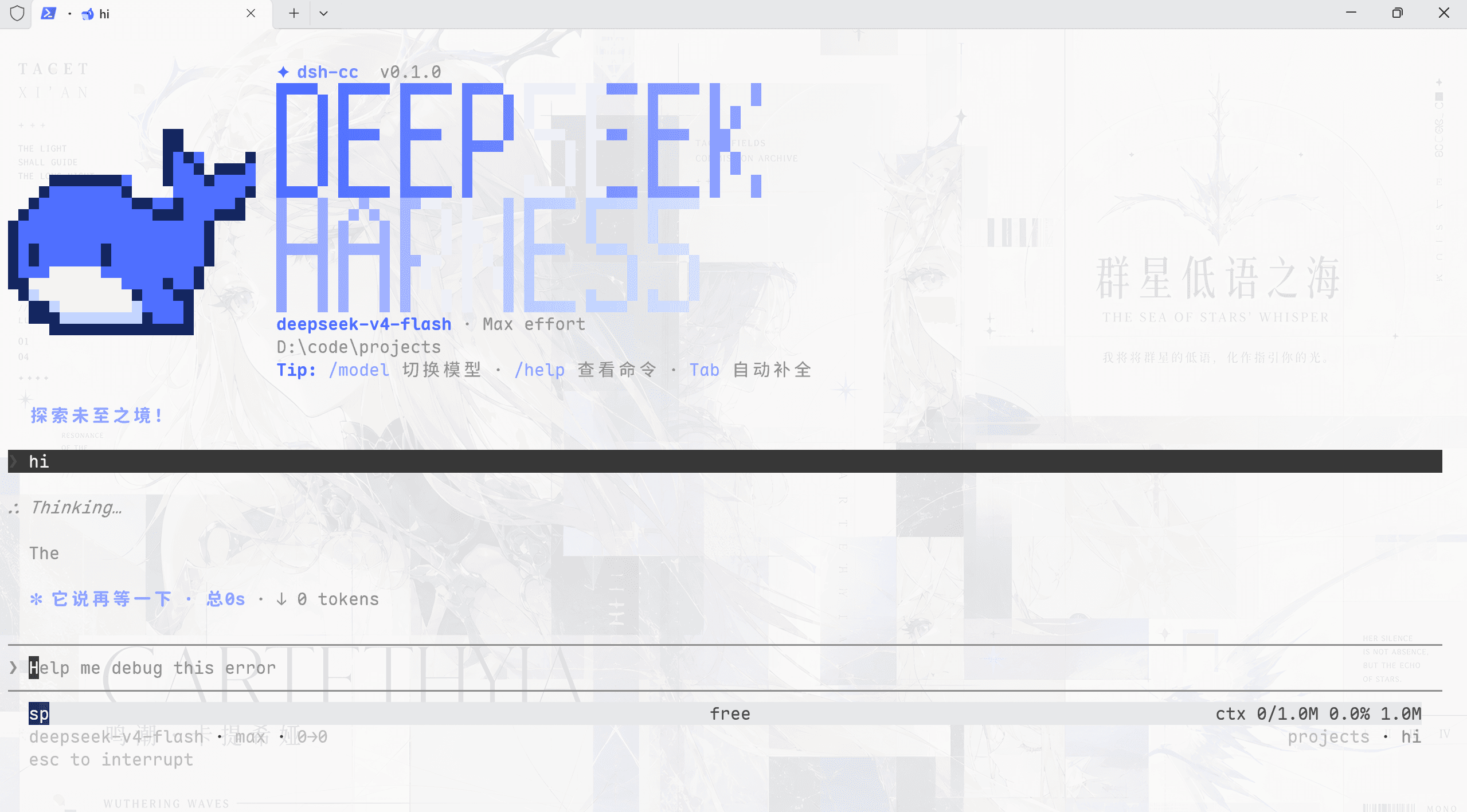
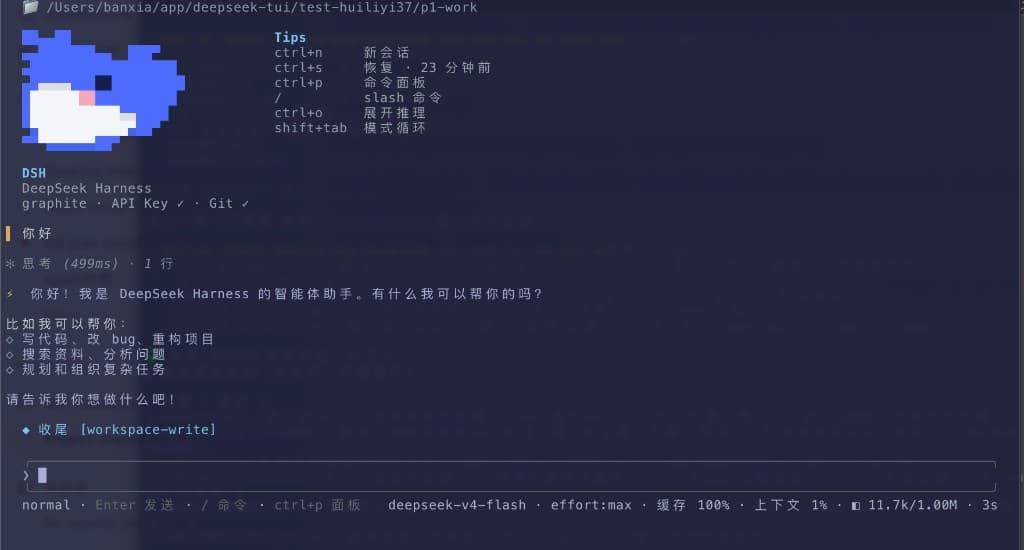
<p align="center"><img src="docs/pictures/dsh-1.png" width="95%" alt="DSH-Code welcome screen and model status"></p> <p align="center"><img alt="Typing SVG" src="https://readme-typing-svg.herokuapp.com?font=JetBrains+Mono&weight=500&size=22&duration=4000&pause=700&color=4176E6&center=true&vCenter=true&width=680&lines=DeepSeek+Harness+Code;Terminal+Coding+Interface+for+the+DSH+Core"></p>1. Project overview
DSH-Code is a terminal coding interface for DeepSeek Harness (dsh). It is composed as an out-of-tree bundle on top of the official @deepseek-ai/dsh-base and uses the same Agent, Session, tool, command, skill, permission, sandbox, context-compaction, and plugin services as the Harness Web UI.
DeepSeek Harness registers models, tools, storage, policies, and interfaces as plugins through Cordis. Durable session events record the information required to restore conversations and runtime state. DSH-Code preserves that architecture while adding a terminal workflow suited to coding tasks. The interface follows terminal conventions familiar to developers, while runtime behavior remains governed by DSH services and configuration.
2. Quick start
Requires Node ^22.19 || >=24 and the preview dsh CLI (current release line: @deepseek-ai/[email protected]). You can still enter the TUI, browse sessions, and use non-model features without configuring a model; press Tab in /model to manage API keys, OAuth, device-code sign-in, endpoints, and models.
1. Install and update
Install from npm (recommended). /update and deepseek update --apply both work afterwards: they check npm for a newer version and walk you through the upgrade.
npm install -g @deepseek-ai/[email protected] pnpm
npm install -g [email protected]
dsh plugin --profile cli add [email protected]
When npm is unreachable (restricted network, a mirror outage), install the GitHub Release tarball instead. CI builds it on every tag and attaches it to the release; lib is prebuilt, so the installing machine needs no toolchain:
npm install -g @deepseek-ai/[email protected] pnpm
npm install -g https://github.com/unlinearity/dsh-code/releases/download/2.0.0/dsh-code-2.0.0.tgz
dsh plugin --profile cli add https://github.com/unlinearity/dsh-code/releases/download/2.0.0/dsh-code-2.0.0.tgz
…