dsh-blue/blue
blue-root
Blue: a TUI is not a package, it is a Cordis plugin tree — a modern terminal UI for DeepSeek Harness with hot-swappable render, interaction, and command plugins.
Install
npx @deepseek-ai/dsh plugin --profile blue add @dsh-blue/blue@rcRestart `dsh web` after install. Bundle APIs can change during the developer preview.
README badge

[](https://dshhub.dev/plugins/blue)Paste this into your README. The star count updates with every catalog sync.
From the README
Excerpt from dsh-blue/blue, cleaned of badges and images.
Blue
English | 中文
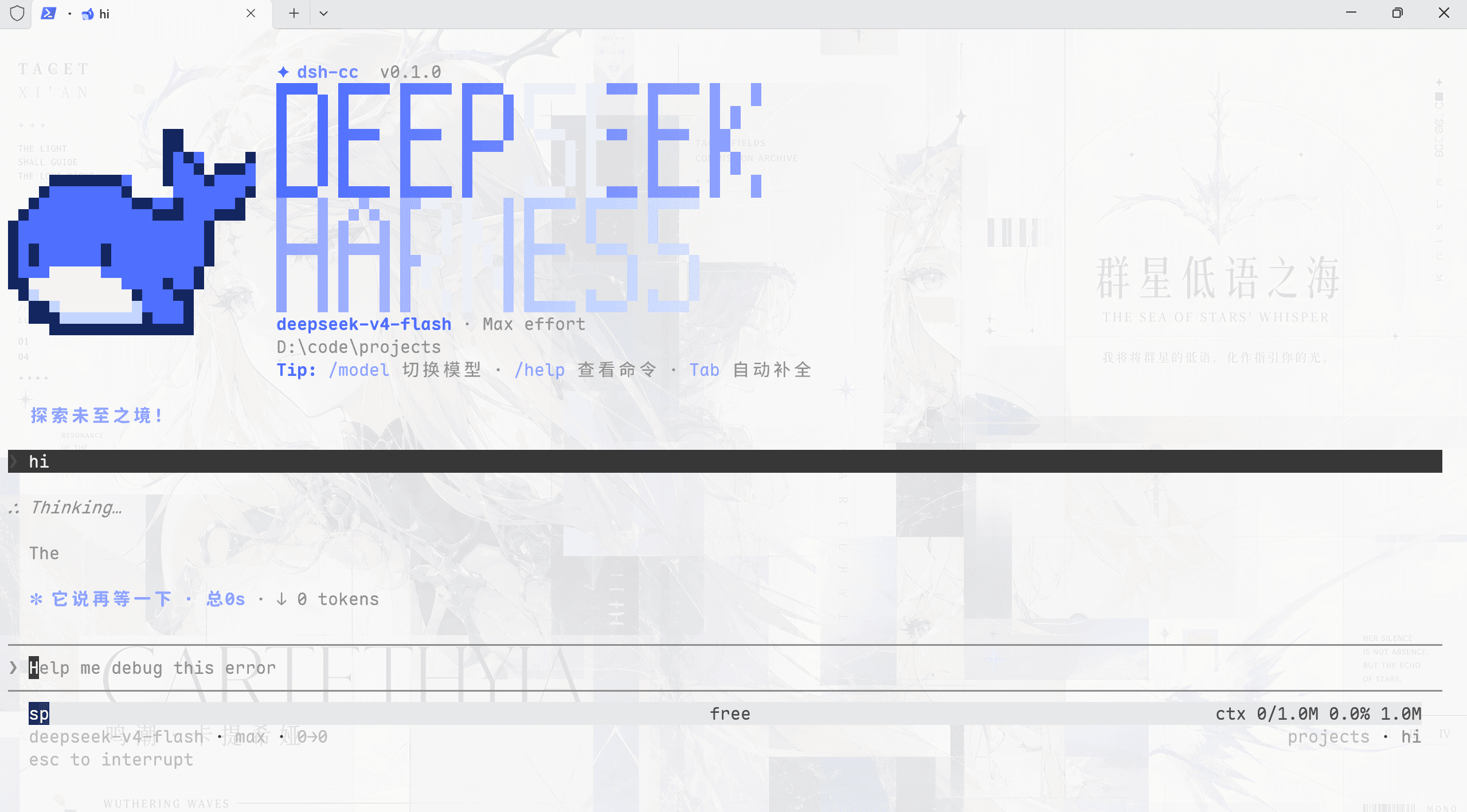
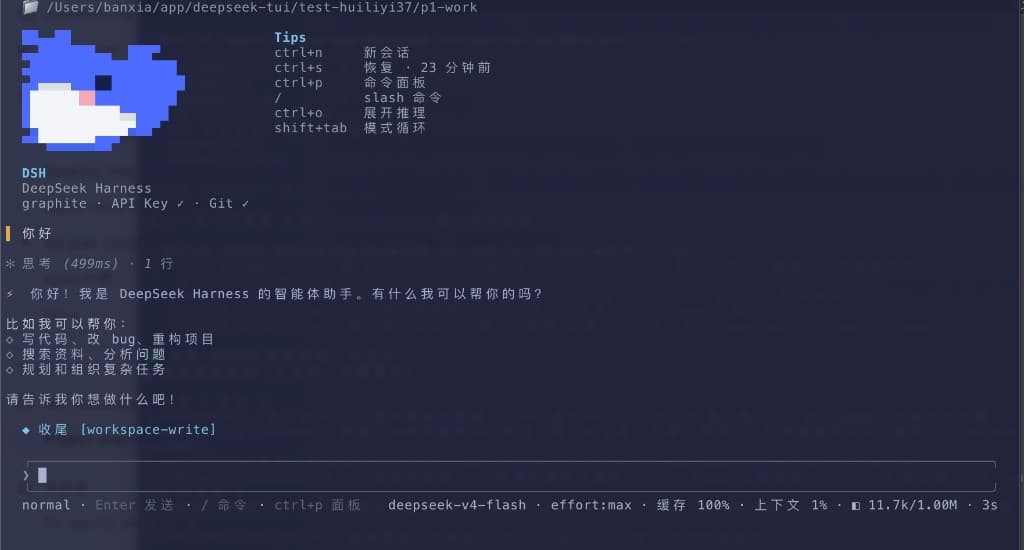
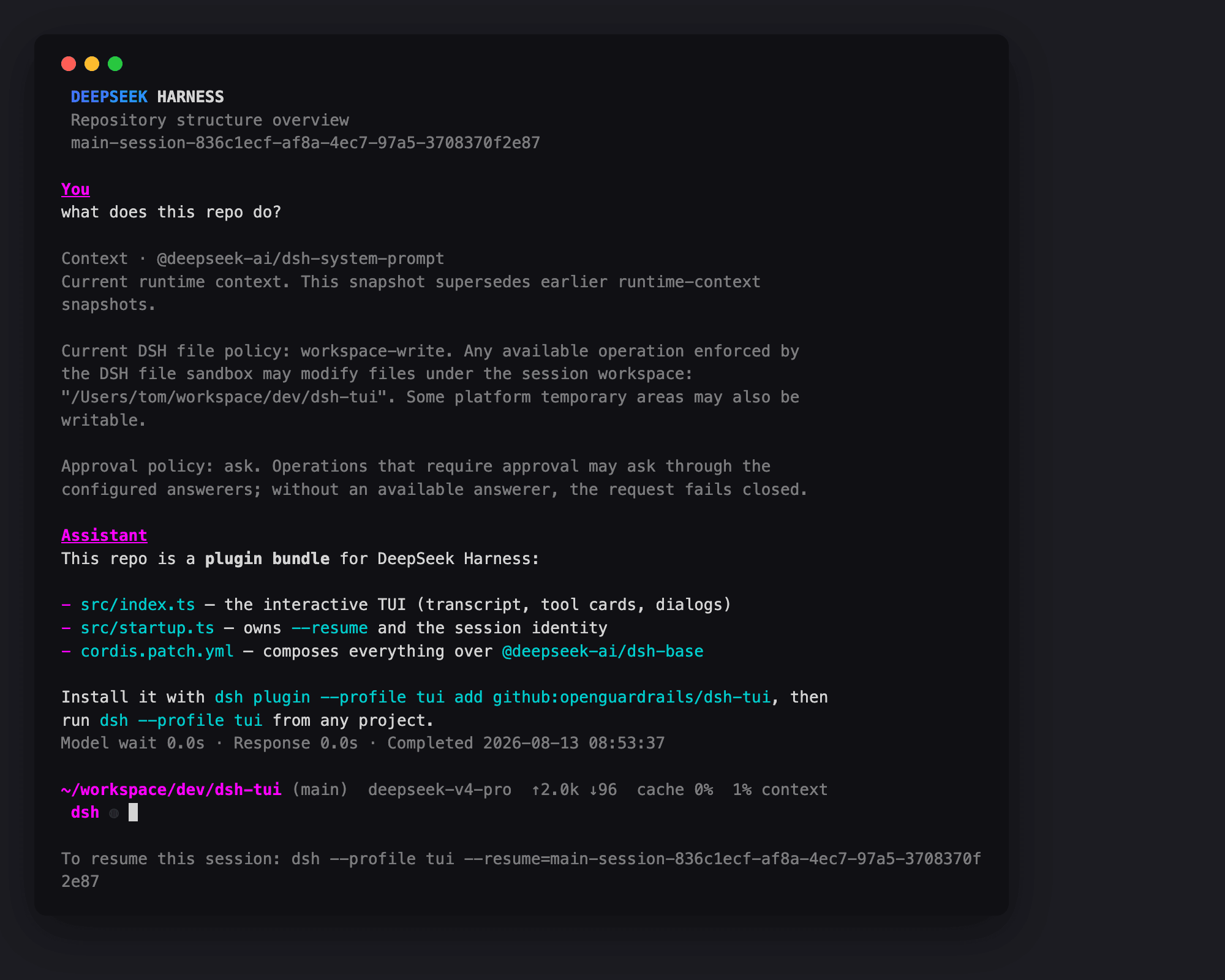
Blue is an interactive terminal UI (TUI) plugin for DeepSeek Harness (dsh): a pi-tui renderer mounted as an out-of-tree Cordis plugin bundle on top of the dsh-base bundle. Its core claim: a TUI is not a package — it is a Cordis plugin tree. Every render component, interaction provider, command, and status entry is a separate plugin with its own fiber lifecycle, hot-swappable and omittable.
This repository is the standalone home of Blue's seven publishable packages under the @dsh-blue scope, extracted from the deepseek-harness monorepo (packages/blue/* and packages/bundle/blue). They build and test against the published npm releases of the harness (0.1.1-rc.2 line) and vendored Cordis.
<video src="https://github.com/user-attachments/assets/9a058e97-228c-4975-85c2-884c12bcc8c9" width="720" autoplay loop muted playsinline></video>
<p align="center"><i>Blue in action: streaming transcript, tool cards, and dock panes.</i></p>Contents
- Quick start
- Features — Key bindings · Slash commands
- Design philosophy
- Layered architecture
- The Editor seam, in brief
- Development
- Documentation
- Relationship to deepseek-harness
- License
Quick start
[!NOTE]
0.1.0-rc.8is the preview release. Each verified preview advances both thercandlatesttags; use@rcwhen you want to state the preview channel explicitly. After the first stable release,latestreturns to the stable line.
Prerequisites: Node ^22.19 || >=24 and pnpm 11 (both install paths; the host's plugin command forwards to pnpm — if it is missing, the first blue run says exactly how to install it: npm i -g pnpm or corepack enable pnpm). Install the shell with npm, not pnpm — pnpm's strict global layout does not link the nested dsh host's dependencies, and boot fails with ERR_MODULE_NOT_FOUND. A global dsh CLI is only needed on the direct-dsh path — the shell ships its own pinned host.
Install from npm
Recommended: the blue shell (one command; ships the dsh host pinned to the tested line and installs Blue into its blue profile on first run):
npm i -g @dsh-blue/blue-cli@rc
blue
The first blue run downloads the full dependency tree into the profile — hundreds of packages; expect minutes on slow links (the budget is ~20 minutes, and re-running blue resumes from the cache). npm itself is silent for most of its own install while resolving the tree — that stillness is normal, not a hang.
Or install over your own dsh (bring your own host — for existing dsh users):
npm i -g @deepseek-ai/dsh
dsh plugin --profile blue add @dsh-blue/blue@rc
dsh --profile blue
After installing, see the quickstart for launching and a first run; models, providers, themes, and API keys are covered in the configuration guide.
…