luweiyabo/dsh-whale-pet
dsh-whale-pet
dsh-whale-pet is a community DeepSeek Harness plugin. Read the repository README before installing.
Install
npx @deepseek-ai/dsh plugin --profile web add @luweiyabo/dsh-whale-petRestart `dsh web` after install. Bundle APIs can change during the developer preview.
README badge

[](https://dshhub.dev/plugins/luweiyabo-dsh-whale-pet)Paste this into your README. The star count updates with every catalog sync.
From the README
Excerpt from luweiyabo/dsh-whale-pet, cleaned of badges and images.
dsh-whale-pet
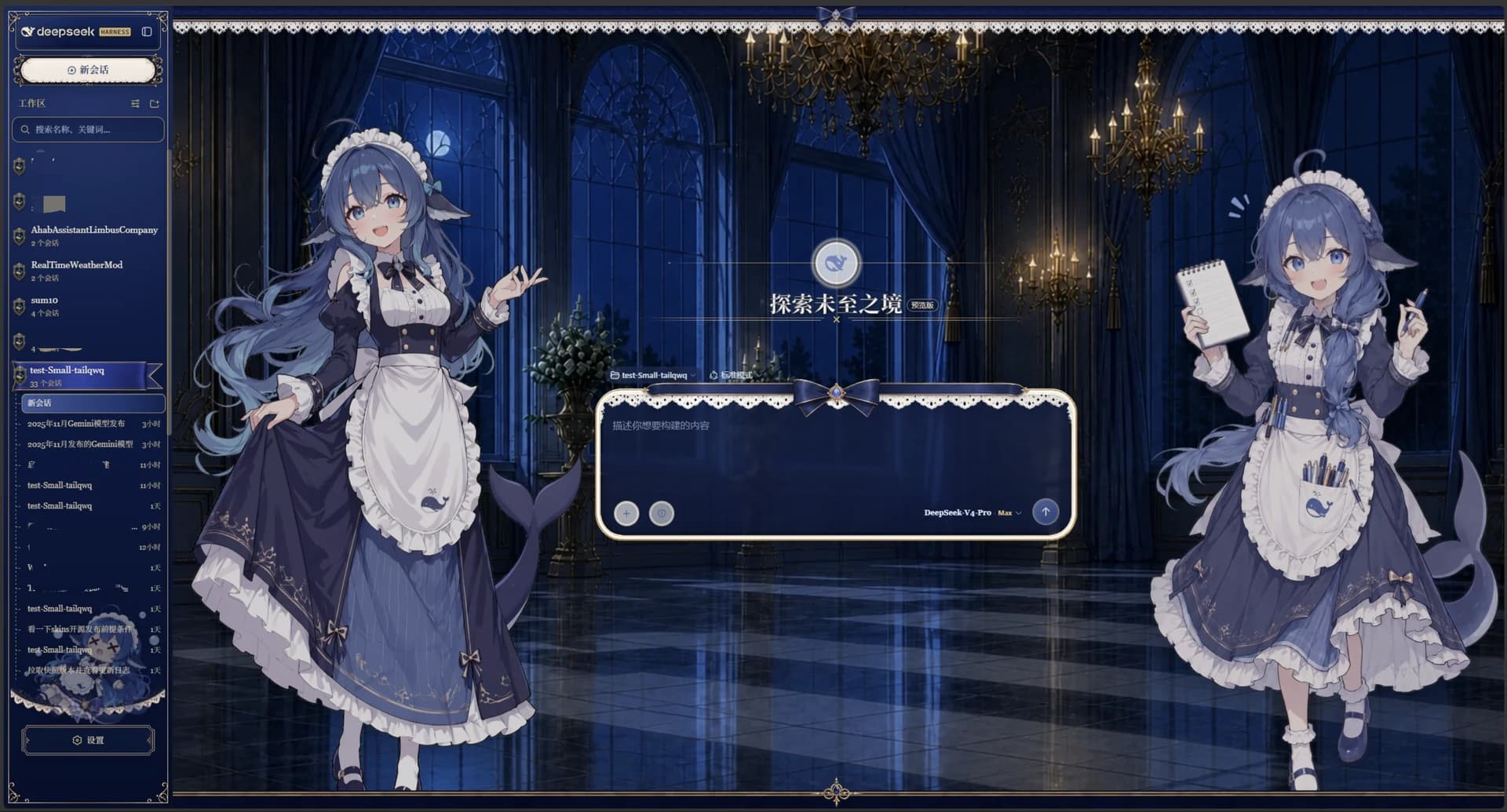
让鲸鱼娘住进 DeepSeek Harness:感知工作状态、回应互动,并在屏幕上自由漫游。
English · 预览 · 安装 · 使用 · 功能 · 动作 · 配置 · 问题反馈
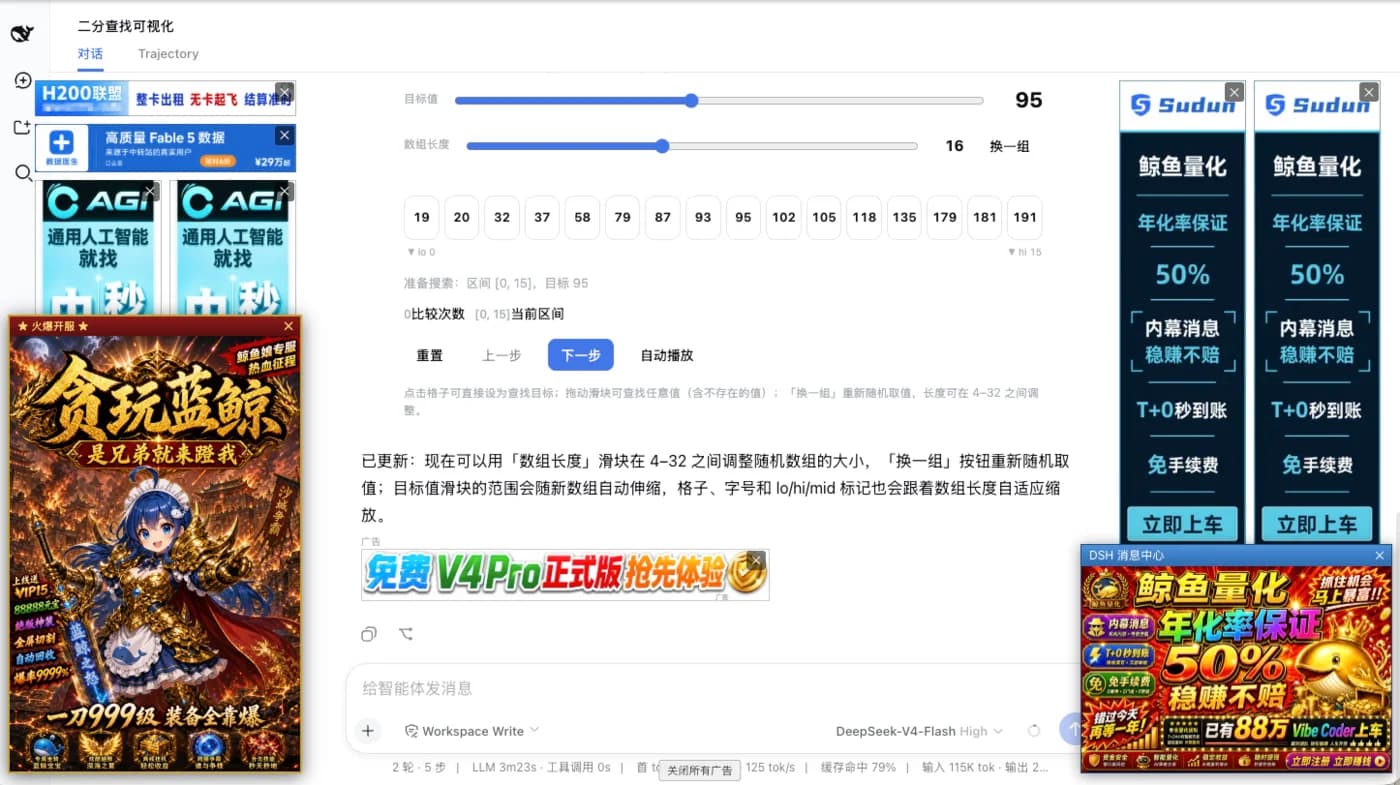
dsh-whale-pet 是一个面向 DeepSeek Harness Web UI 的开源鲸鱼桌宠插件。它会根据 Agent 的思考、编码、工具调用、等待和错误等状态自动切换动作,也支持点击回应、拖拽、屏幕漫游、自定义动画和触发规则。
插件包含 95 个 640×360 透明 WebM 动画,提供中英文界面,设置修改后自动保存并热生效。
功能预览
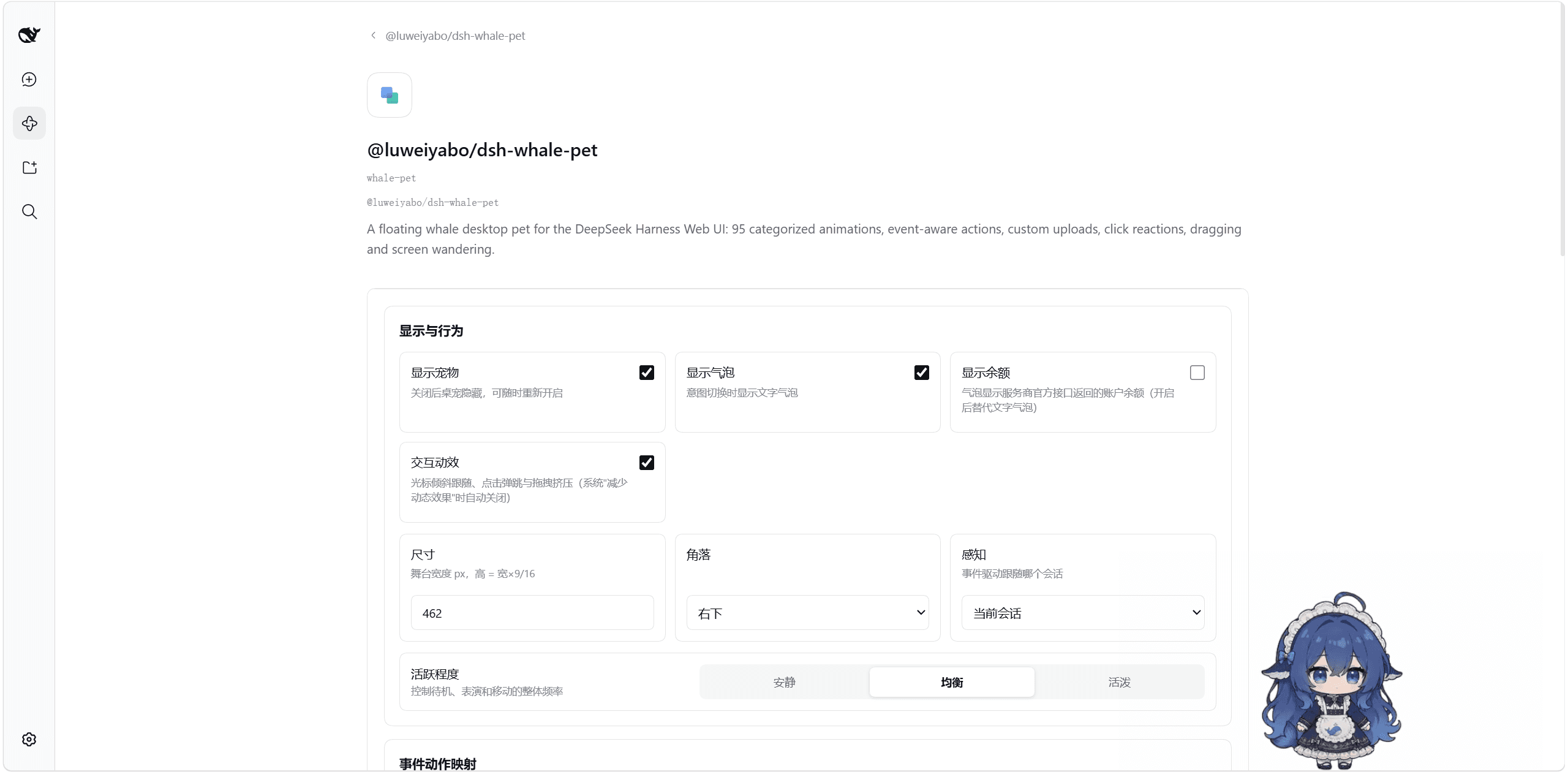
设置与动作管理
<td align="center"><img src="https://raw.githubusercontent.com/luweiyabo/dsh-whale-pet/main/docs/images/screenshots/settings-overview.png" width="420" alt="鲸鱼桌宠设置界面"><br><strong>集中设置</strong></td>
<td align="center"><img src="https://raw.githubusercontent.com/luweiyabo/dsh-whale-pet/main/docs/images/screenshots/action-browser.png" width="420" alt="分类浏览和预览动作"><br><strong>动作分类、搜索与预览</strong></td>
<td colspan="2" align="center"><img src="https://raw.githubusercontent.com/luweiyabo/dsh-whale-pet/main/docs/images/screenshots/custom-actions-and-rules.png" width="680" alt="自定义动作和事件触发规则"><br><strong>自定义动作与触发规则</strong></td>
桌面交互与状态信息
<td align="center"><img src="https://raw.githubusercontent.com/luweiyabo/dsh-whale-pet/main/docs/images/screenshots/click-to-move.png" width="300" alt="点击页面移动桌宠"><br><strong>点击移动</strong></td>
<td align="center"><img src="https://raw.githubusercontent.com/luweiyabo/dsh-whale-pet/main/docs/images/screenshots/context-menu.png" width="300" alt="桌宠右键快捷菜单"><br><strong>右键快捷菜单</strong></td>
<td align="center"><img src="https://raw.githubusercontent.com/luweiyabo/dsh-whale-pet/main/docs/images/screenshots/balance-bubble.png" width="300" alt="账户余额气泡"><br><strong>账户余额气泡</strong></td>
<td colspan="3" align="center"><img src="https://raw.githubusercontent.com/luweiyabo/dsh-whale-pet/main/docs/images/screenshots/i18n.png" width="680" alt="中英文国际化界面"><br><strong>中英文界面</strong></td>
动作展示
以下按运行时分类展示全部 16 个分类、95 个动作。预览为 240×135、5 FPS 的低帧率循环 GIF;将鼠标悬停在图片上可查看中文动作名。
待机(1)
转向(1)
移动(4)
点击回应(6)
拖拽(2)
日常(10)
工作(3)
游戏(9)
音乐舞蹈(6)
美食(12)
节日(20)
四季(4)
魔术(3)
趣味(9)
鲸鱼特色(3)
梗图(2)
安装
环境要求
| 项目 | 要求 |
|---|---|
| DeepSeek Harness | ^0.1.0-rc.6 || ^0.1.2-rc.1 || ^0.2.0-rc.2(开发者预览版;Web profile) |
| Node.js | ^22.19.0 || >=24.0.0(跟随 DSH 官方要求,见 DSH package.json 的 engines.node) |
| pnpm | 可在命令行中使用;dsh plugin 会把插件管理命令转发给 pnpm |
插件 0.1.3 在保留 DSH 0.1.x 兼容的同时,新增对 DSH 0.2.0-rc.2 的支持:0.1.x 沿用 connection.api / connection.rpc,0.2.0-rc.2 的设置读写改走 typert Remote 子服务 remote.settings,会话活动改由 uiSession.sessionStatus 提供,模型流式输出经 assistant-stream 帧归一化,设置卡片同时适配官方插件页槽位 plugins.row.config。会话事件订阅、模型选择、审批与问答等待状态在两种宿主上行为一致;断线后重建状态时不会把历史消息当作新事件触发规则。余额仍仅查询服务商官方接口,未配置凭据时会显示查询失败。
从 npm 安装
dsh plugin --profile web add @luweiyabo/dsh-whale-pet
安装完成后重启 Web profile:
dsh web
宠物默认显示在页面右下角。
或者直接从 GitHub 安装:
dsh plugin --profile web add github:luweiyabo/dsh-whale-pet
同一 Web profile 只能保留一种安装来源。切换 npm、GitHub 或本地源码版本前,请先卸载当前版本;否则多个包会同时声明 whale-pet loader entry,导致 DSH 启动失败。
从本地源码安装
在仓库根目录执行:
dsh plugin --profile web add .
更新
dsh plugin --profile web update @luweiyabo/dsh-whale-pet
卸载
dsh plugin --profile web remove @luweiyabo/dsh-whale-pet
…