vlln/whale-girl
whale-girl
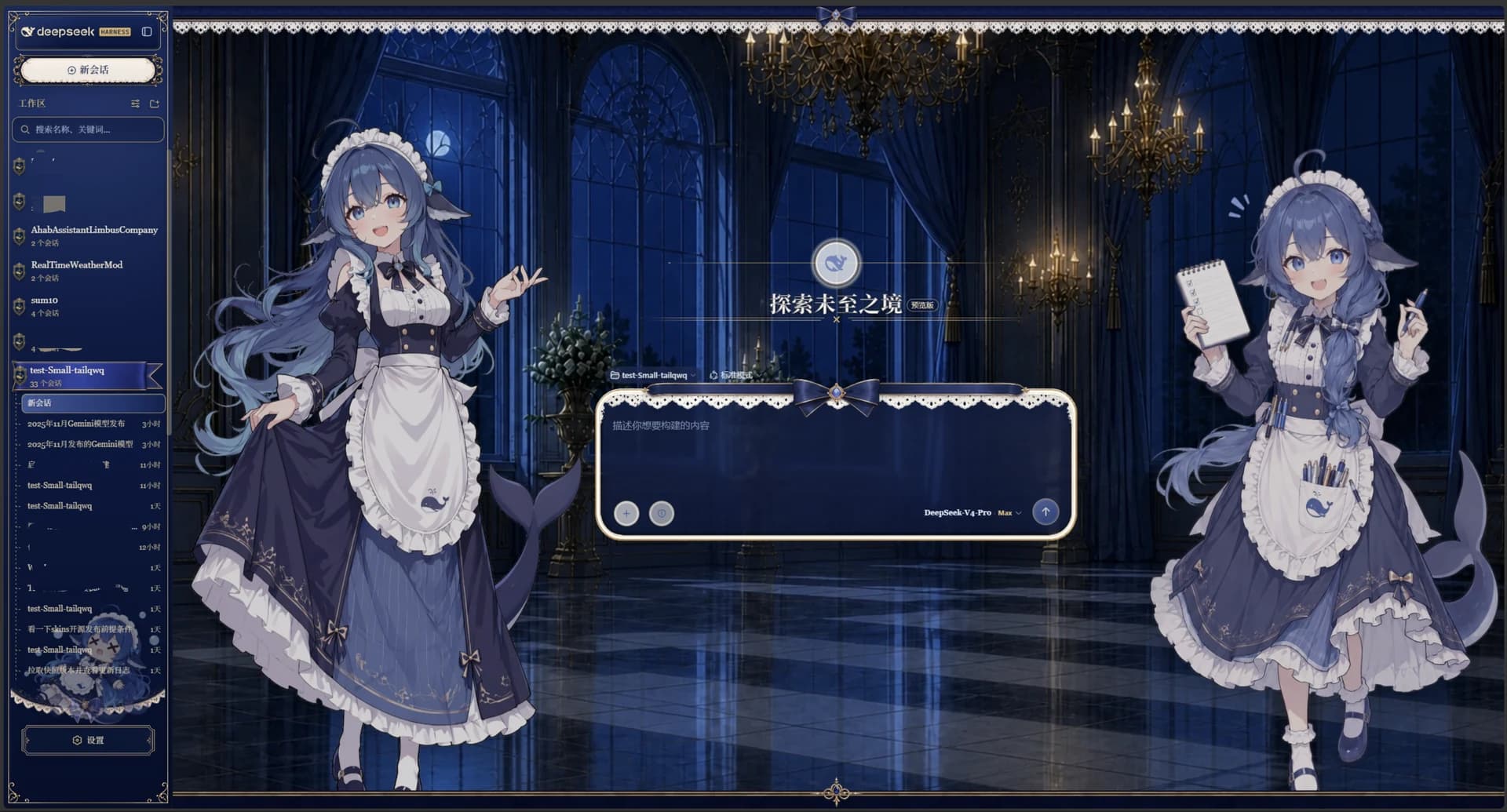
A QQ-pet desktop companion in the Web GUI corner. Drag, feed, play. Tasks and session time accrue into rank and memories. Official bundle format.
Install
dsh plugin --profile web add "github:vlln/whale-girl#main"Restart web after install. Bundle layers compose at boot.
README badge

[](https://dshhub.dev/plugins/whale-girl)Paste this into your README. The star count updates with every catalog sync.
From the README
Excerpt from vlln/whale-girl, cleaned of badges and images.
<strong>A desktop pet in the DSH Web GUI (QQ-pet style)</strong><br/> A persistent companion floating bottom-right: draggable, feedable, playable — completed tasks, sessions, and companionship time accrue into seniority levels, titles, and memories.
Installation
Official bundle plugin (dsh.bundle + dsh.client in root package.json), managed via the official profile:
dsh plugin --profile web add "github:vlln/whale-girl#main"   # single-line git source (build artifacts committed)
# or npm source: dsh plugin --profile web add [email protected]
# or local directory: dsh plugin --profile web add <path-to-whale-girl>
Restart web after installing (bundle layers compose at startup); the pet appears bottom-right: click for its menu (🍗 feed / 🎾 play), drag to move, hover for the status bar (seniority level / task count / recent shared memories). Hidden on onboarding pages.
Update via dsh plugin --profile web update whale-girl (or switch the git ref), then restart.
Usage
| You / event | Pet behavior |
|---|---|
| Drag the pet | Stretched diagonally (drag) |
| Menu 🍗 feed / 🎾 play | Chomping / ball toss (eat/play) → joy (joy) |
| Idle ≥60s | Naps (sleep); wakes on interaction (wake) |
| Task done / level-up / title / round done | Cheers (celebrate) |
| Task failed / request error | Startled (error) → disappointed (disappointed) |
| New session | Waves welcome (welcome) |
| Session running / thinking | Pensive company (think, occasional working) |
| Awaiting approval | Expectant waiting (wait) |
| Periodic wandering | Walking (walk) |
| Default | Idle standby (idle, random blinks / turns) |
Full state machine (priorities / transitions / triggers): docs/state-machine.md.
Desktop Companion (Optional)
desktop/ is a standalone companion app (Node engine + Tauri shell, zero runtime deps) that keeps the whale girl resident on your OS desktop. Not installed via dsh plugin — enable it yourself:
# Prereqs: Node ≥18; the rendering shell needs Rust (cargo)
npm install -g whale-girl-desktop   # npm install (engine + Tauri shell source included)
whale-girl-desktop --headless       # headless: presence heartbeat + state polling + SSE
cd "$(npm root -g)/whale-girl-desktop/src-tauri" && cargo build --release  # first build ~5-15 min; artifact target/release/whale-girl-desktop (~12MB)
./target/release/whale-girl-desktop   # transparent always-on-top desktop pet (defaults to local DSH on 3080)
# WHALE_GIRL_BASE_URL=http://IP:PORT points at a non-local DSH
# or from source: cd desktop && npm install && cd src-tauri && cargo build --release
- Uses whale-girl's public endpoints (
/state,/events,/presence,/interact,/config,/assets) without touching the plugin; the in-page pet hides while it runs (presence contract) and returns after exit/crash (TTL 45s). - Shell: Tauri v2 (recommended, ~12MB); legacy Electron shell kept (
npm i -D electron). - Design & contracts:
desktop/DESIGN.md,desktop/BUILD-RUN.md.
State Preview
…