Andersen216/dsh-whale-girl-live2d
dsh-whale-girl-live2d
dsh-whale-girl-live2d is a community DeepSeek Harness plugin. Read the repository README before installing.
Install
npx @deepseek-ai/dsh plugin --profile web add github:Andersen216/dsh-whale-girl-live2dRestart `dsh web` after install. Bundle APIs can change during the developer preview.
README badge

[](https://dshhub.dev/plugins/dsh-whale-girl-live2d)Paste this into your README. The star count updates with every catalog sync.
From the README
Excerpt from Andersen216/dsh-whale-girl-live2d, cleaned of badges and images.
🚀 网页版一键部署(不用懂命令行)
DSH 网页版原来要自己装 Node、装 CLI、起服务、再装插件 —— 现在一条命令搞定:
# macOS / Linux / WSL:起网页版(自动挑空闲端口、自动打开浏览器)
curl -fsSL https://raw.githubusercontent.com/Andersen216/dsh-whale-girl-live2d/main/tools/dsh-web-deploy.sh | bash

# 想连桌宠插件一起装好
curl -fsSL https://raw.githubusercontent.com/Andersen216/dsh-whale-girl-live2d/main/tools/dsh-web-deploy.sh | bash -s -- --with-pet
Windows:下载仓库里的 tools/dsh-web-deploy.cmd 双击运行(内部走 PowerShell,
已绕开执行策略;⚠️ 作者没有 Windows 机器,这版尚未真机验证)。
它做了什么:检查 Node(≥20)→ 复用已装的 dsh(没有就用 npm exec 免安装跑)→
用官方支持的 --port 0 让系统挑空闲端口 → 抓出带登录 token 的地址 → 自动开浏览器 →
(可选)装桌宠插件。
子命令:--doctor 只体检不起服务 · stop 停止 · status 看状态。
状态记在 ~/.dsh/.web-deploy.json(只存 pid/端口/时间,不存 token)。
为什么不用现成的?调研了一圈(2026-10-03),社区 6 个「一键部署」项目全是 Windows 专用 (.cmd / PowerShell / WinForms),macOS/Linux 的
curl | bash是空白;而且多数选择 「下便携 Node + 拉源码 + 完整构建」这条 2–4GB 的重路径 —— 其实npm exec直接跑官方包即可。
兼容性(重要)
| 宿主 | 状态 |
|---|---|
| DSH 0.2.0-rc.1 / 0.2.0-rc.2(官方桌面版当前版本) | ✅ 对齐的目标版本,开发与验证都在这个版本上 |
| DSH 0.2.x(后续版本) | 🔄 会持续跟进 |
| DSH 0.1.x(例如桌面版 0.1.7-rc.2) | ❌ 不支持 —— 会报 failed to import / did not activate |
为什么老版本不行:宿主插件 API 在 0.1.x → 0.2.x 之间有过变动
(举例:connection.requestRejection 在 0.1.0-rc.3 上不存在、0.1.5-rc.2 上才有)。
本插件本身只依赖 Node 内置模块、没有任何第三方依赖,所以加载失败不是缺依赖,
而是与老宿主的 API 不匹配。
遇到 failed to import 怎么办:把官方桌面版 / DSH 升级到 0.2.0-rc.x 或更新,重装插件即可。
🐋 鲸鱼娘桌宠 · Whale Girl Live2D
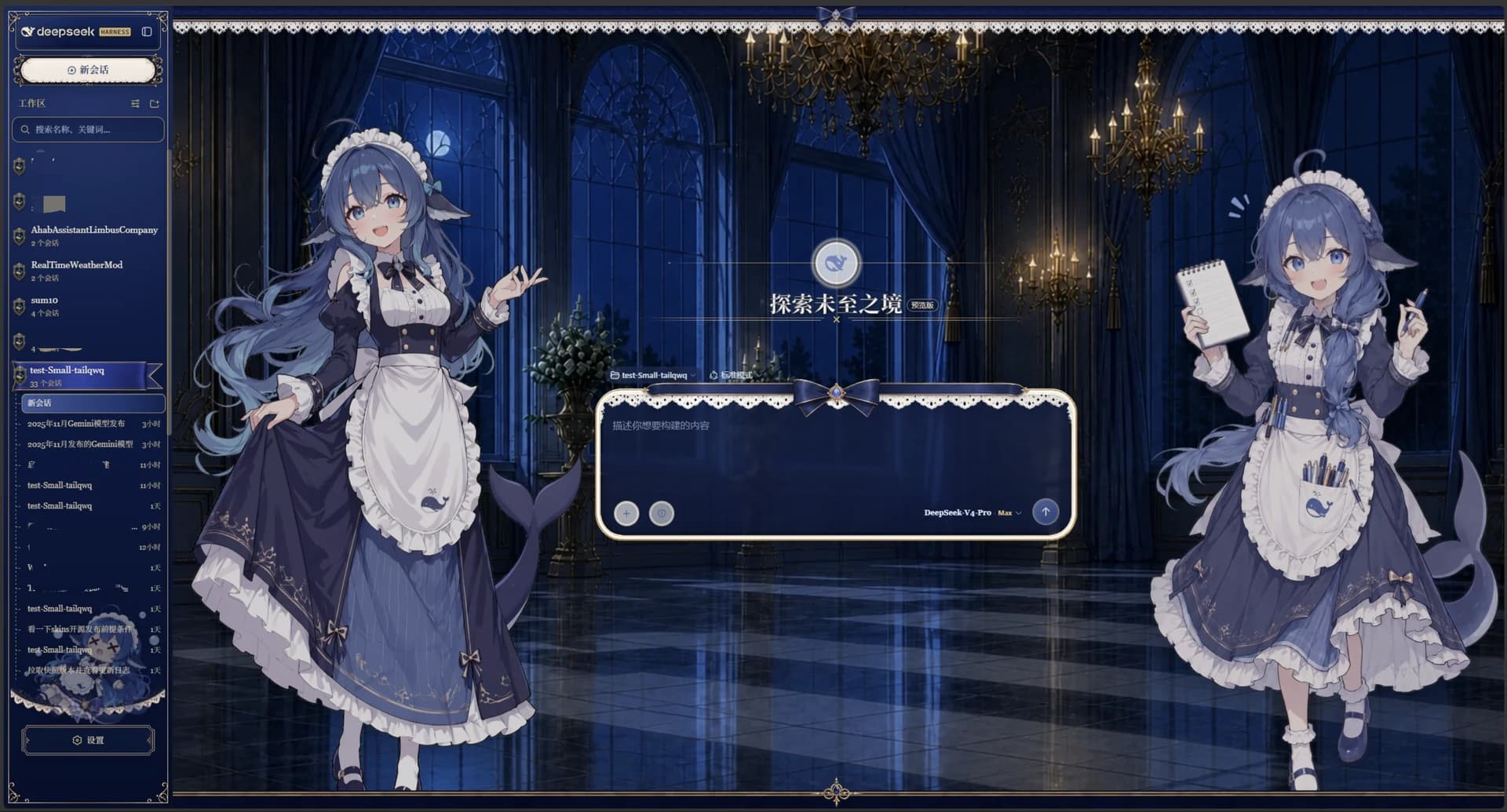
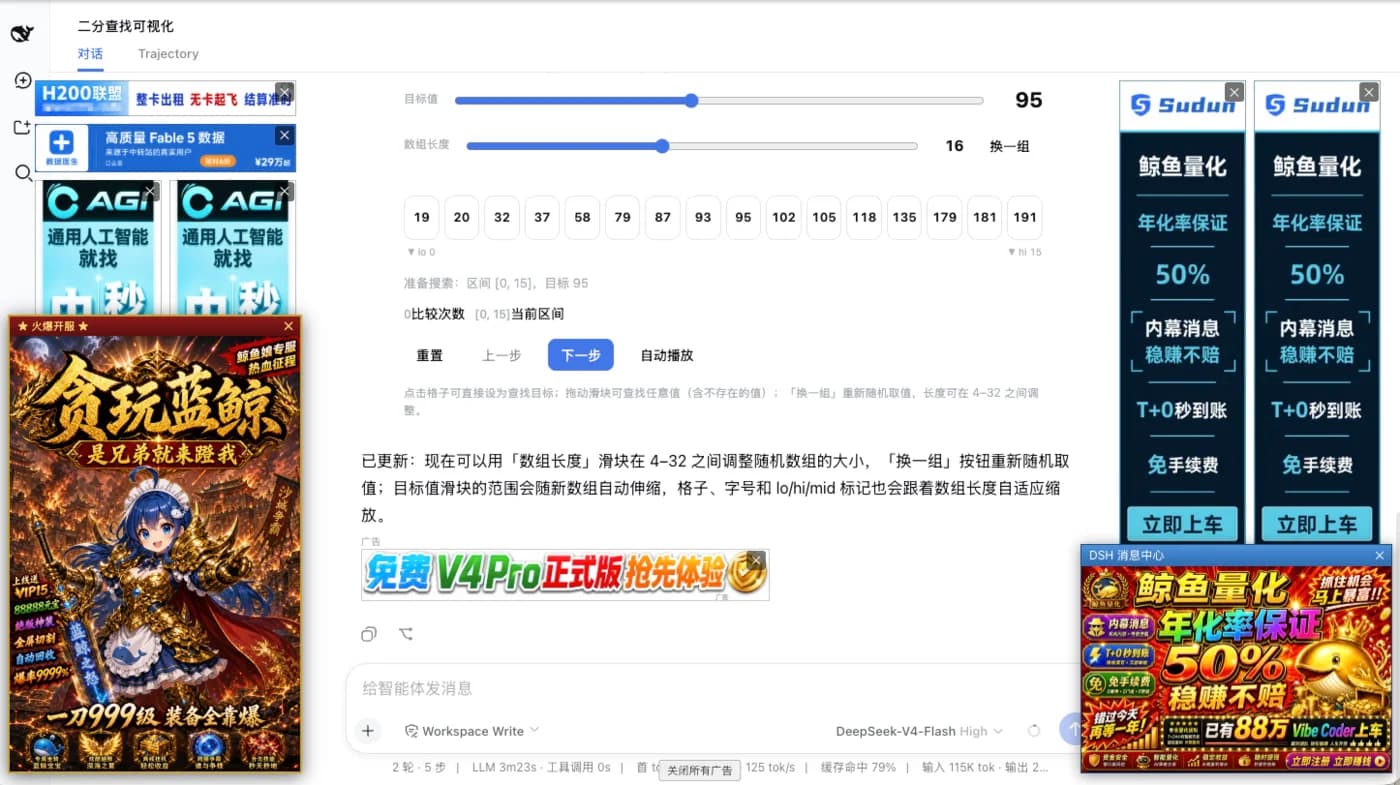
DSH(DeepSeek Harness)Web 界面里的 Live2D 桌宠 —— 她真的在跟着 agent 干活。 A Live2D desktop pet for the DeepSeek Harness Web UI — she really does follow what the agent is doing.
点一下就能跟 agent 说话 · 右键就是钱包 · 表情 / 装饰 / 场景 / 动作 四页菜单 · 拖动换位置
🐋 先读这三行:只有一套插件,两种用法
- 插件只有一个:
dsh-whale-girl-live2d。装一次,网页版和桌面版共用同一份 —— 模型、动作、表情、跟 agent 的联动、菜单、钱包、设置,全部在插件里。 - 网页版 = 插件自带的用法,装完就有(Windows / macOS / Linux 都能用)。
- 桌面版 = 额外下载一个 1.4 MB 的 macOS 外壳 App,把同一个页面放进桌面上的独立窗口。 它不是第二个插件,也不用再装任何东西。
「网页版和桌面版是两套不同的插件吗?」→ 不是。 是一套插件 + 一个可选的 Mac 外壳。所以你不需要"两边都装插件", 也不存在"装了桌面版会不会跟网页版冲突"。
两种用法对照
| 🖥 网页版 | 🐋 桌面版(macOS 外壳) | |
|---|---|---|
| 是什么 | 插件本体(必装) | 一个 1.4 MB 的 App,加载插件提供的那一页 |
| 她住在哪 | DSH Web 界面右下角(浏览器标签页里) | 你的桌面上:透明、无边框、永远置顶 |
| 支持平台 | Windows / macOS / Linux | 只有 macOS 13+(跨平台外壳在计划中) |
| 需要装什么 | 插件 | 插件 + 这个 App |
| 浏览器要开着吗 | 要(她在那张标签页里) | 不用,DSH 在跑就行 |
| 额外能力 | — | 点击穿透(不挡干活)· 拖她=拖窗口 · 贴边悬浮球 · 菜单栏 🐋 · 低性能模式 · 设置里「彻底关闭 App」 |
安装:两条路都行,按你现在的状态选
🅰 先装网页版,再装桌面版(推荐)
# ① 装插件
dsh plugin --profile web add github:Andersen216/dsh-whale-girl-live2d

# ② 重启 DSH(宿主插件只在启动时加载),然后刷新页面
#    右下角出现她 = 网页版成功

# ③ 自检(返回 401 = 已挂载,被信任栅栏挡着,正常;404 = 没加载)
curl -s -o /dev/null -w "%{http_code}\n" http://127.0.0.1:3080/dsh-pet/pet.js
然后装桌面版:去 Releases
下载 DS-WhaleGirl-Pet-macOS-*.zip → 解压 → 把 DS 鲸鱼娘桌宠.app 拖进「应用程序」→ 双击。
🅱 先装桌面版,再装网页版(也可以)
- 直接下载上面那个 zip,解压、拖进「应用程序」、双击。 → 这时窗口里会显示一张提示卡「🐋 正在找 DSH…」——这是正常的,因为插件还没装。
- 再按 🅰 的 ①②③ 装插件并重启 DSH。
- 她会出现,不用重启 App —— App 每 5 秒自动重试一次,插件一就位她就自己出来了。
⚠️ 顺序无所谓,但少了插件一定不行:桌面 App 本身不带模型、不带联动 (所以它只有 1.4 MB)。它只是一个窗口,内容全在插件里。
Windows / Linux 用户看这里
…