cloveric/tarocub
tarocub
Feishu/Lark-first local AI agent gateway and native DeepSeek Harness plugin for Codex, Claude Code, Kimi Code, DeepSeek Harness, and Antigravity; Telegram optional.
Install
npx @deepseek-ai/dsh plugin --profile web add github:cloveric/deepseek-harness-web-search-pluginRestart `dsh web` after install. Bundle APIs can change during the developer preview.
README badge

[](https://dshhub.dev/plugins/tarocub)Paste this into your README. The star count updates with every catalog sync.
From the README
Excerpt from cloveric/tarocub, cleaned of badges and images.
<strong>English</strong> | <a href="./README.zh-CN.md"><strong>中文文档</strong></a> | <a href="https://my.feishu.cn/docx/L5qZd4rfIok8CnxuvfCcatPrnYf"><strong>📖 飞书图文版 (Feishu Doc)</strong></a> | <a href="./docs/full-reference.md"><strong>Full Reference</strong></a>
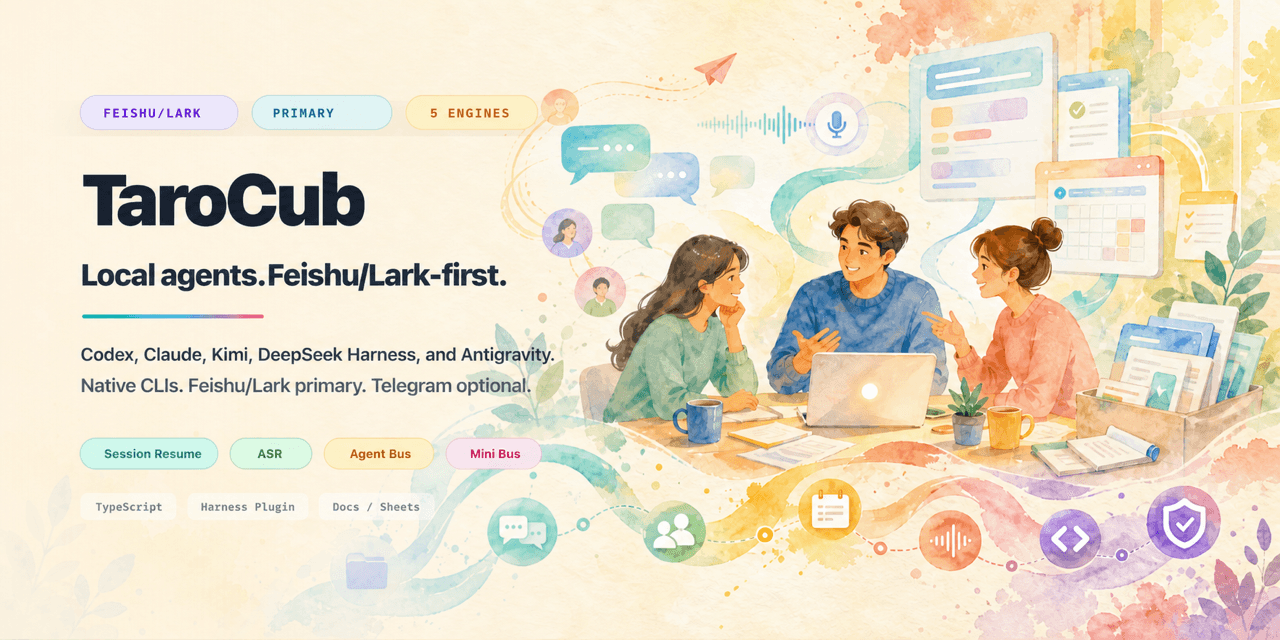
<h1 align="center">TaroCub</h1><strong>A Feishu/Lark-first gateway for Codex, Claude Code, Kimi Code, DeepSeek Harness, and Antigravity running on your own machine.</strong><br> TaroCub runs real CLI agents on your own machine, then gives them durable chat surfaces, files, sessions, tasks, cron, audit logs, and multi-agent workflows.<br> Resume local sessions anytime from your phone, whether you are at your desk, commuting, or walking the dog.
<a href="https://my.feishu.cn/docx/L5qZd4rfIok8CnxuvfCcatPrnYf"><strong>📖 Feishu Doc (飞书图文)</strong></a> | <a href="#quick-start">Quick Start</a> | <a href="#surfaces">Surfaces</a> | <a href="#web-console-and-file-center">File Center</a> | <a href="#core-highlights">Core Highlights</a> | <a href="#lark-setup">Lark Setup</a> | <a href="#operator-commands">Commands</a> | <a href="#docs">Docs</a>
What This Is
TaroCub is a local bridge, not a hosted agent product. It runs the real Codex, Claude Code, Kimi Code, DeepSeek Harness, and Antigravity CLIs on your own computer, then gives them a durable messaging control surface in Feishu/Lark, with Telegram retained as an optional compatibility channel.
Feishu/Lark is the primary platform. The maintainer has not used Telegram as a day-to-day control surface for a long time. Telegram remains available for existing deployments, but new installations should start with Feishu/Lark.
This project was formerly named cc-telegram-bridge. The canonical repository is now cloveric/tarocub; GitHub redirects the old URL, and existing state directories plus the cctb shorthand remain supported for compatibility.
It is built for people who already use CLI agents heavily and want:
- Feishu/Lark-native operation with cards, Docs comments, Sheets, Drive, and group/thread workflows;
- optional phone-first Telegram operation for existing personal-bot deployments;
- durable state for sessions, cron jobs, file delivery, usage, timelines, audit logs, and multi-agent routing.
The intended setup flow is agent-assisted: clone the repo, open it in Codex, Claude Code, Kimi Code, DeepSeek Harness, or Antigravity, and ask the agent to configure the bridge for you. The CLI exists so your local agent can do the boring setup work instead of making you hand-edit every file.
The old long README is preserved as Full Reference. This landing page is intentionally short.
Quick Start
Recommended: ask your local agent to configure it
Open this repository in Codex, Claude Code, Kimi Code, DeepSeek Harness, or Antigravity and say:
Read the README and configure TaroCub for me.
Run the Lark wizard, check permissions, install/bind lark-cli, and tell me what I need to scan or approve.
That is the preferred path. Manual commands are still below for operators who want to see each step. If you explicitly need the legacy-compatible Telegram channel, ask the agent to configure it with a BotFather token instead.
…
