xuzhougeng/ScientificFigureLibrary
scientific-figure-library
Local-first MCP App for scientific figures. Import, review, and publish a global library on disk; reuse exact templates in Pi, DeepSeek Harness (dsh), Claude, Codex, Cursor, and Wisp.
Install
npx @deepseek-ai/dsh plugin --profile web add scientific-figure-libraryRestart `dsh web` after install. Bundle APIs can change during the developer preview.
README badge

[](https://dshhub.dev/plugins/scientificfigurelibrary)Paste this into your README. The star count updates with every catalog sync.
From the README
Excerpt from xuzhougeng/ScientificFigureLibrary, cleaned of badges and images.
Scientific Figure Library
Website · 简体中文 · Quickstart · User Guide (online) · Protocol · Releases · Wisp Science
Scientific Figure Library (SFL) is a local-first MCP server and MCP App for your scientific figures. You import a figure and its code, review them, publish an immutable Release to one global Library on your machine, then reuse that exact template across projects in Claude Science, Wisp Science, Codex, Cursor, Pi, dsh, and other stdio MCP hosts.
The Library stays on disk you choose. Nothing is copied into every project until you confirm a materialization. The server does not execute plotting code and does not contain a second model: the host agent inspects files; SFL hashes, versions, gates, and publishes them.
The default retrieval order is Local Published → FigureYa → Open Figure
Modules → enabled dynamic personal Providers. The bundled Community snapshot
is retained for explicit compatibility, but is frozen and excluded from default
search (includeInDefaultSearch: false). The source of truth for your own
figures is always Local Published.
A bundled extra catalog may currently contain zero releases after an authorized redaction; that is a healthy empty source, not a failure, and default search continues across other providers.
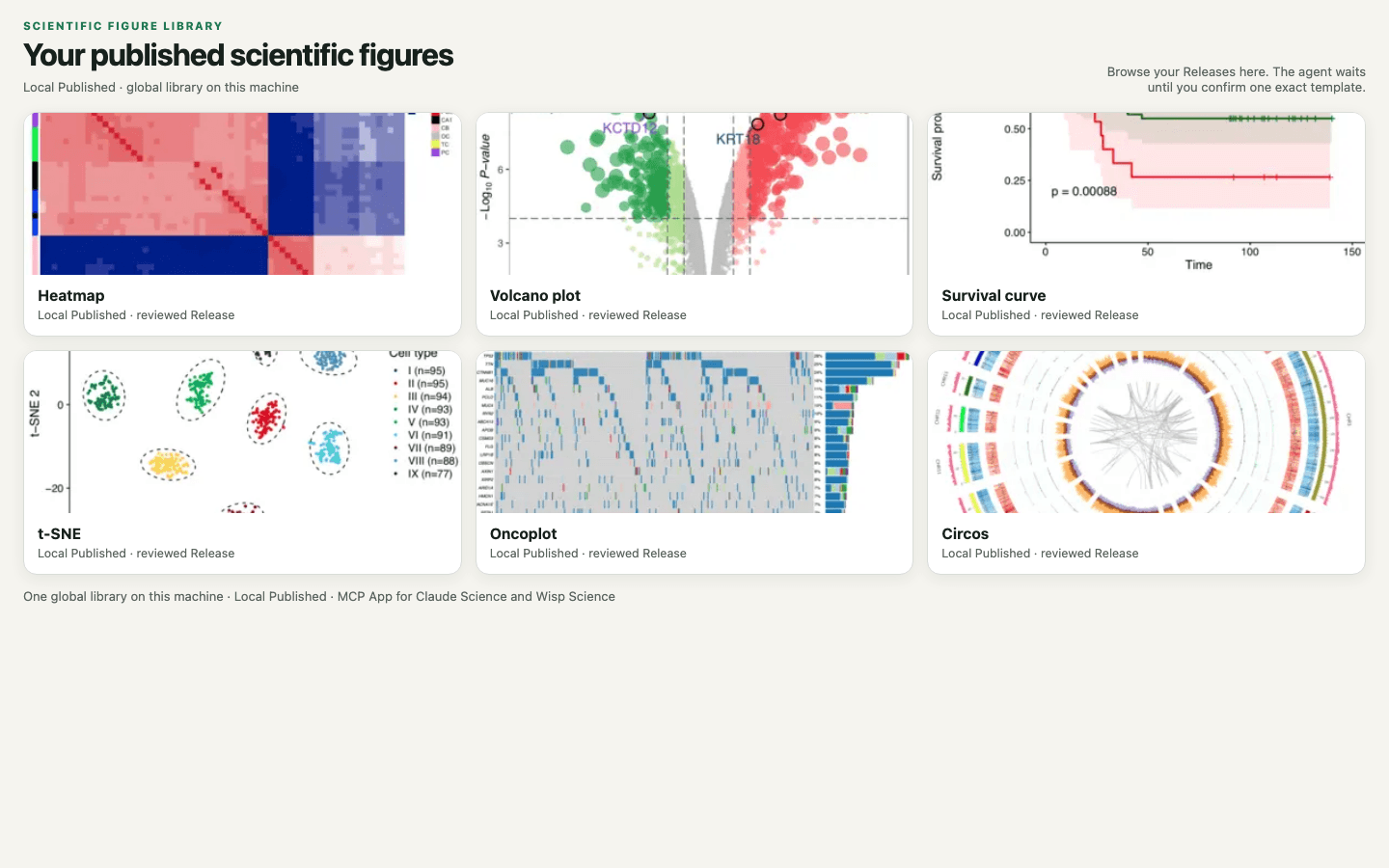
<p align="center"><em>Search your local published library in the MCP App, confirm one exact template, then materialize it into a project.</em></p>Local client preview
Separate native macOS Apple Silicon and Intel DMGs, plus Windows and Linux ZIPs with bundled Node, are available through the local-client release workflow. Both bundled-Node and no-node editions (requiring installed Node.js 22+) omit gallery images and download previews on demand. See installation and preview limitations. The macOS preview is ad-hoc signed and is not notarized.
Install with a coding agent
Node.js 22+ is required. Do not execute user plotting code. After install, bind
one global Library directory on disk; if setup_required, also bind a Local
workspace before searching.
Pi
Install the published npm package. Do not pi install a GitHub URL or git
clone: the repository does not contain dist/, so MCP cannot start.
pi install npm:pi-mcp-adapter
pi install npm:scientific-figure-library
Restart Pi. The package loads the figure-library Skill and registers the
stdio MCP server through pi-mcp-adapter. If you already copied a local SFL app
MCP config into ~/.config/mcp/mcp.json or .mcp.json, skip
pi install npm:scientific-figure-library — that duplicates tools.
Paste this request:
Install Scientific Figure Library for Pi.
Run: pi install npm:pi-mcp-adapter
Then: pi install npm:scientific-figure-library
Restart Pi. Do not clone the GitHub repo and do not add a second
figure-library MCP entry. First test: figure_library_get_skill, then
figure_library_source_status. If setup_required, bind the global Library
and Local workspace. Tell me when I need to restart Pi.
DeepSeek Harness (dsh)
--profile is required. Use web unless you run another profile.
…
