Molunerfinn/PicGo
picgo
:rocket: The Ultimate Image Uploader for Efficient Creators. Supports Obsidian, Typora, VS Code etc. and 60+ image hosting services (S3, GitHub, Cloudflare R2, Imgur, Aliyun OSS...). Paste, upload, done.
Install
npx @deepseek-ai/dsh plugin --profile web add @picgo/dsh-pluginRestart `dsh web` after install. Bundle APIs can change during the developer preview.
README badge

[](https://dshhub.dev/plugins/picgo)Paste this into your README. The star count updates with every catalog sync.
From the README
Excerpt from Molunerfinn/PicGo, cleaned of badges and images.
<sup>Special thanks to:</sup> <br>
NocoBase, AI + No-Code Build reliable business systems
<sup>Sponsored by:</sup> <br>
Fast Postgres Databases for Teams and Agents
中文 | English
<h1>PicGo</h1> <h3>The Ultimate Image Uploader for Efficient Creators</h3>📖 Overview
PicGo aims to make image uploading a seamless part of your creative workflow.
Whether you’re writing a blog post, taking notes, or authoring developer docs, PicGo helps you upload images in one step and automatically copies the resulting link—so you can stay focused on creating, not uploading.
Supported Image hosts
PicGo supports mainstream Image hosts out of the box, and can be extended indefinitely through its plugin system:
- China cloud vendors: Qiniu, Tencent Cloud COS, UPYUN, Alibaba Cloud OSS
- International / open platforms: GitHub, SM.MS(S.EE), Imgur
- More options via plugins: AWS S3, Cloudflare R2, MinIO, and more
Note: PicGo itself will no longer add new third-party Image hosts by default. You can build Image host plugins yourself—see PicGo-Core.
✨ Key Features
PicGo is built around a fast, low-friction image upload experience:
⚡ Smooth writing flow
- Auto-copy links: once an upload finishes, the link is copied to your clipboard automatically.
- Flexible formats: Markdown, HTML, URL, custom templates—paste directly into any editor.
- Zero-Context Switching: Don't switch windows. Just paste images directly into your favorite editor, and let PicGo handle the upload in the background.
🚀 Fast uploads
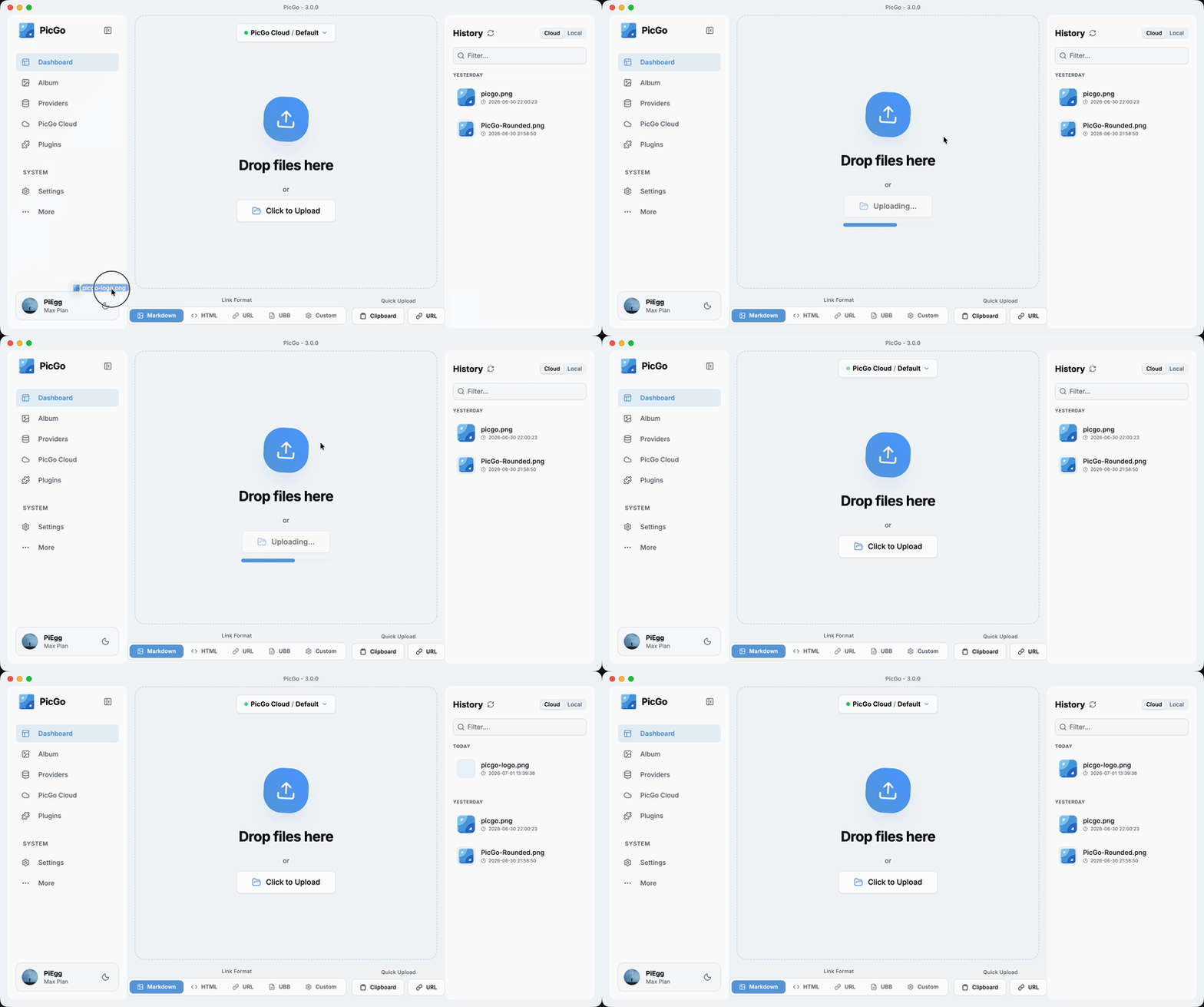
- Multiple ways to upload: drag & drop, paste from clipboard, hotkeys, and even right-click context menu upload on macOS/Windows.
- Global hotkey: press
Command+Shift+U(macOS) /Ctrl+Shift+U(Windows/Linux) to open the upload window without leaving your current app. The global key can be customized.
🧩 Powerful plugin ecosystem
- Highly extensible: plugins already exist for AWS S3, Cloudflare R2, MinIO, and many other Image hosts.
- Even more possibilities: image compression, watermarking, renaming, Markdown image migration, and more.
- Explore plugins: Awesome-PicGo
🤖 AI-friendly
More and more writing is handed off to AI. But the screenshots and charts it produces sit on your disk as ``, and they need to become real links before you publish. PicGo lets AI upload them too:
- PicGo Skills: official Agent Skills that teach AI when and how to upload. Works with any AI tool that supports the skills format.
npx skills@latest add PicGo/skills - DeepSeek Harness plugin: install it in dsh and your agent can upload to your image host on its own.
dsh plugin --profile web add @picgo/dsh-plugin
…
