Something11235/dsh-video-skin
dsh-video-skin
dsh-video-skin is a community DeepSeek Harness plugin. Read the repository README before installing.
Install
npx @deepseek-ai/dsh plugin --profile web add github:Something11235/dsh-video-skinRestart `dsh web` after install. Bundle APIs can change during the developer preview.
README badge

[](https://dshhub.dev/plugins/dsh-video-skin)Paste this into your README. The star count updates with every catalog sync.
From the README
Excerpt from Something11235/dsh-video-skin, cleaned of badges and images.
dsh-video-skin
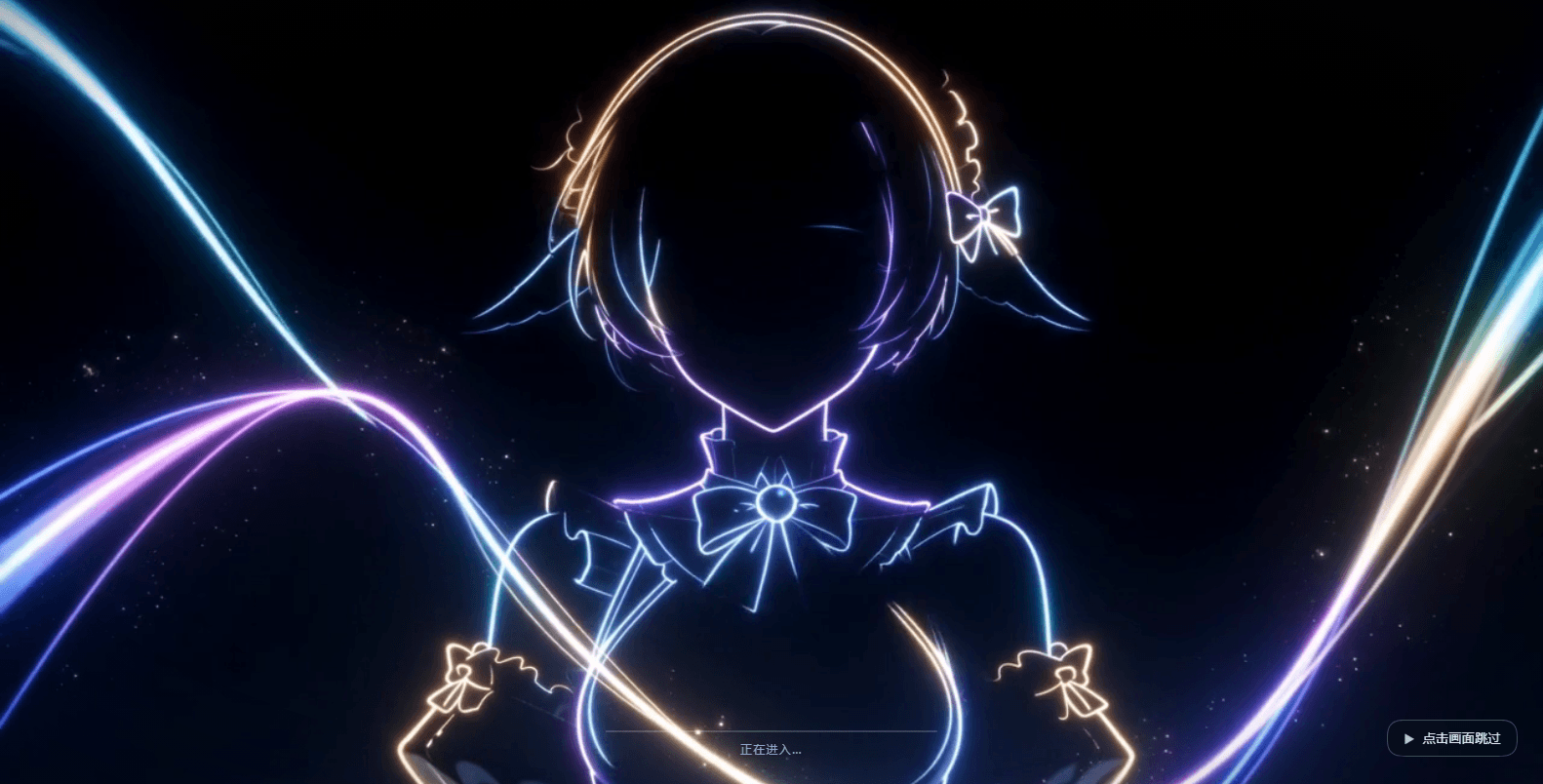
DSH 视频皮肤:一段短片循环铺成整个界面的聊天背景(无声、透明度界面里就能调), 另一段做有声的开机动画(片尾交叉溶解进界面、点击画面随时跳过)。零依赖。
安装(Install)
设置 → 插件 → 添加插件,把下面这一行贴进输入框,点「安装」,然后完全退出并重新打开 DSH:
[email protected]
- Prebuilt on npm (current latest
0.1.5);dsh-video-skinwithout a version follows latest. - From source:
github:Something11235/dsh-video-skin#main
桌面版(Electron)的索引注入表是宿主启动时收集一次的快照,所以装完必须完全重启 DSH 才会生效(刷新页面不够)。卸载:
dsh plugin --profile <你的 profile> remove dsh-video-skin, 或者用仓库里的scripts/uninstall.ps1。
装好之后:右下角会出现一个半透明小圆钮,点开就是透明度滑块(调完刷新还在,不用重启); 启动时会先播放开机动画,点一下画面就跳过。
English: install github:Something11235/dsh-video-skin#main from Settings → Plugins → Add plugin,
then fully quit and relaunch DSH. A small pill appears in the bottom-right corner for the
transparency sliders; click anywhere during the boot animation to skip it.
A video skin for DSH: one clip becomes a looping, silent video backdrop behind the whole Web UI, and a second clip becomes a boot animation — played with sound, played through to its end, then fading into the app, and skippable with a click.
- Boot animation: full-window clip with audio, a progress bar driven by the kernel's real activation
progress, and a permanent “click to skip” pill. The clip finishes first (
ended), then the overlay fades out over a fixedfadeMs; the volume fades with it instead of being cut off.Earlier builds cross-dissolved over the clip's tail and used the actual remaining time as the fade duration — when the app became ready late that left only 100–200 ms, which read as a hard cut. Default is now
exitMode: 'end';exitMode: 'tail'restores the crossfade (still with a fixed fade). - Backdrop: silent, looping,
object-fit: cover, with the canvas and sidebar surface tokens made translucent — the picture is clearly visible and the text stays readable. Raised surfaces stay opaque: the kernel paints dialogs, popovers, menus, cards and the settings view with--dsw-alias-bg-layer-1/2/3(_dialog_* { background: var(--dsw-alias-bg-layer-2) }), so those tokens are deliberately left untouched — otherwise the scrolling text behind a dialog shows through it and neither layer is readable. - Light-theme hint (default
theme.mode: 'ask'). The asset is dark (YAVG ≈ 0.25), so a readable light theme needs a 0.6 white surface and the video washes out — most people never find the theme toggle. After the page loads the plugin asks once whether to switch to dark; nothing changes unless you click.autoswitches by itself,offdisables it. The write goes through the kernel's settings service (ctx.settings.update('ui-theme', …), never by editing the profile YAML) — never during activation, which is what broke desktop startup in 0.1.3 (see §"Startup safety"). - Your media, your rules. The panel has one row per asset: turn the boot animation off and keep
the background (or the other way round), or hit 更换… to upload your own mp4/webm/ogv (≤ 96 MiB).
Uploads land in
$DSH_HOME/dsh-video-skin-media/with a content-hash filename, so a replaced file can never be served from cache; 默认 restores the bundled asset. Background changes apply live, boot changes after a DSH restart (the boot overlay comes from a startup snapshot). Config accepts either a package-relative or an absolutefile. Verified byscripts/verify-media.mjs
…

