plyflai/dsh-ux-plus
dsh-ux-plus
UX enhancements and quality-of-life plugins that make DeepSeek Harness easier to handle.
Install
npx @deepseek-ai/dsh plugin --profile <name> add github:plyflai/dsh-ux-plusRestart `dsh web` after install. Bundle APIs can change during the developer preview.
README badge

[](https://dshhub.dev/plugins/dsh-ux-plus)Paste this into your README. The star count updates with every catalog sync.
From the README
Excerpt from plyflai/dsh-ux-plus, cleaned of badges and images.
<img src="docs/images/icon.svg" width="44" height="44" alt="" align="top"> dsh-ux-plus
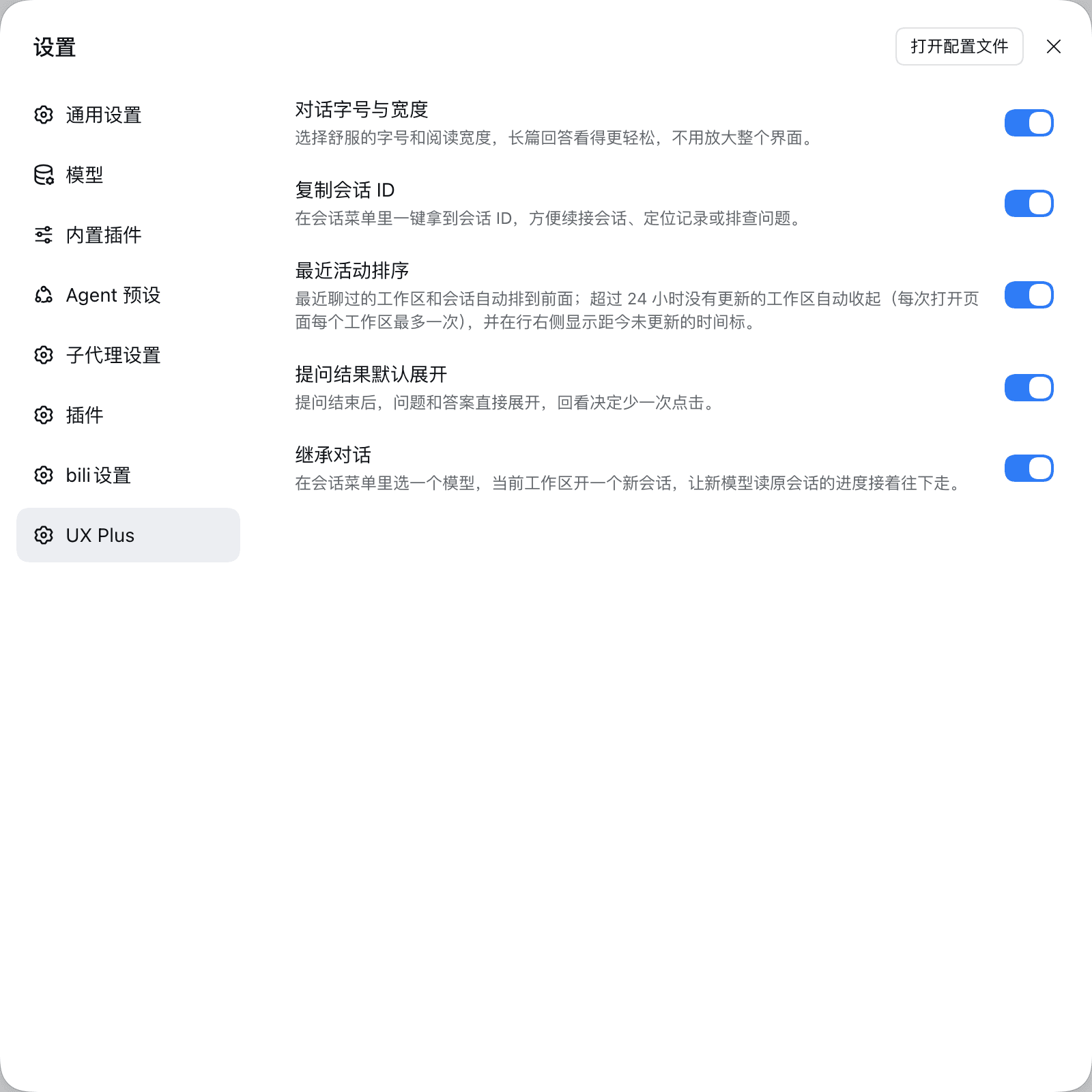
Small interface improvements for the DSH Web chat. Each feature has its own switch under Settings → UX Plus and applies instantly.
English · 简体中文
Targets the Web UI of DeepSeek Harness 0.2.1-rc.1.
New in 0.5.0 — the "create a workspace first" step is gone
You just want to look something up, and the price used to be: create a workspace, then invent a name for it. That step is gone. A search box now lives under Automated tasks in the sidebar: type, press Enter, and you get exactly the session UI you already know — except this session files itself into a hidden workspace instead of your sidebar.
- three clicks saved: no new workspace, no name to invent, no directory to pick — just start asking or searching
- magnifier on the left, a tiny model picker on the right (host default model unless you pick one)
- the clock icon on the right is history: your last 50 searches, one click back to that session
- the hidden workspace is
.dsh-ux-plus/searchunder your home directory, created on first use and never shown in the sidebar
New in 0.4.0 — the tab tells you what's happening
The whale favicon keeps its shape and carries three signals while you sit on another tab:
- whale breathes — something is computing
- green whale — a run finished and you haven't opened it
- blinking orange dot — something waits for your click
The signals are independent and compose freely; plain whale when nothing is up. Details →
Features
Each row lists only what you can see and do in the interface.
…

