Senguk520/dsh-multitask
dsh-multitask
A Multitask "shock absorber" plugin & agent preset for DeepSeek Harness (DSH): the main chat only plans, briefs subagents and summarizes results, while file reads, commands, search and builds all run inside subagent contexts. Four worker types, an approval gate, zero DSH source changes.
Install
npx @deepseek-ai/dsh plugin --profile <profile> add dsh-multitaskRestart `dsh web` after install. Bundle APIs can change during the developer preview.
README badge

[](https://dshhub.dev/plugins/dsh-multitask)Paste this into your README. The star count updates with every catalog sync.
From the README
Excerpt from Senguk520/dsh-multitask, cleaned of badges and images.
dsh-multitask
<p align="center"><b>The Multitask "shock absorber" mode for DeepSeek Harness — the main conversation never touches your codebase.</b></p><a href="README.md">English</a> · <a href="README.zh.md">中文</a> · <a href="docs/DESIGN.md">Design notes and measured evidence</a> · <a href="LICENSE">MIT License</a>
A work mode for DeepSeek Harness(DSH) in which the main conversation does exactly three things: understand what you asked for, turn it into task briefs, and report back what the Subagents concluded. Every piece of process data — file contents, command output, build logs, search results, dead ends — is digested inside a Subagent's context and never enters the main one. The main conversation therefore holds only high-value information.
This is a mechanism, not a prompt asking the model to behave. Once the mode is selected, the main conversation (the coordinator) genuinely has a narrower tool surface: the tools that would drag in process data — writing files, running commands, searching the web — are not in its visible set. It cannot call them, so it cannot pollute its own context. A Subagent (worker) is the opposite: it gets the full tool surface, does the work, and returns only its conclusion.
Zero runtime dependencies. No changes to DSH source.
At a glance:
| Capability | What it gives you |
|---|---|
| Narrowed coordinator tool surface | the main conversation cannot write, run commands or search — those tools are genuinely absent, not merely discouraged |
| Process data never reaches the main conversation | file contents, command output, build logs and dead ends stay inside a worker's context |
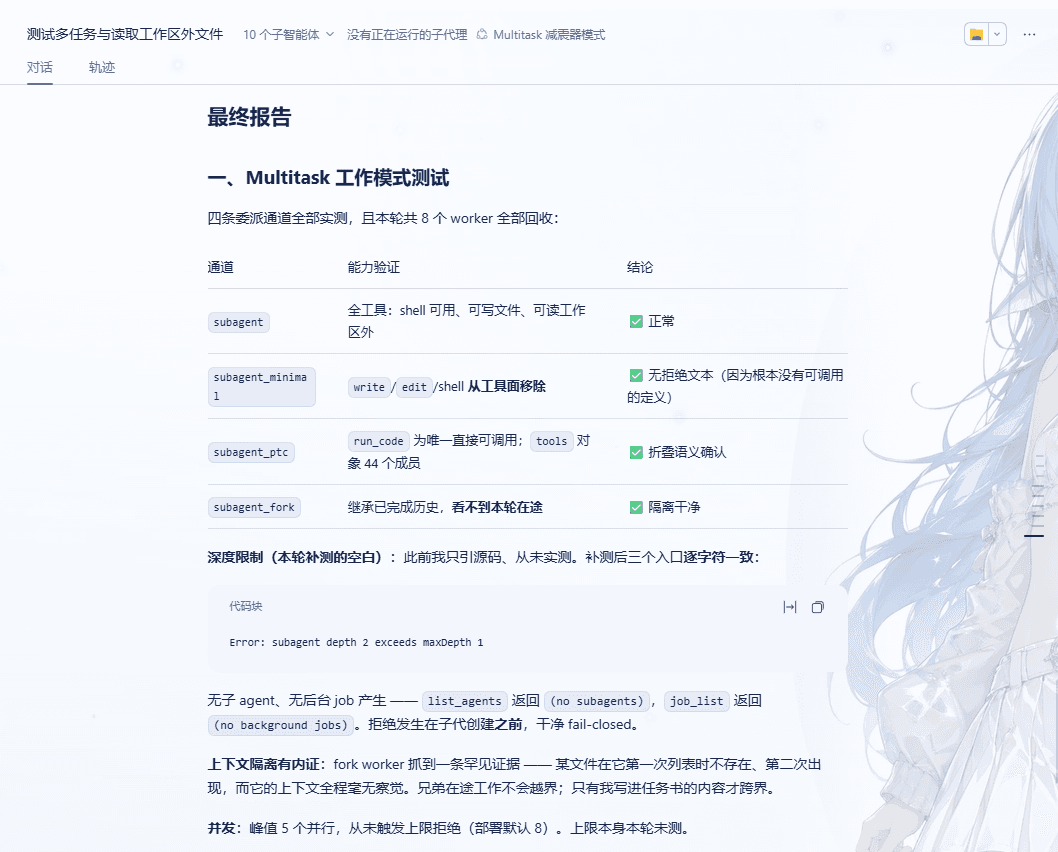
| Four kinds of Subagent | a full-surface worker, a fork that inherits completed turns, a programmatic PTC worker and a read-only worker, chosen by task shape |
| Dispatch to another mode | hand a brief to any other installed agent preset and receive only its conclusion |
| Two-level approval gate | safe commands run untouched; dangerous ones raise a card in the main conversation |
| Corrections take effect immediately | a follow-up message stops the worker's current turn first instead of queueing behind the wrong work |
| Mode isolation | several modes can share one workspace; each narrows only its own sessions |
| Cross-session settings | pick a model per worker kind and set the parallelism limit, both in Settings |
| Automatic workspace permission repair | on Windows the one missing permission is added at session start, and only that one |
Read-only metadata tool file_info | byte counts and file kinds without reading contents, so the coordinator can verify a claim itself |
| Zero runtime dependencies | no changes to DSH source |
How it differs from other modes
| Main conversation (coordinator) | Subagent (worker) | |
|---|---|---|
| Tool surface | read-only checks + delegation + result retrieval + interaction | full (write files, run commands, build, search…) |
| Context | your request + task briefs + conclusions | all the process data |
| Job | understand, translate, dispatch, verify, report | do the work |
What the coordinator keeps (a whitelist):
…

