pax-beehive/dsh-hub-cli
dsh-hub-cli-workspace
Open-source CLI, schemas, resolver, and DSH agent tools for DSH Plugin Hub
Install
npx @deepseek-ai/dsh plugin --profile web add @dsh-plugin-hub/dsh-pluginRestart `dsh web` after install. Bundle APIs can change during the developer preview.
README badge

[](https://dshhub.dev/plugins/dsh-hub-cli)Paste this into your README. The star count updates with every catalog sync.
From the README
Excerpt from pax-beehive/dsh-hub-cli, cleaned of badges and images.
<a href="https://dshpluginhub.ai"><img src="docs/assets/logo.svg" alt="DSH Plugin Hub" width="88" height="88"></a>
DSH Hub CLI
English · 简体中文
Share your DeepSeek Harness plugins and configuration as a versioned Profile.
Capture the plugins, order, runtime, and config you have running locally. Publish it as an immutable Release. Anyone can apply it with a single command, review every change before it lands, and roll back if they don't like it.
🌐 dshpluginhub.ai · Browse Plugins · Explore Presets · Docs
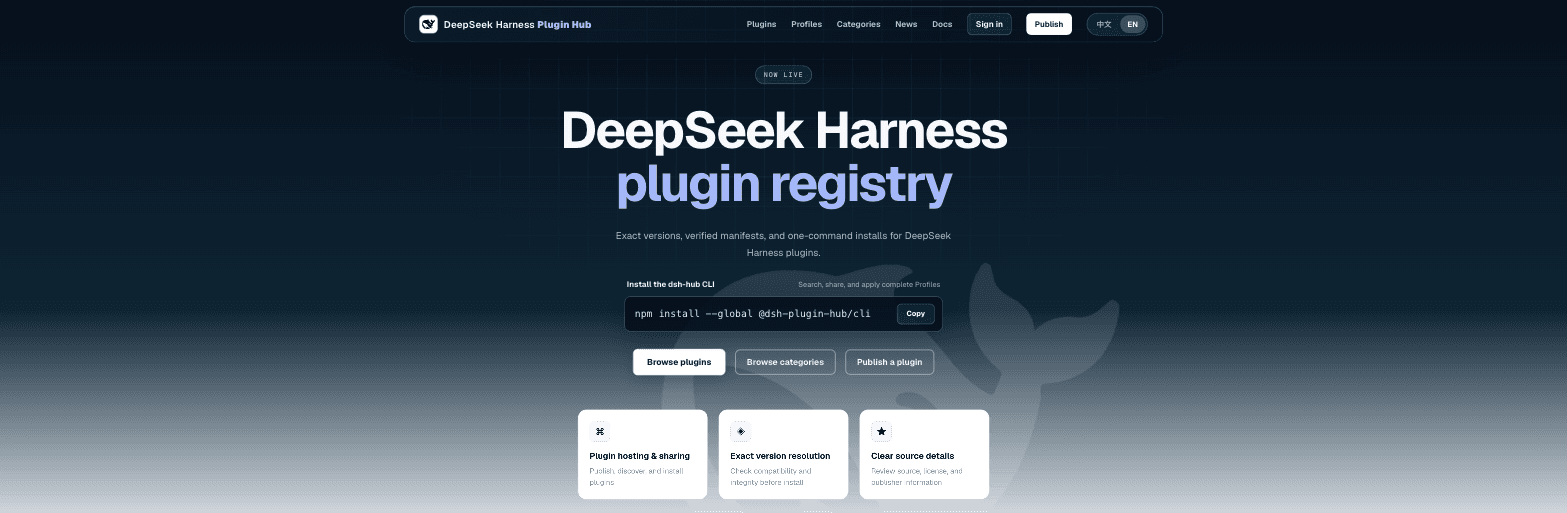
<a href="https://dshpluginhub.ai"><img src="docs/assets/hub-home.png" alt="DSH Plugin Hub home page" width="820"></a>
<sub>This repository is the open-source client for the Hub. The website, API, and registry live at <a href="https://dshpluginhub.ai">dshpluginhub.ai</a>.</sub>
Quick start · Why Presets · Commands · Support · Contributing · Governance · Security
npm install --global @dsh-plugin-hub/cli

# Apply a teammate's Preset to your local "web" harness
dsh-hub profile apply dsh-web-workspace --version 0.1.0 --profile web
That one command installs the exact plugin versions, in the exact order, with the exact patch the author published. Not "whatever is latest today." What they had.
Why shareable Presets
A DeepSeek Harness (DSH) setup is more than a list of plugins. It is a specific runtime version, a set of plugins at specific versions, the order they load in, a cordis.patch.yml that wires them together, and a handful of environment variables that hold your keys.
Getting that onto a colleague's machine usually means a wiki page, a Slack thread, and an afternoon of "works on my machine."
DSH Hub turns that setup into a first-class, versioned artifact.
flowchart LR
    subgraph author["Author's machine"]
        A["~/.dsh/profiles/web<br/>plugins · order · patch · runtime"]
    end
    subgraph hub["DSH Plugin Hub"]
        R["Preset Release<br/><b>[email protected]</b><br/>sha256 content hash"]
    end
    subgraph team["Anyone else"]
        T1["Teammate"]
        T2["CI runner"]
        T3["AI agent"]
    end

    A -- "dsh-hub profile share" --> R
    R -- "dsh-hub profile apply" --> T1
    R -- "dsh-hub profile apply" --> T2
    R -- "dsh-hub profile apply" --> T3
| Without DSH Hub | With a shared Preset |
|---|---|
| "Install these six plugins" | One slug and one version |
| Direct versions drift within days | The Release records exact direct versions and sources |
| Load order lives in someone's head | Order is part of the Release and validated on apply |
| Secrets get pasted into docs | Only ${ENV_VAR} references are published; values stay local |
| Upgrades are a fresh install | profile diff shows exactly what changes before you upgrade |
| Broke it? Start over | profile rollback restores the previous complete revision |
<a href="https://dshpluginhub.ai/profiles"><img src="docs/assets/hub-profiles.png" alt="Presets on dshpluginhub.ai" width="820"></a>
<sub>Browse community Presets, or build one in the web builder, at <a href="https://dshpluginhub.ai/profiles">dshpluginhub.ai/profiles</a>.</sub>
What's inside a Preset Release
…
