MichengAI/dsh-codex-ui
dsh-codex-ui
dsh-codex-ui is a community DeepSeek Harness plugin. Read the repository README before installing.
Install
npx @deepseek-ai/dsh plugin --profile web add @michengai/dsh-codex-suite@latestRestart `dsh web` after install. Bundle APIs can change during the developer preview.
README badge

[](https://dshhub.dev/plugins/dsh-codex-ui)Paste this into your README. The star count updates with every catalog sync.
From the README
Excerpt from MichengAI/dsh-codex-ui, cleaned of badges and images.
DSH Codex UI
Rebuild the DeepSeek Harness Web sidebar, workspace tree, search, and turn navigation in a Codex-style layout
简体中文 · Changelog · Apache-2.0
DSH Codex UI is a community-maintained DeepSeek Harness (DSH) plugin, not an official DeepSeek AI product. It uses public DSH slots only and does not modify host source code or conversation data.
Features
- Replace the default sidebar through the official
sidebarslot and keepsidebar.workspaces,sidebar.settings, andsidebar.footer.action. - Provide a Codex-style header with brand wordmark, sidebar collapse, and global search.
- List workspaces and conversations with expand/collapse, drag reorder, project pinning, unread dots, and running-state indicators.
- Add project and conversation menus for rename, pin, unread, archive, fork, open folder, copy, and delete.
- Restyle the conversation column and composer card, and add a compact turn navigator on the current session.
- Show companion-plugin status in Settings → About, and install the missing pieces from npm.
Screenshots
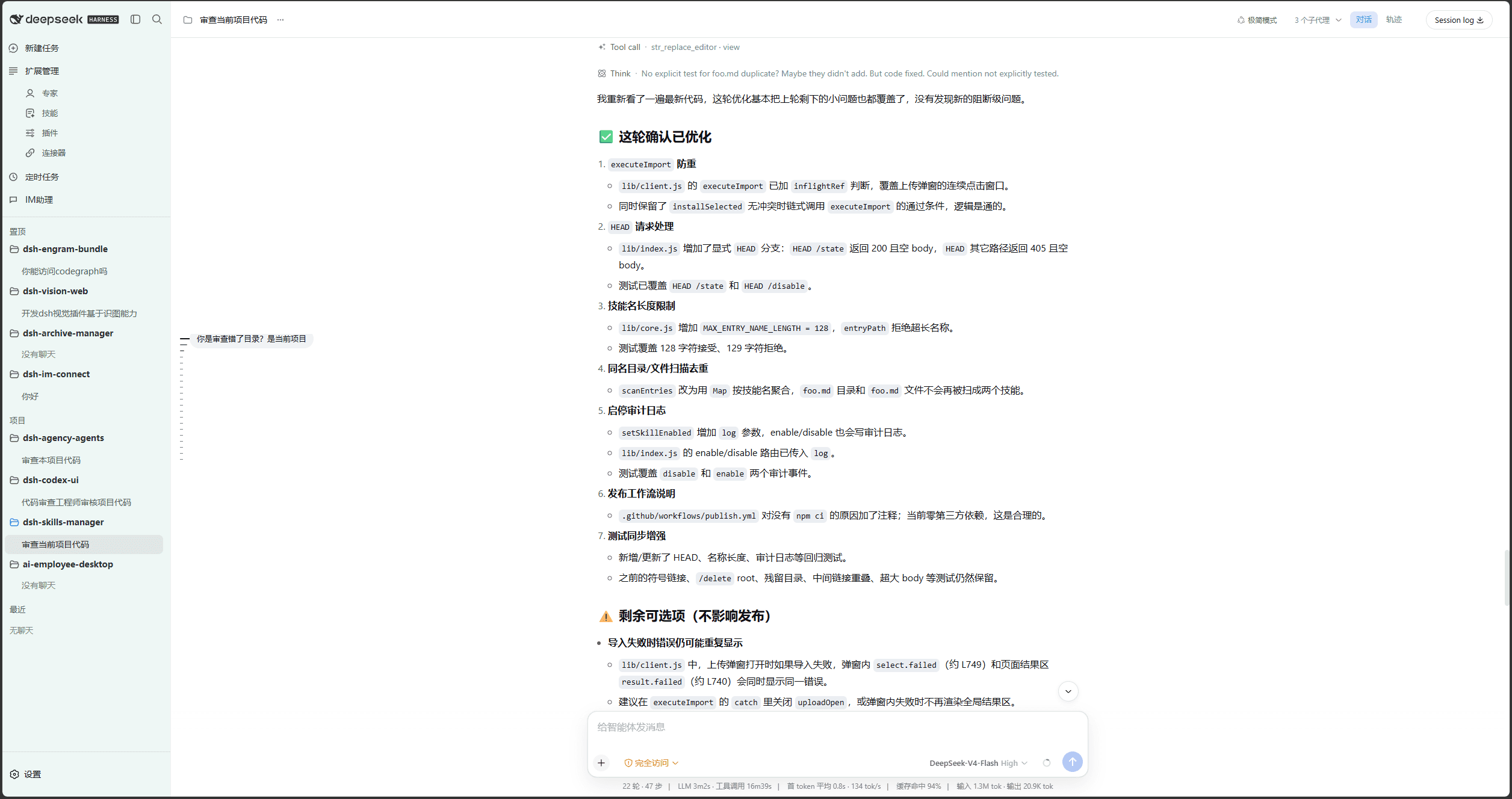
Light theme: Codex-style sidebar, workspace tree, and conversation column.
Dark theme: the same layout with Codex dark tokens.
Conversation menu: rename, pin, unread, archive, fork, copy, and delete.
Settings → About lists the companion plugins and their install state.
Prerequisites
- A working DeepSeek Harness Web installation with
dshavailable in PowerShell. - Examples use the
webprofile; replace it with the target profile. - Source installation and development require Node.js 22+ and pnpm. Installing from npm does not require running
pnpm installin an arbitrary directory.
Plugin combo
@michengai/dsh-codex-suite is the one-click combo. It installs these six plugins into the same profile:
| Plugin | npm package | Role |
|---|---|---|
| Codex UI | @michengai/dsh-codex-ui | Codex-style sidebar, workspace tree, search, and turn navigation |
| Expert management | @michengai/dsh-agency-agents | Settings page opened from Experts |
| Skill management | @michengai/dsh-skills-manager | Settings page opened from Skills |
| Archive management | @michengai/dsh-archive-manager | Permanent deletion and archived-session management |
| IM Assistant | @michengai/dsh-im-connect | IM settings and the Channels tab |
| Scheduled tasks | @michengai/dsh-automation | Scheduled-task settings and the Schedule tab |
dshmarket stays optional. When it is installed, Plugins opens the market first.
Do not install the suite and the individual plugins in the same profile. The two patch sets conflict.
DSH product ecosystem
Codex UI can be installed independently or used through the desktop app or Web suite. They share the same DSH core but serve different ways of working:
…

