WSL043/dsh-chat-manager
dsh-chat-manager
Search archived conversations, restore sessions, and safely manage DeepSeek Harness chat history.
Install
npx @deepseek-ai/dsh plugin --profile web add [email protected]Restart `dsh web` after install. Bundle APIs can change during the developer preview.
README badge

[](https://dshhub.dev/plugins/dsh-chat-manager)Paste this into your README. The star count updates with every catalog sync.
From the README
Excerpt from WSL043/dsh-chat-manager, cleaned of badges and images.
DSH Chat Manager
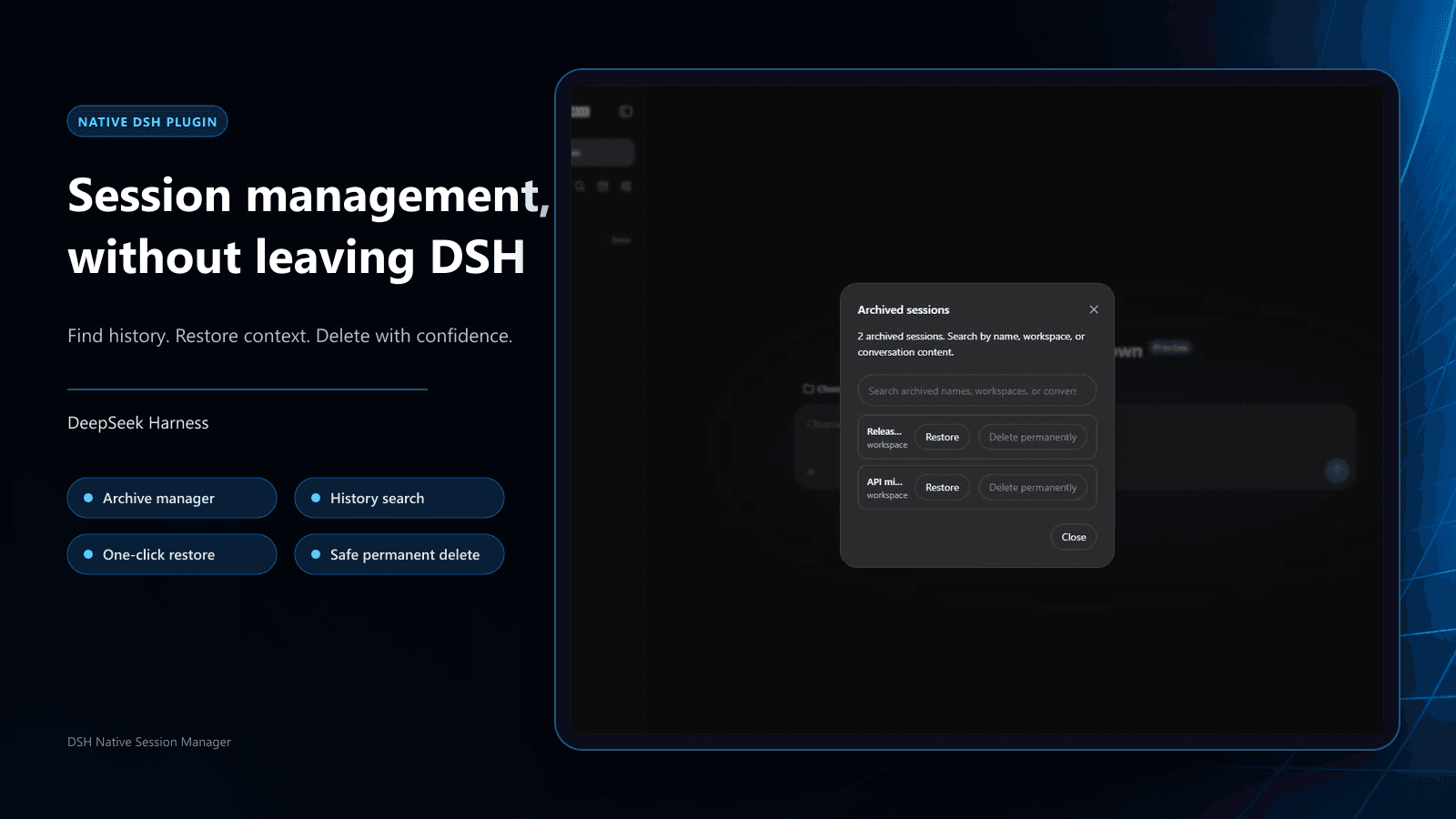
Manage DeepSeek Harness chat history from the native sidebar: search archives, restore sessions, and delete safely.
Archive manager · Conversation search · One-click restore · Safe permanent deletion
中文 · Install · Use · Safety boundary
| Recover archives | Search conversations | Delete safely |
|---|---|---|
| Open the archive manager from the sidebar and restore hidden sessions | Search archived names, workspaces, and user/assistant conversation content | Keep native second confirmation; running work is stopped safely before local records are removed |
<br><sub>Native interface on DeepSeek Harness 0.1.1-rc.2</sub>
Install
Windows quick install (recommended)
Open PowerShell and paste one line:
irm 'https://github.com/WSL043/dsh-chat-manager/releases/download/v1.2.0/install.ps1' | iex
The helper checks the current directory, PATH, DSH_PORTABLE_ROOT, Downloads/Desktop/Documents, and up to
three nested levels below those folders and LocalAppData\Temp, then calls the official DSH plugin add
command once. It does not recursively scan disks, install a package manager, snapshot profiles, create a
resident command, or download the plugin twice. It supports regular DSH and the Windows edition of
DSH-Portable as targets. If it finds one durable installation plus disposable
copies under Temp, it chooses the durable installation automatically. If several durable installations exist,
the helper displays their real paths and asks for a number; no command editing or placeholder path is needed.
If it still finds nothing, enter the actual DSH-Portable folder and rerun the same one-line command.
Official CLI (macOS, Linux, or direct review)
dsh plugin --profile web add [email protected]
The helper and direct command use the same standard bundle mechanism. The helper is only a Windows entry point; DSH still owns the installation transaction.
When the command finishes, save your work and restart DSH once through its normal workflow so the new bundle configuration becomes active.
Agent installation
Use the fixed-version AGENTS.md.
It defines installation, update, acceptance, uninstall, and safety boundaries. Do not use the main
branch document as an installation contract.
Use
Manage archives
- Select the archive icon in the sidebar header to open Archived sessions.
- Browse every archive or search by session name, workspace, and user/assistant conversation content.
- Select Restore to return a session to its original workspace position. To remove it completely, start the permanent-delete confirmation from the same list.
Archive and restore only change DSH's hidden state; they do not delete conversation history. Content search is limited to current user and assistant messages inside archived sessions.
Delete permanently
- Open the native actions menu beside the target session in the sidebar.
- Choose the red Delete session action.
- Check the session name and select Delete permanently in the confirmation dialog, or select Cancel to leave it unchanged.
<br><sub>Permanent deletion cannot be undone; the dialog identifies the target session.</sub>
…

