LiZhenNet/dsh-antigravity
dsh-antigravity
dsh-antigravity is a community DeepSeek Harness plugin. Read the repository README before installing.
Install
npx @deepseek-ai/dsh plugin --profile web add github:LiZhenNet/dsh-antigravityRestart `dsh web` after install. Bundle APIs can change during the developer preview.
README badge

[](https://dshhub.dev/plugins/dsh-antigravity)Paste this into your README. The star count updates with every catalog sync.
From the README
Excerpt from LiZhenNet/dsh-antigravity, cleaned of badges and images.
dsh-antigravity
English | 简体中文
Google Antigravity / Cloud Code Assist model provider for DeepSeek Harness.
This is a DSH Web plugin. It registers a DSH LlmAdapter
under provider route antigravity, stores OAuth credentials under DSH home,
talks to the Cloud Code Assist streaming API directly, and provides full bilingual (English & Simplified Chinese) i18n support in the Web settings page.
Unofficial integration. This project is not affiliated with or endorsed by Google. Use it only with accounts and services you are authorized to access.
Install into DSH Web
Option 1: Direct from GitHub
dsh plugin --profile web add github:LiZhenNet/dsh-antigravity
Option 2: From Local Release Tarball
npm run pack:dist
dsh plugin --profile web add ./dist/dsh-antigravity-0.0.4.tgz
The package declares a DSH bundle patch, so installation automatically mounts the host plugin and browser settings page.
If your DSH version does not support dsh plugin add, copy the package into
the Web profile manually:
cp -R dsh-antigravity "$DSH_HOME/profiles/web/node_modules/"
Then add the plugin to the profile cordis.patch.yml:
- insert:
    - id: llm-antigravity
      name: dsh-antigravity
Restart DSH:
dsh web
Login
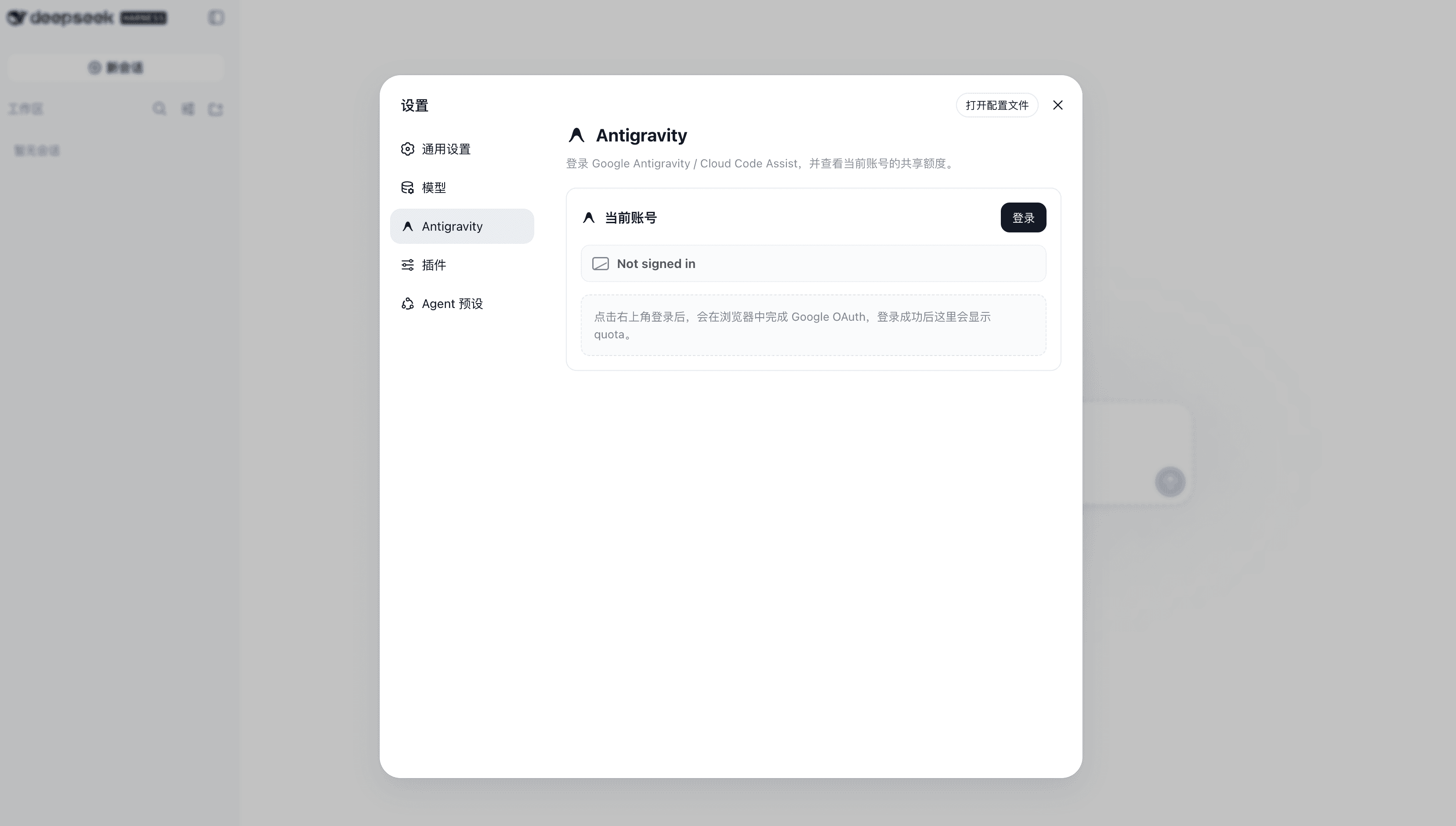
Open Settings > Antigravity and click Login. The settings page starts Google OAuth and refreshes quota after login completes.
After login, the settings page displays account information, quota grouped by model family, reset times, and model selector options:
- Gemini Models — Gemini Flash / Pro variants share one quota pool (green bars).
- Claude and GPT models — Claude Opus, Claude Sonnet, and GPT-OSS share a separate 3P quota pool (cyan bars).
Each group shows a 5-hour limit (smooths short-term demand) and a weekly limit (tied to your subscription tier) with a live countdown to reset.
The plugin starts a loopback OAuth callback server at
http://localhost:51121/oauth-callback. If the Web service cannot open a
browser, run the terminal helper on the same machine:
node "$DSH_HOME/profiles/web/node_modules/dsh-antigravity/bin/antigravity-login.mjs"
Credentials are stored at:
$DSH_HOME/storages/antigravity-oauth.json
Keep that file private. It contains access and refresh tokens.
Models
After login, select the Antigravity provider in DSH's model picker. Use the model selector in Settings > Antigravity to enable or disable individual models (enabled models are prioritized at the top of the list) — the live remaining quota percentage is shown next to each one.
Registered model IDs:
| Model ID | Name | Quota pool |
|---|---|---|
gemini-3.7-flash | Gemini 3.7 Flash | Gemini |
gemini-3.6-flash | Gemini 3.6 Flash | Gemini |
gemini-3.5-flash | Gemini 3.5 Flash | Gemini |
gemini-3.1-pro | Gemini 3.1 Pro | Gemini |
gemini-3.1-flash-image | Gemini 3.1 Flash Image | Gemini |
gemini-3-flash | Gemini 3 Flash | Gemini |
gemini-2.5-pro | Gemini 2.5 Pro | Gemini |
gemini-2.5-flash | Gemini 2.5 Flash | Gemini |
claude-opus-4-6 | Claude Opus 4.6 | Claude & GPT (3P) |
claude-sonnet-4-6 | Claude Sonnet 4.6 | Claude & GPT (3P) |
gpt-oss-120b | GPT-OSS 120B | Claude & GPT (3P) |
…

