imlishiyuan/deepseek-harness-zh-cn
deepseek-harness-zh-cn
deepseek-harness-zh-cn is a community DeepSeek Harness plugin. Read the repository README before installing.
Install
npx @deepseek-ai/dsh plugin --profile web add deepseek-harness-zh-cnRestart `dsh web` after install. Bundle APIs can change during the developer preview.
README badge

[](https://dshhub.dev/plugins/deepseek-harness-zh-cn)Paste this into your README. The star count updates with every catalog sync.
From the README
Excerpt from imlishiyuan/deepseek-harness-zh-cn, cleaned of badges and images.
deepseek-harness-zh-cn
English | 简体中文
A Chinese-first plugin that makes DeepSeek Harness reason (reasoning) and answer in Simplified Chinese by default.
Overview
This project offers two ways (choose one; the first is recommended) to turn your DSH's reasoning and output into Simplified Chinese, so Chinese-speaking users can read the trajectory and processing directly without translation overhead:
- Method 1 (recommended, simplest): copy
AGENTS.md.exampleto~/.dsh/AGENTS.md. - Method 2 (plugin): install this package from npm and mount it in the profile.
Tip: this plugin's "Chinese-first" rules can also be achieved with the keep-reminder plugin — put the same rules into a project's
.keep-reminderfile, and customize the content freely (not limited to language).
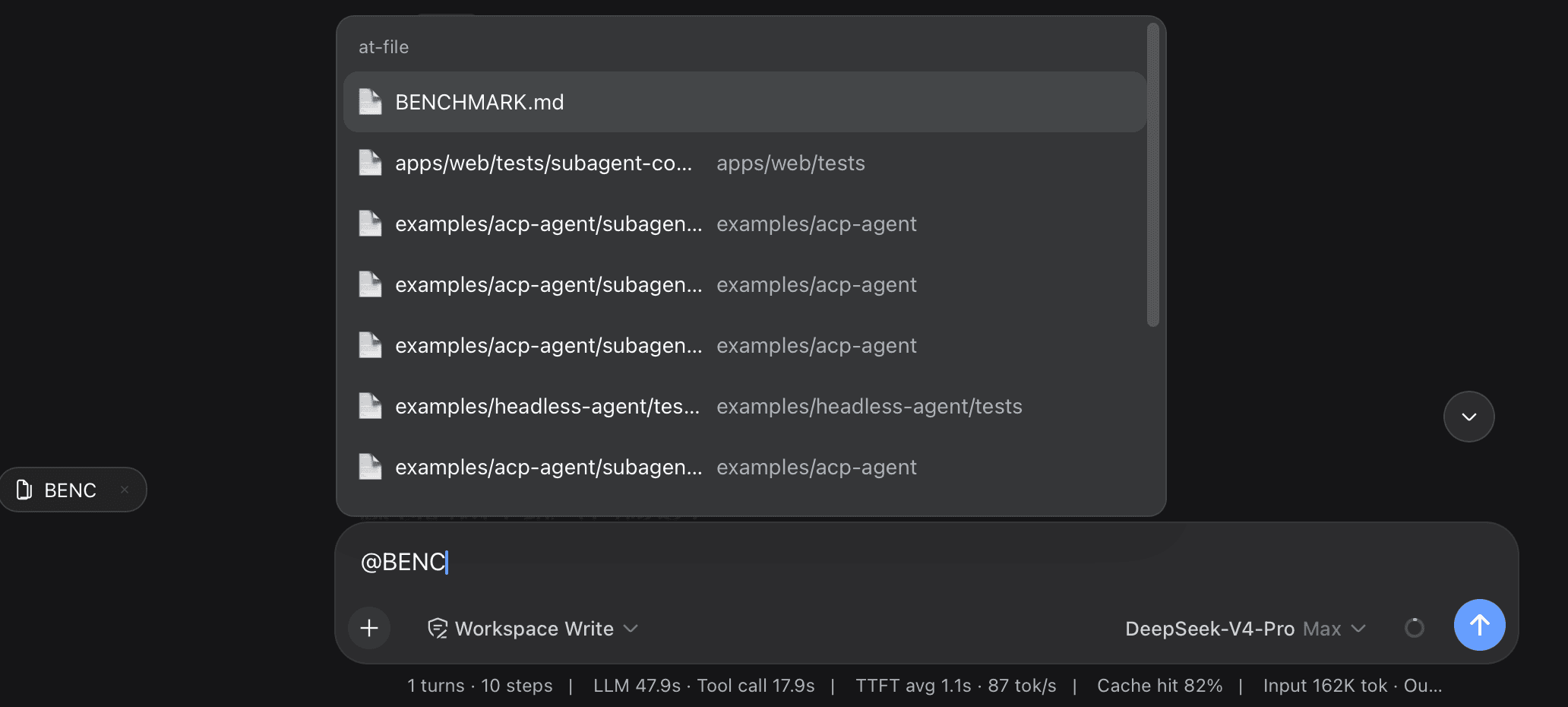
Screenshot
Quick Start
Method 1: Copy AGENTS.md (recommended)
Copy AGENTS.md.example to the DSH home directory as AGENTS.md:
- Linux / macOS:
~/.dsh/AGENTS.md - Windows:
C:\Users\<you>\.dsh\AGENTS.md
# Linux / macOS
cp AGENTS.md.example ~/.dsh/AGENTS.md
On Windows, copy the file manually. Then restart dsh web (or start a new session).
Method 2: Install the npm plugin
A. Official command (backs onto pnpm; install pnpm first):
npm i -g pnpm
dsh plugin --profile web add deepseek-harness-zh-cn
B. Install with npm directly into the profile directory:
cd ~/.dsh/profiles/web    # Windows: C:\Users\<you>\.dsh\profiles\web
npm install deepseek-harness-zh-cn --save
Note: this
npm installruns inside the DSH profile directory, not this plugin's project directory.
Mount it in ~/.dsh/profiles/<name>/cordis.patch.yml:
- insert:
    - id: dsh-zh
      name: 'deepseek-harness-zh-cn'
Restart dsh web.
Scope and Limitations
- Affects both the model's final answer and its reasoning (thinking) channel.
- There is no harness or DeepSeek API switch that forces the reasoning language; on technical tasks the model's
reasoning_contentmay still be English. A fully Chinese prompt maximizes the probability but does not guarantee it.
How It Works
- Method 1:
~/.dsh/AGENTS.mdis injected bydsh-agent-instructionsas a<system-reminder>user message — guidance-level, lower priority than the system prompt and direct user instructions. - Method 2: the plugin listens to the
agent/pre-stepwaterfall and appends a<system-reminder>user message to the request batch at the first step of each turn, reinforcing the Chinese rule once per turn.
Development
Build
npm install
npm run build      # compiles src → lib/index.js
Mount locally
During development you can mount the compiled output directly via a file:// URL,
with no package install. Edit ~/.dsh/profiles/<name>/cordis.patch.yml:
- insert:
    - id: dsh-zh
      name: 'file:///D:/ui-workspace/deepseek-harness-zh-cn/lib/index.js'
Adjust the URL to your checkout path.
Restart
npx @deepseek-ai/dsh web
Stop the running service first if it is already up.
Verify
# Windows
npx @deepseek-ai/dsh web --dump-config | findstr /C:"dsh-zh"

# Linux / macOS
npx @deepseek-ai/dsh web --dump-config | grep dsh-zh
…