kirkchinese/claude2dsh
claude2dsh
claude2dsh is a community DeepSeek Harness plugin. Read the repository README before installing.
Install
npx @deepseek-ai/dsh plugin --profile web add @claude2dsh/[email protected]Restart `dsh web` after install. Bundle APIs can change during the developer preview.
README badge

[](https://dshhub.dev/plugins/claude2dsh)Paste this into your README. The star count updates with every catalog sync.
From the README
Excerpt from kirkchinese/claude2dsh, cleaned of badges and images.
Claude2DSH
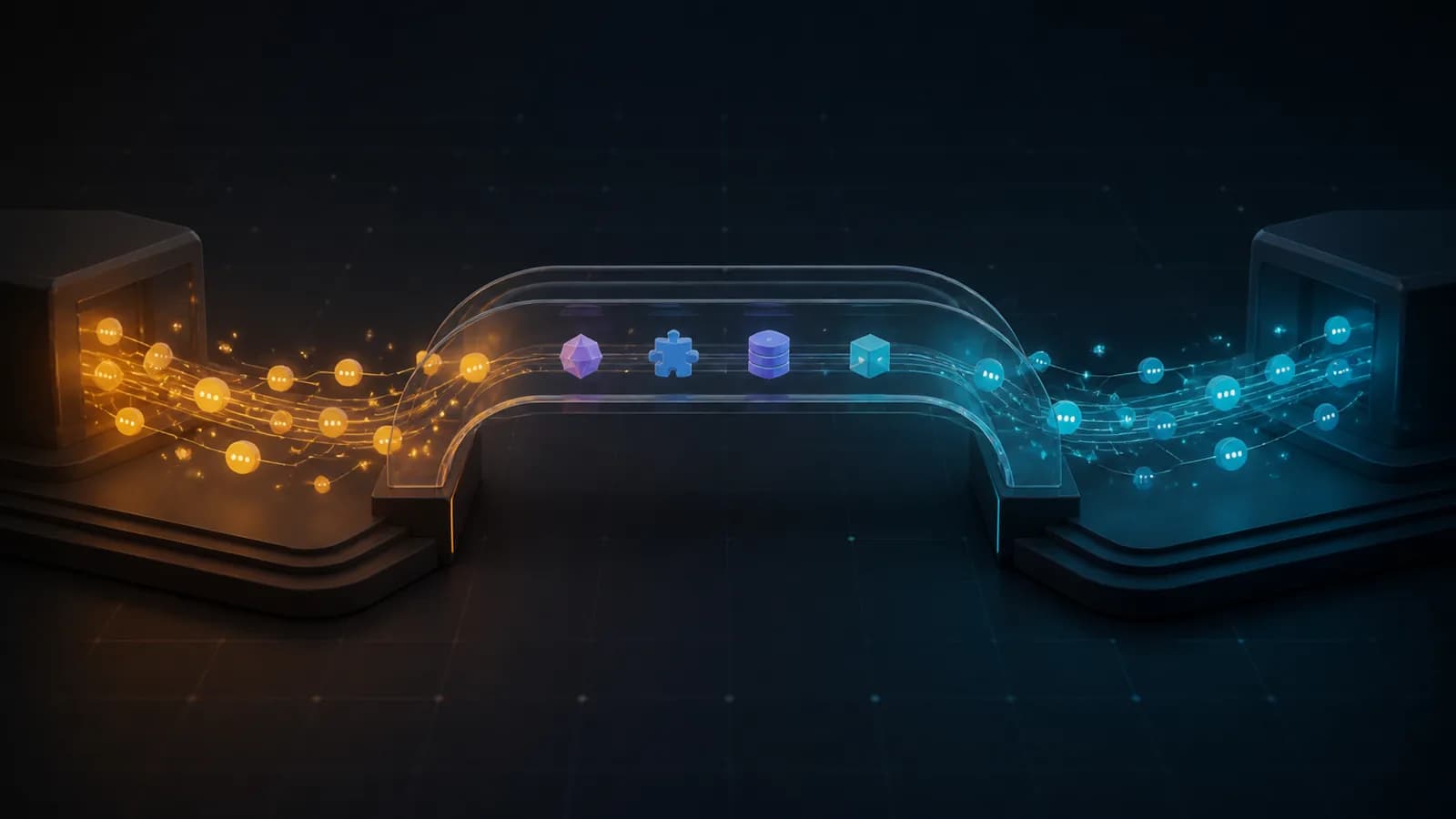
Move Claude Code conversations, skills, memory, and plugin assets into DeepSeek Harness as native, resumable sessions — and take DSH turns back to Claude Code JSONL when you need to.
Claude Code is the first source adapter in a multi-tool migration layer. Claude2DSH preserves the useful conversation structure, writes through DSH's native persistence APIs, and keeps the original Claude directory read-only by default.
[!NOTE]
0.2.0-rc.5is a release candidate. The Awesome badge means the project is included in the curated awesome-dsh-plugin list under Sessions & Messages. The automatic awesome-dsh-plugins radar has not marked it as runtime-verified; the badge does not claim that verification.
Why Claude2DSH
| Resume natively | Bring more than chat | Return without risking the source |
|---|---|---|
| Claude turns become DSH-native session events that DSH can inspect, replay, and resume. | Skills, user-global instructions, project memory, tool-output sidecars, subagent transcripts, and plugin assets have explicit migration paths. | Export and sync target a safe copy under $DSH_HOME by default. Concurrent edits pause instead of overwriting either side. |
The governing principle is zero-configuration by default: the default path produces a visible result without requiring users to understand profiles or bundles first, while dangerous write-back remains explicitly gated.
flowchart LR
    A["Claude Code JSONL<br/>~/.claude/projects<br/>read-only"] --> B["Claude adapter<br/>discover · parse · normalize"]
    B --> C["Normalized session IR<br/>turns · steps · tools · images"]
    C --> D["DSH event synthesis<br/>native session events"]
    D --> E[("DSH sessions<br/>$DSH_HOME/sessions")]
    E --> F["Export / sync<br/>safe copy"]
    F --> G["Claude Code JSONL<br/>resumable transcript"]
    E --> H["Settings UI + tools<br/>import · export · sync · merge"]
Quickstart
Requirements: Node.js >=22.19.0, pnpm, and the dsh CLI.
# Install the published plugin into DSH's built-in headed profile
dsh plugin --profile web add @claude2dsh/[email protected]

# Start the browser UI; the terminal prints the local URL
dsh web
Then:
- Open the URL printed by
dsh web. - On a fresh DSH installation, choose Configure later if the model API-key prompt appears; migration itself does not call a model.
- Open Settings → Claude2DSH.
- Choose a language, confirm the Claude sessions directory, and optionally include subagent/workflow transcripts.
- Click Preview import, inspect the counts and item report, then click Run import.
…
