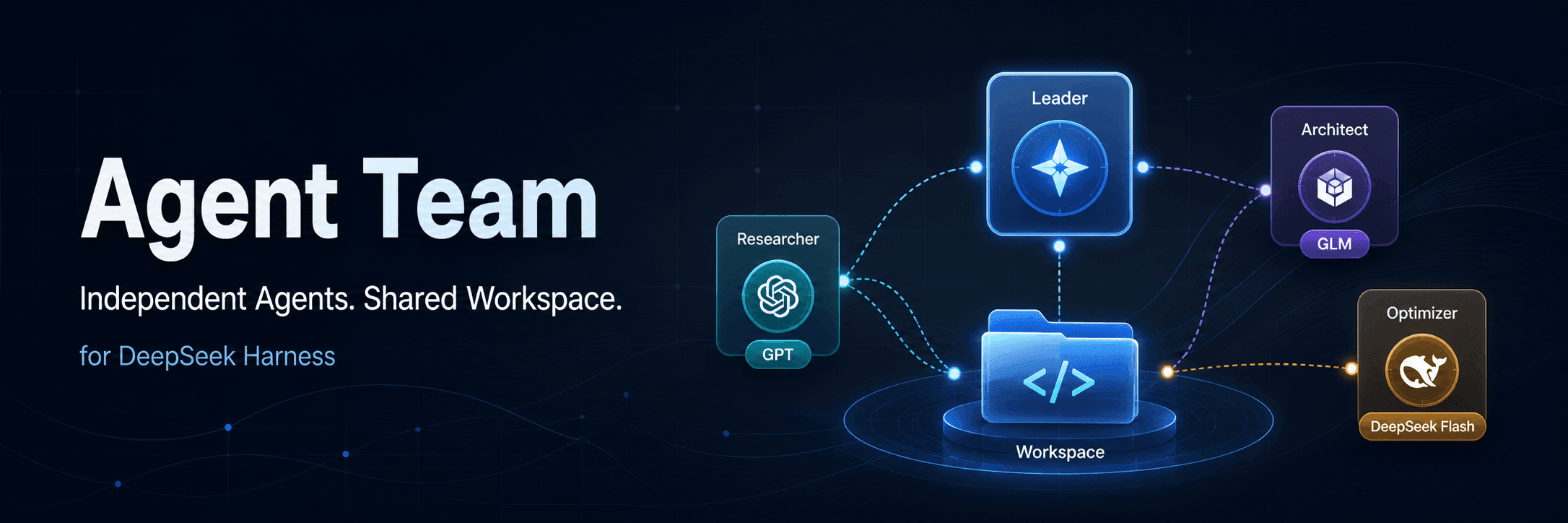
limuyang2/agent-team
dsh-agent-team
Multi-agent team collaboration for DeepSeek Harness, with independent models, skills, MCP tools, contexts, and a shared workspace.
Install
npx @deepseek-ai/dsh plugin --profile web add @limuyang2/dsh-agent-teamRestart `dsh web` after install. Bundle APIs can change during the developer preview.
README badge

[](https://dshhub.dev/plugins/agent-team)Paste this into your README. The star count updates with every catalog sync.
From the README
Excerpt from limuyang2/agent-team, cleaned of badges and images.
Agent Team for DeepSeek Harness
English | 简体中文
Current release: 0.1.3
Build teams of independent AI agents inside DeepSeek Harness. Mix models and providers, assign one Leader, and let every member work in its own conversation while sharing the same Workspace.
Agent Team does not turn members into subagents. Every member is an independent root agent with its own model, session, context, permissions, reasoning mode, and tool activity. Team tasks, messages, and the shared Workspace provide the collaboration layer.
Why Independent Agents Instead of One Overloaded Agent?
Agent Team is designed around a simple idea: give specialized work to a specialized agent.
A common parent/subagent workflow reuses or inherits much of the parent runtime configuration. That is convenient, but it can make every task carry the same expensive model, broad tool catalog, and growing context. A small commit-message task, for example, may still run through the same high-capability model used for architecture and implementation.
Agent Team lets every member have an explicit, focused configuration:
| Concern | Common parent/subagent setup | Agent Team |
|---|---|---|
| Model | Often reuses the parent model or one shared model policy | Choose a different provider and model for every member |
| Skills and MCP | A broad catalog may be inherited or exposed everywhere | Give each role only the Skills and MCP Servers it needs |
| Context | Planning, execution, tool output, and results accumulate together | Every member has an isolated Session and context window |
| Cost | Simple work may still consume an expensive general model | Route routine work to smaller or specialized models |
| Permissions | One broad permission policy can spread across the workflow | Set least-privilege defaults and runtime permissions per member |
This separation keeps the Leader focused on planning and verification, keeps specialists focused on execution, reduces irrelevant tool choices, and prevents one agent's context from growing with every detail produced by the whole team. Members send tasks, progress, and results explicitly instead of sharing an ever-expanding conversation.
Subagent behavior varies by framework. The comparison above describes the common parent-inherited pattern; Agent Team's advantage is that model, tools, permissions, and context isolation are explicit product-level choices for every member.
Example: Use the Right Model for Each Job
Consider a software development team with three specialized members:
| Role | Model | Focused configuration |
|---|---|---|
| Architecture Leader | GPT | Understand the requirement, design the solution, split work, coordinate members, and verify results |
| Coding Agent | GLM | Load coding Skills and development MCP tools, modify the Workspace, and run tests |
| Commit Assistant | DeepSeek Flash | Read Git status and diffs, then generate a Conventional Commit message with read-only permission |
The GPT Leader spends its context on decisions and verification instead of every implementation detail. GLM receives the codebase context and tools required for execution. DeepSeek Flash handles the narrow commit task quickly without paying for the Leader's higher-capability model or loading the coding agent's large tool catalog.
The collaboration flow is explicit:
…

