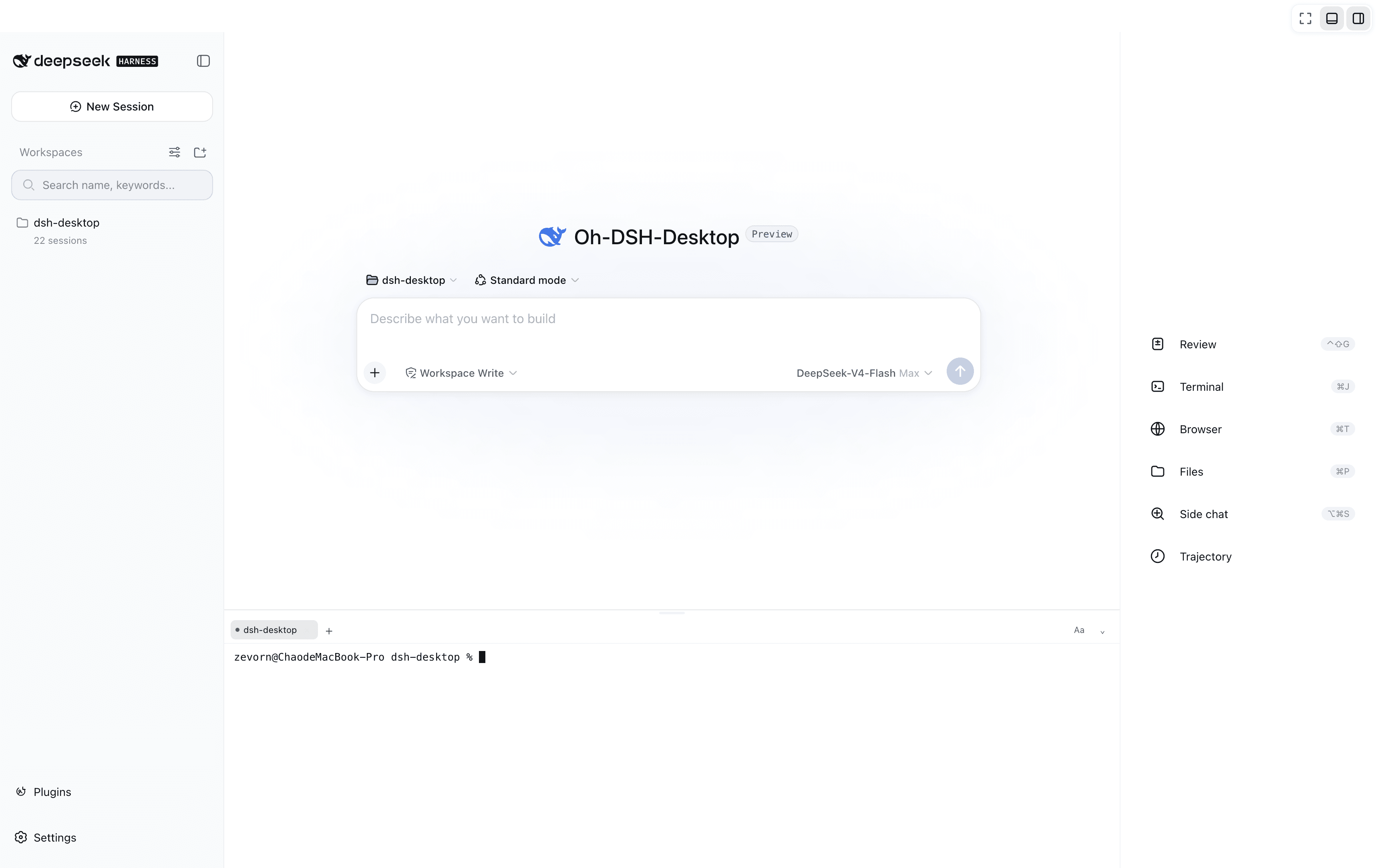
pan17/dsh-wechat
dsh-wechat
dsh-wechat is a community DeepSeek Harness plugin. Read the repository README before installing.
Install
npx @deepseek-ai/dsh plugin --profile desktop add dsh-wechatRestart `dsh web` after install. Bundle APIs can change during the developer preview.
README badge

[](https://dshhub.dev/plugins/pan17-dsh-wechat)Paste this into your README. The star count updates with every catalog sync.
From the README
Excerpt from pan17/dsh-wechat, cleaned of badges and images.
dsh-wechat
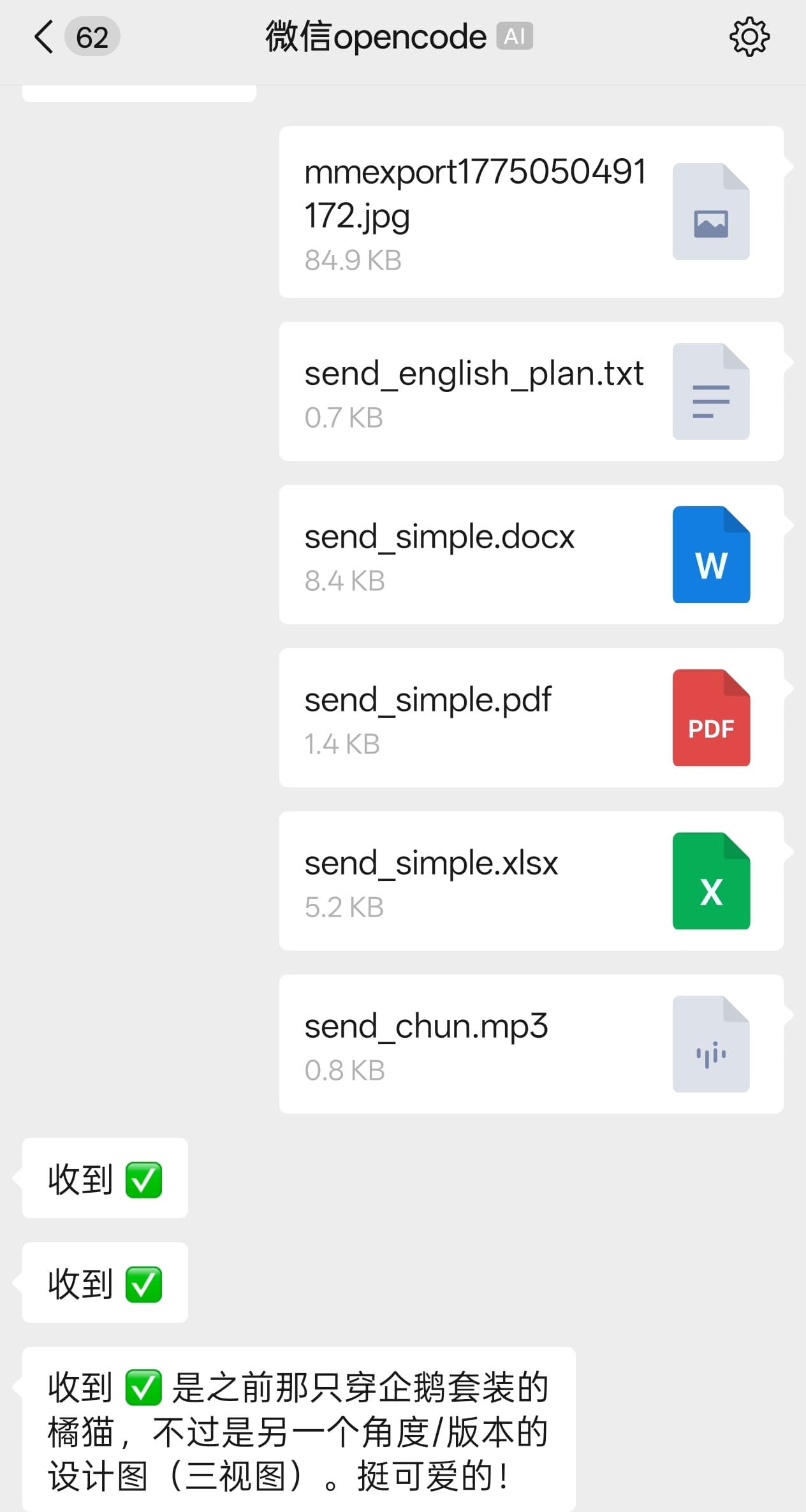
把微信变成 DeepSeek Harness (DSH) 的第二客户端:在微信里和你的 agent 聊天,收发文字、图片、文件和语音,用 slash 命令管理会话、工作区、模型与权限,审批卡和提问卡在微信与桌面端同步弹出。
<img src="./resources/send.jpg" alt="发送" width="32%" /> <img src="./resources/receive.jpg" alt="接收" width="32%" /> <img src="./resources/settings.png" alt="设置页" width="32%" />
功能
微信与 DSH 双向同步:文字、图片、文件、语音直接发给 agent,回复与执行过程推回微信,审批卡和提问卡两端同弹、谁先答谁生效;/at 可引用其它会话或文件,把几条消息或「截图 + 问题」合成一轮,静默模式与结论模式控制推送频率,跨会话任务完成提醒可选带摘要或全文;会话、工作区、Preset、模型、权限都能在微信里用 slash 命令管理,与 GUI 同源;另有秘密脱敏、文件范围限制、入站白名单与审计日志等边界,以及内嵌在 DSH 设置里的扫码登录、配置页与指令帮助(每条指令一句说明,点开看全部例子、点一下复制)。
安装
要求 DSH >=0.2.1-0 <0.3.0-0。
方式一:设置页(推荐)— 打开 设置 → 插件 → 添加插件,填 dsh-wechat,点安装,然后重启 DSH。国内网络慢时把安装源切到中国大陆镜像源。
方式二:命令行(桌面版)
dsh plugin --profile desktop add dsh-wechat
dsh plugin --profile desktop list --depth 0    # 查看已装版本
安装后打开 设置 → WeChat 扫码登录(也可直接访问 http://127.0.0.1:3080/wechat/qr)。
微信命令
| 命令 | 说明 |
|---|---|
/help(/h、/?) | 命令一览,含当前 profile 已注册的 DSH 原生命令 |
/help <命令> | 该命令的全部例子,如 /help s、/help merge |
/status | 工作区、会话、模型、权限、各开关状态;末尾会话级状态默认只显示模式和后台任务(/status full 看全部) |
/workspace(/ws) | list / status / switch <编号|路径> / add <路径> |
/session(/s) | list [current] / switch [current] / pin / unpin / new / status |
/preset(/p) | list / switch <名称|编号> 切当前会话(第一条消息前)/ default [名称|编号] 改新会话默认 / status |
/model | list / switch <提供商/模型> / status |
/perm | status / list / switch <名称|编号> / default [名称|编号] |
/reasoning | 查看或切换推理等级 |
/enter(/busy) | 繁忙时 queue 排队还是 steer 插话 |
/silent(/sl) | 静默模式:每轮只发最终回复 |
/final on|off|status(/fo) | 结论模式:整条任务只发一条结论 |
/merge(/mg) | 打字合并开关与状态 |
/media(/md) | 图片/文件合并开关;at|path 切换附件交付措辞 |
/at | 引用其它会话(s)或文件/目录(f),附加到下一条消息 |
/notify(/watch) | 跨会话决策推送;tasks on|off 单独控制任务提醒 |
/history | 查看最近历史,all 含系统消息 |
/skill | 查看当前会话的技能;/skill 2 或 /skill office 看详细说明 |
/flush(/f) | 立即取回结论模式暂存的结论 |
/surface(/wxprompt) | 微信渠道提示词注入开关 |
/raw | on / off / once / status — 强制透传,命令和文本原样转给 agent,不拦截 |
/stop | 中断当前任务 |
/next | 继续发送被微信限流缓存的消息 |
/rq | 关闭当前会话的待处理卡 |
其它 /xxx 作为文本转发给 agent。DSH 原生 slash 命令(/plan、/goal、/compact 等)由 bridge 直接交给原生 handler,微信端无需改动即可识别。
开发
npm install
npm run build    # tsc → dist/
npm test         # vitest
改动代码后需重启 DSH 才会生效。架构、配置参考、命令接入细节、已知边界与宿主版本兼容见 docs/DEVELOPMENT.md。
许可
MIT。src/weixin/、src/adapter/ 移植自 wechat-opencode(MIT,原始来源 @tencent-weixin/openclaw-weixin),文件头保留出处注释。
免责声明
本项目与 DeepSeek Harness、腾讯微信官方互不隶属,非官方项目,纯属个人学习用途。使用本项目即表示你自行承担由此产生的一切后果。