EternalNight996/memory-eternal
memory-eternal
Your AI forgets every session. Give it a memory it can trust: local-first, review-gated agent memory — one SQLite vault for DSH, Claude Code, Codex, Cursor and any MCP client, with an immutable audit log and a token ledger. Open source, self-hosted, no cloud.
Install
npx @deepseek-ai/dsh plugin --profile desktop add memory-eternal</code></sub></p>Restart `dsh web` after install. Bundle APIs can change during the developer preview.
README badge

[](https://dshhub.dev/plugins/memory-eternal)Paste this into your README. The star count updates with every catalog sync.
From the README
Excerpt from EternalNight996/memory-eternal, cleaned of badges and images.
🧠 memory-eternal — a second brain for your AI
English (default) · 简体中文
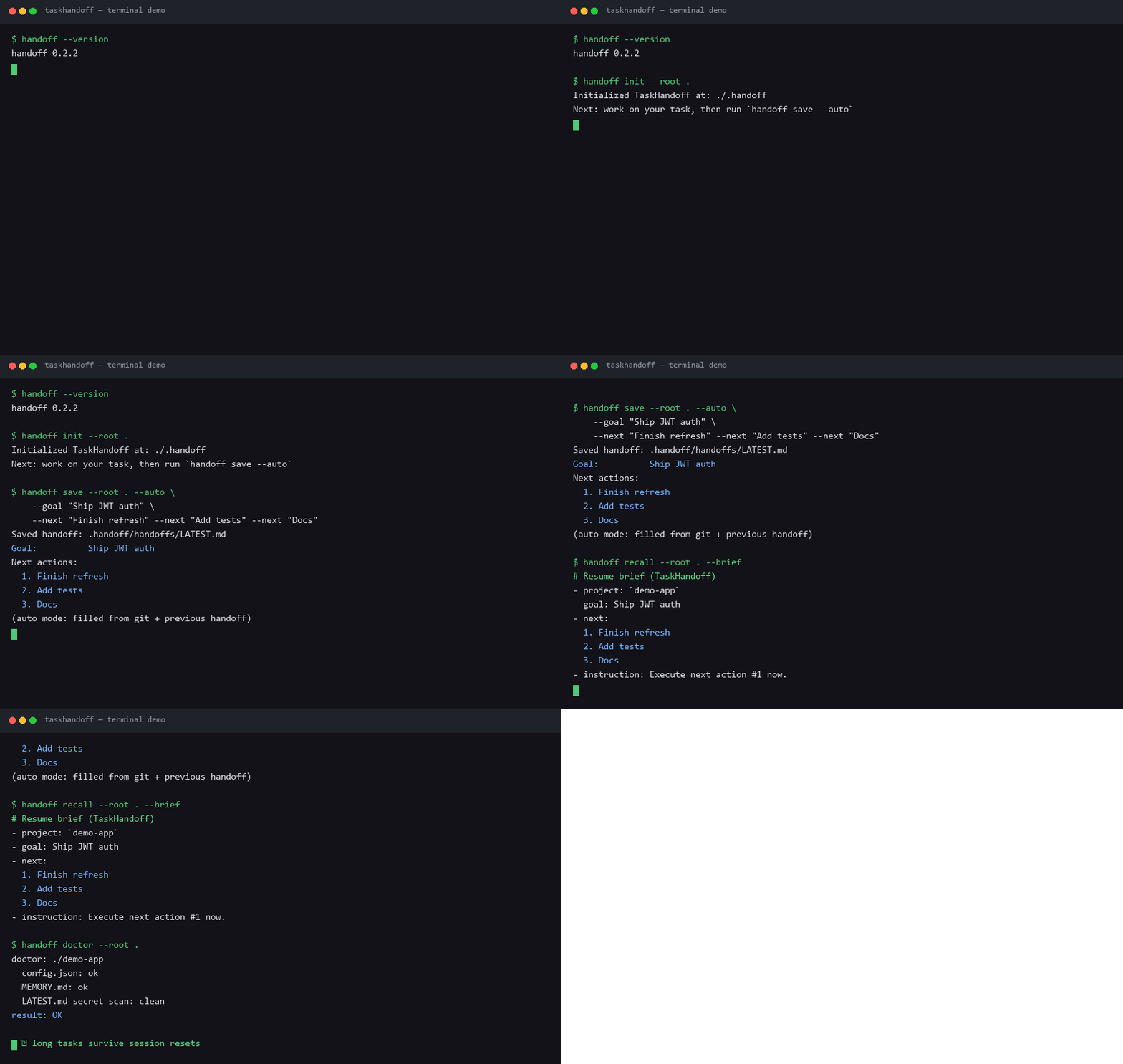
<a href="https://eternalnight996.github.io/memory-eternal/demo/"><img src="https://raw.githubusercontent.com/EternalNight996/memory-eternal/main/assets/screen/demo.gif" width="900" alt="memory-eternal 20-second tour: review queue, token ledger, knowledge graph" /></a>
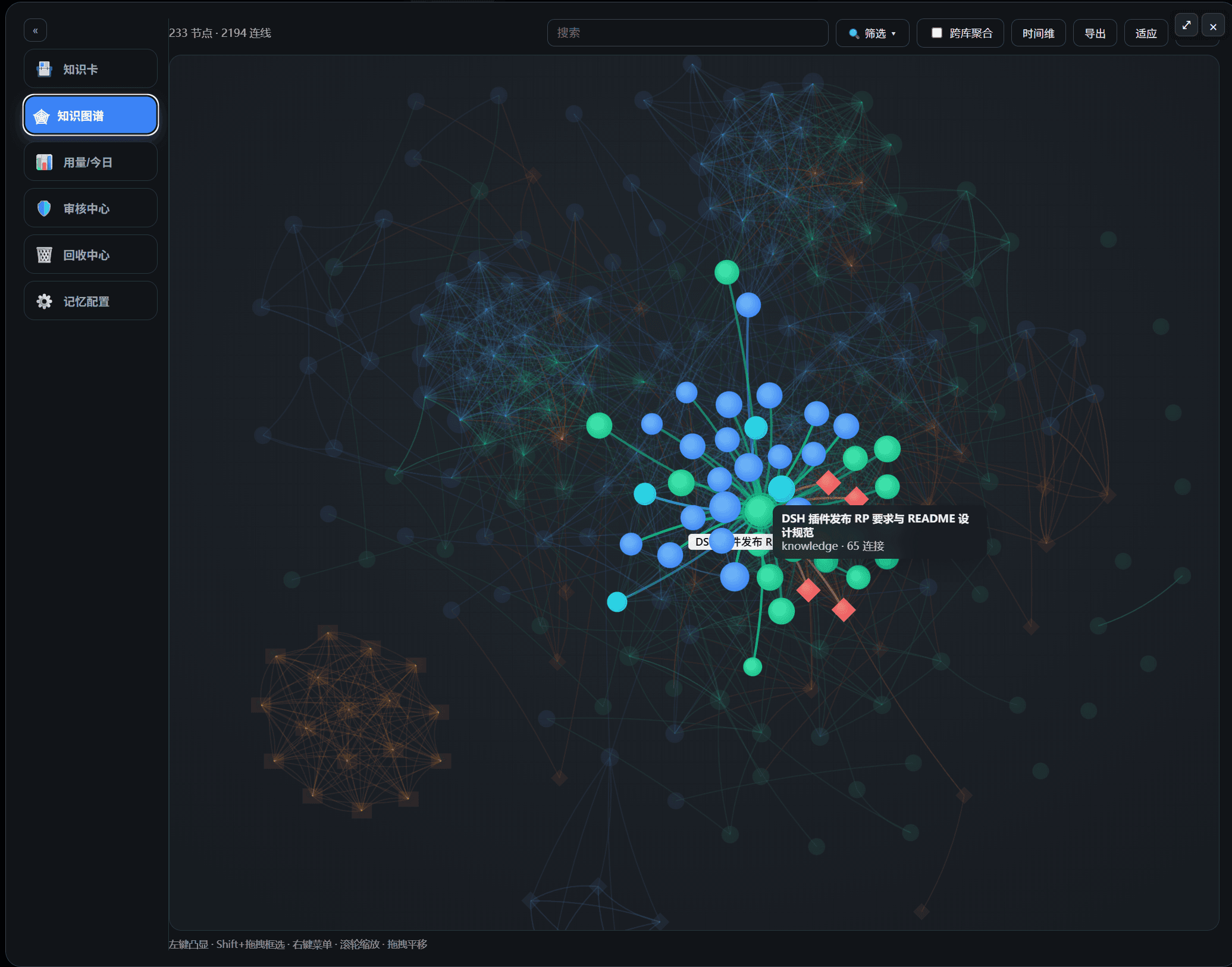
<p align="center"><sub>▲ 20-second tour — review queue · token ledger · knowledge graph · <a href="https://eternalnight996.github.io/memory-eternal/demo/">live demo</a></sub></p>Your AI forgets every session. Give it a memory it can trust.
Local-first, review-gated, measurable — one SQLite vault shared by DSH, Claude Code, Codex, Cursor and any MCP client.
- 🔍 Review before it counts — new cards wait in a review queue; approve or reject from the Web UI or terminal; every change is written to an immutable audit log.
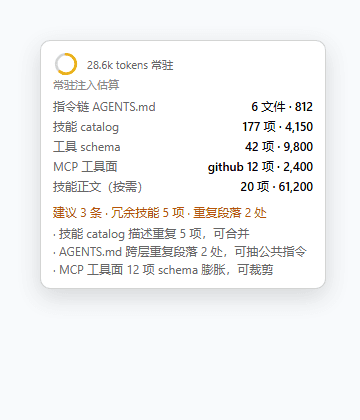
- 🧾 Token ledger — see how much recall injected, how many distillation calls ran, and how often recall was actually useful.
- 🏠 Local-first, no cloud — SQLite + Markdown on your own disk. No third-party memory framework, no account, no outbound calls.
- ⭐ Core memory — promote approved cards to always-on memory; every session gets them automatically, and the review queue still decides what qualifies.
- 🧭 Reader & layout — clickable table of contents in the card reader, plus a compact / normal / large layout setting for the whole memory UI.
⚡ Quick start
DeepSeek Harness (desktop / web)
dsh plugin --profile desktop add memory-eternal
# reopen DSH → sidebar "Memory"
Claude Code, Codex or Cursor — same vault via MCP
npm i -g memory-eternal
dsh-memory connect claude    # or: codex / cursor
Any MCP client
npx -y -p memory-eternal dsh-memory mcp
Browser or terminal
dsh-memory open              # http://127.0.0.1:7999
npx -y -p memory-eternal dsh-memory tui   # live queue in the terminal
🧾 Does it actually save tokens?
Most memory products <em>say</em> they save tokens. We think you should check. The plugin ships a built-in memory ledger (Runtime status → Memory ledger) that records:
| Recorded | What it means |
|---|---|
| recall: hits + injected characters | how much memory actually entered the context |
| capture: LLM calls + input/output characters | what distillation cost you |
| usefulness: useful / not-useful feedback | whether recalled memories actually helped |
The honest math:
net benefit ≈ avoided context cost − (injected characters + distillation calls × price)
| Scenario | You pay | You avoid |
|---|---|---|
| Multi-session project with decisions and pitfalls | ~0.6–0.9k tokens per recall | re-explaining context (~1.5–3k) or re-reading files (3–6k) |
| One-off question, low hit rate | recall injection | usually nothing |
Illustrative numbers, not a benchmark — measure your own with the ledger. If recall usefulness stays below ~60%, tune it down (fewer results, shorter summaries) or turn memory off.
🛡️ Review first, prove later
A memory system that silently ingests everything will eventually recall a wrong fact as truth. memory-eternal defaults to review-before-commit:
…