GXX182/dsh-vision-bridge
dsh-vision-bridge
DeepSeek Harness plugin that bridges session images to pluggable vision APIs while keeping DeepSeek as the primary model.
Install
npx @deepseek-ai/dsh plugin --profile web add "github:GXX182/dsh-vision-bridge#semver:*"Restart `dsh web` after install. Bundle APIs can change during the developer preview.
README badge

[](https://dshhub.dev/plugins/gxx182-dsh-vision-bridge)Paste this into your README. The star count updates with every catalog sync.
From the README
Excerpt from GXX182/dsh-vision-bridge, cleaned of badges and images.
<a href="./README.zh-CN.md">简体中文</a> · <a href="#install">Install</a> · <a href="#configure-vision-providers">Configure</a> · <a href="#security">Security</a>
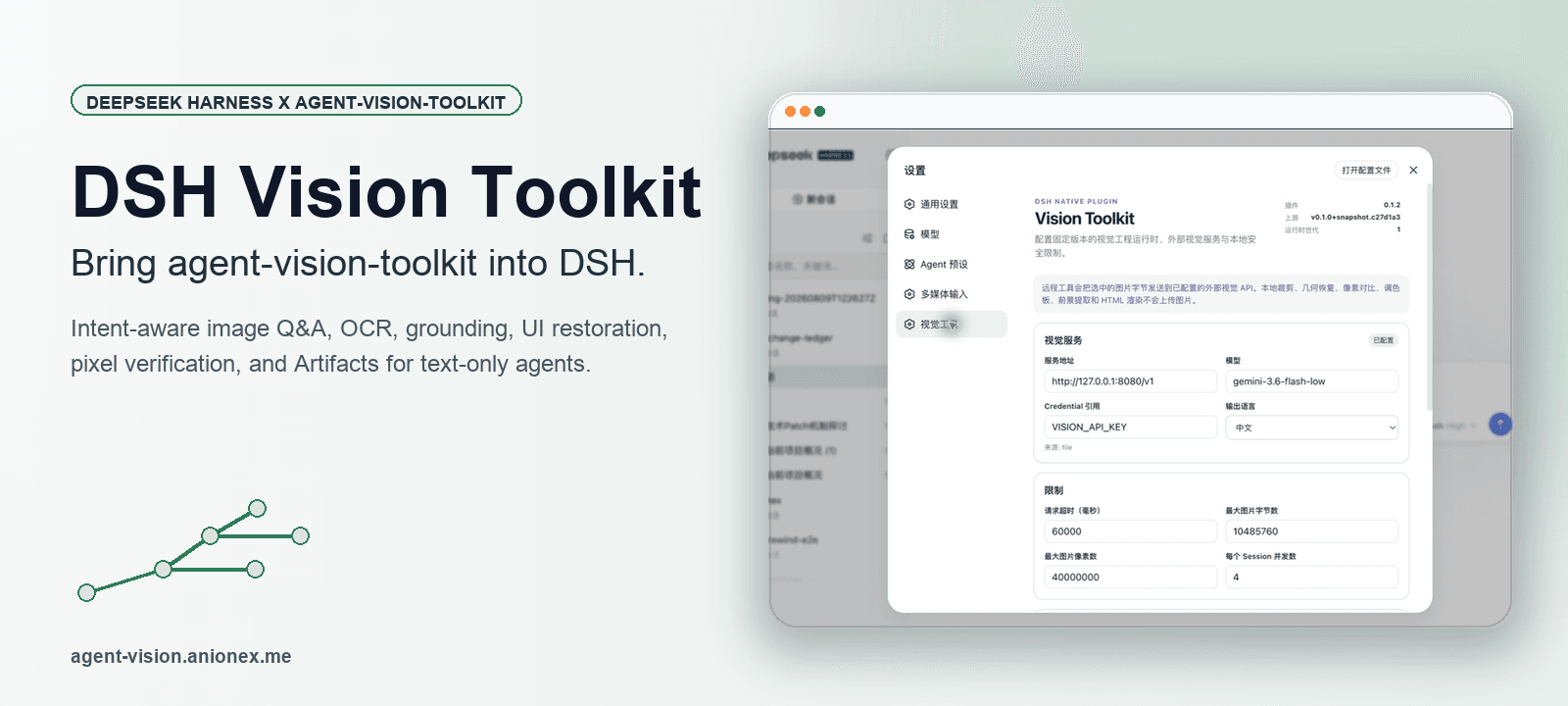
dsh-vision-bridge is an installable DeepSeek Harness bundle that adds image understanding to text-first model routes. It preserves the Harness model list, adds a small glasses control to eligible models, and delegates image analysis to a separately configured vision provider.
The plugin supports Gemini-native, OpenAI-compatible Chat Completions/Responses, and Anthropic-compatible Messages APIs. The selected vision provider returns bounded text analysis; image blocks are never forwarded directly to the active upstream model.
Highlights
- One model list: Vision Bridge no longer appears as a duplicated provider group.
- Per-model glasses toggle: Gray means the bridge preference is off; blue means it is on.
- Selection stays explicit: Clicking the glasses only changes the preference. Clicking the model name selects the model and applies that preference.
- Persistent without model churn: Glasses preferences are remembered in the Harness web client without triggering a model switch or model-directory refresh.
- Clear service provenance: Hover the glasses to see the active vision provider and model.
- Multiple vision providers: Add, switch, and delete isolated provider profiles from Settings.
- Native-vision aware: Models that already advertise image input do not receive a bridge toggle.
- Reasoning UI preserved: The original Harness reasoning-effort menu remains unchanged.
Model selector behavior
| Control | Result |
|---|---|
| Gray glasses | Vision Bridge is disabled for that model. |
| Blue glasses | Vision Bridge is enabled for that model. |
| Click glasses | Toggle and remember the preference only; the selected model does not change. |
| Click model name/row | Select the model. Blue routes through Vision Bridge; gray uses the normal upstream route. |
| Hover glasses | Show the vision provider and model that will perform image understanding. |
The glasses control appears only when a matching bridge route exists and the upstream model is text-only or has unknown image capability. The preference is stored per upstream model in the local Harness client.
How it works
- Enable the glasses for an eligible text-first model, then click the model name to select it.
- Attach an image and ask a visual question normally.
- Harness validates and stores the attachment in the session.
- The bridge route replaces image blocks only in the provider-bound request copy with controlled attachment markers. The original session and transcript keep the images.
- The active upstream model calls
vision_bridge; the tool reads the latest session image through Harness attachment services. - The plugin sends a bounded request to the configured vision provider and returns only its text analysis to the active agent.
Explicit workspace paths remain supported through image_paths; they are resolved with Harness filesystem policy.
Requirements
- DeepSeek Harness
0.1.0-rc.5or a compatible0.1.xrelease - Node.js
^22.19or>=24 - An upstream model route that supports Harness tool calls
- An API key for at least one image-capable endpoint
…