FuqiangCraft/dsh-desktop
deepseek-harness-desktop-pro
Desktop companion plugin and native shell for DeepSeek Harness (DSH)
Install
npx @deepseek-ai/dsh plugin --profile web add @mixian/dsh-desktop-pluginRestart `dsh web` after install. Bundle APIs can change during the developer preview.
README badge

[](https://dshhub.dev/plugins/fuqiangcraft-dsh-desktop)Paste this into your README. The star count updates with every catalog sync.
From the README
Excerpt from FuqiangCraft/dsh-desktop, cleaned of badges and images.
DeepSeek Harness Desktop Pro
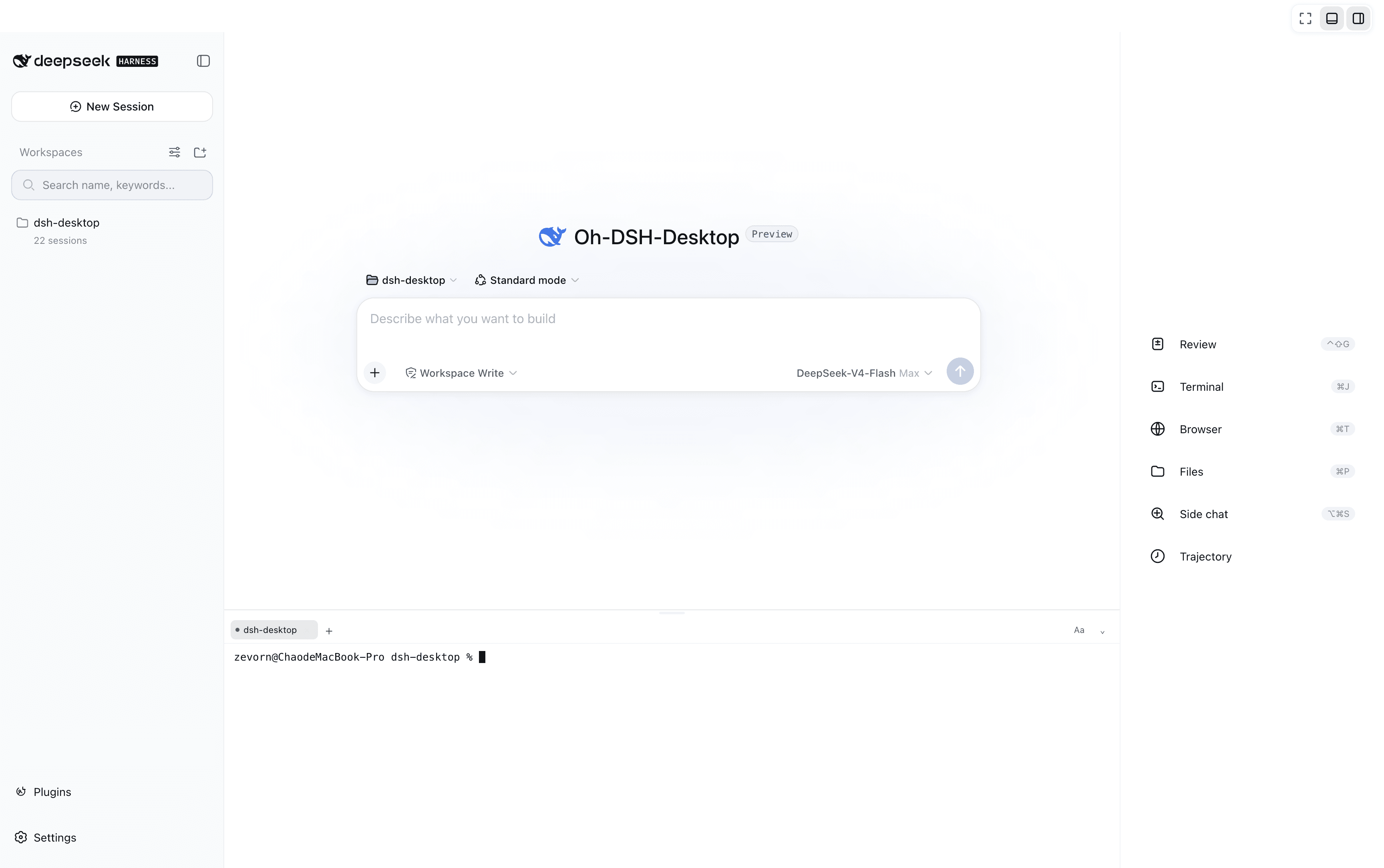
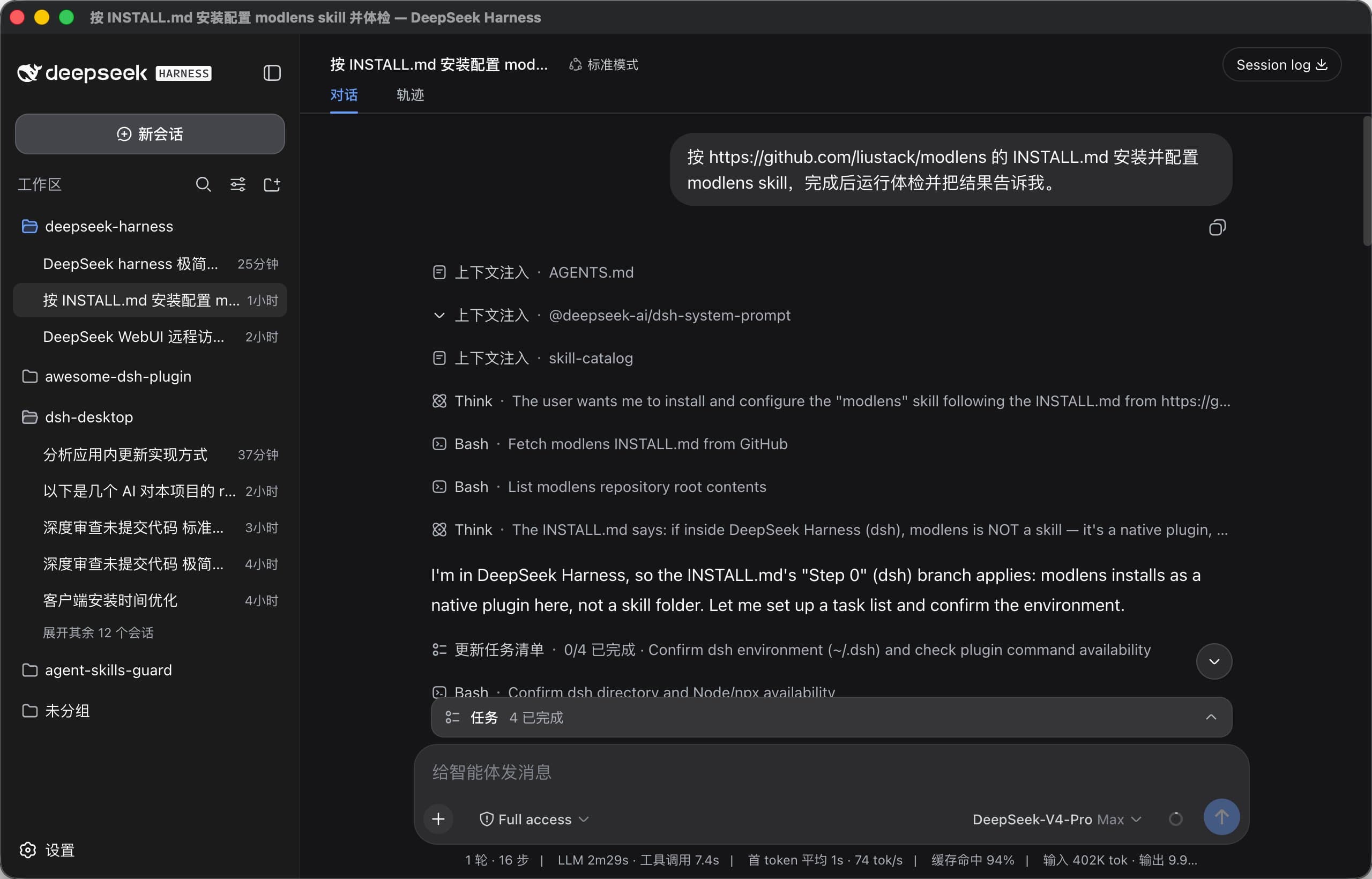
A Cordis plugin and a Tauri desktop shell for DeepSeek Harness (dsh). The plugin adds desktop notifications for pending interactions, an opt-in screen_capture model tool, a multi-agent tiling canvas, a desk-pet companion window, and a desktop settings section. The shell runs dsh --profile web natively with tray controls.
What it does
| Capability | Side | Notes |
|---|---|---|
| Interaction notifications | client | Subscribes to the sessions store; fires a browser desktop notification when a session waits on an approval, question, or plan review. Click opens that session. |
screen_capture model tool | host | Captures the primary display and commits the screenshot into the conversation as an image attachment. Disabled by default — see Consent. |
| Multi-agent tiling canvas | client | A conversation.view tab rendering a live, read-only grid of sessions and sub-agents from the sessions store. |
| Desk pet | client | A floating companion window (cat / robot / whale) driven by a state engine that derives pet state (idle / thinking / working / alert / success) from live sessions. Ships a custom navigation icon in the dsh nav bar. |
| Desktop settings | client | A settings section for pet preferences, window skins (frosted / anime / cyberpunk / space presets, custom uploads, blur & dim tuning), and about / update info. |
| Native shell | app | Tauri 2.0 app that starts dsh --profile web, embeds the local Web UI, pins in-app directory browsing, and provides tray controls with a recent-sessions menu and update checks. |
How it plugs in
- The package declares a
dsh.bundlemanifest (object form:{ "patch": "./cordis.patch.yml" }) — this is what dsh recognizes as an installable plugin.dsh.clientdeclares the web platform and the@deepseek-ai/*runtime packages it injects. - Host side registers the
screen_capturemodel tool only. - Client side reads the sessions store and the
question/requestedinteraction stream (via thePendingWait.answerchannel) — it never registers a secondctx.userQuestionsprovider, so it works against the published runtime with no slot conflicts. - The client bundle is a single file wrapped in the
window.__ModuleLoader__.load({ id, factory })handshake (seebuild.mjs).
Install
The plugin ships as @mixian/dsh-desktop-plugin with a dual-face Cordis bundle (dsh.bundle + dsh.client). Mount it with either mechanism:
# via a profile (recommended)
dsh plugin --profile web add @mixian/dsh-desktop-plugin

# from a source checkout
dsh plugin --profile web add ./packages/dsh-desktop-plugin

# or as a one-off overlay (no install)
dsh web --patch ./packages/dsh-desktop-plugin/cordis.patch.yml
Consent
screen_capture exposes the operator's whole display. It is not registered unless screenCapture: true is set explicitly in the profile patch:
# ~/.dsh/profiles/web/cordis.patch.yml
- id: dsh-desktop-plugin
  config:
    screenCapture: true   # opt in: registers the screen_capture tool
The captured image is always surfaced back into the conversation for transparency — it is never silently injected.
Run the desktop app
pnpm install
pnpm dev:app        # tauri dev
pnpm tauri build    # production bundles
…