ruby1304/dsh-vision-subagent
dsh-vision-subagent
Vision for DeepSeek Harness agents — paste images in the Web composer, delegate reads to Kimi/MiniMax vision routes on isolated contexts; zero image bytes in the main session
Install
npx @deepseek-ai/dsh plugin --profile web add /path/to/dsh-vision-subagentRestart `dsh web` after install. Bundle APIs can change during the developer preview.
README badge

[](https://dshhub.dev/plugins/dsh-vision-subagent)Paste this into your README. The star count updates with every catalog sync.
From the README
Excerpt from ruby1304/dsh-vision-subagent, cleaned of badges and images.
dsh-vision-subagent
Eyes for text-only DeepSeek Harness agents: delegate image reading to a one-shot subagent running on a separately configured vision route (MiniMax / Kimi / any OpenAI-compatible provider). Image bytes and the vision model's intermediate context never enter the main session — only the final text answer comes back.
Why a subagent
- Context isolation: large screenshots and multi-image comparisons never occupy the main model's window
- Multi-turn visual reasoning: the child can call read_image on more workspace files before answering
- Cost & route separation: vision calls bill on the MiniMax/Kimi route; the main model only reasons
Quick start
sh dsh plugin --profile web add /path/to/dsh-vision-subagent
Then edit ~/.dsh/profiles/web/cordis.patch.yml:
`yaml
- insert:
- id: vision-subagent name: 'dsh-vision-subagent' config: provider: kimi-coding # or minimax-cn / a hand-declared route model: k3 # or MiniMax-M3 / MiniMax-VL-01 `
Restart dsh web, open a new session, and ask: "Look at ~/Desktop/error.png — what is the error?" The model calls vision_agent(images=[...], question=...) on its own.
Screenshots
| Paste & ask | Analyzing | Clean bubble | Lightbox |
|---|---|---|---|
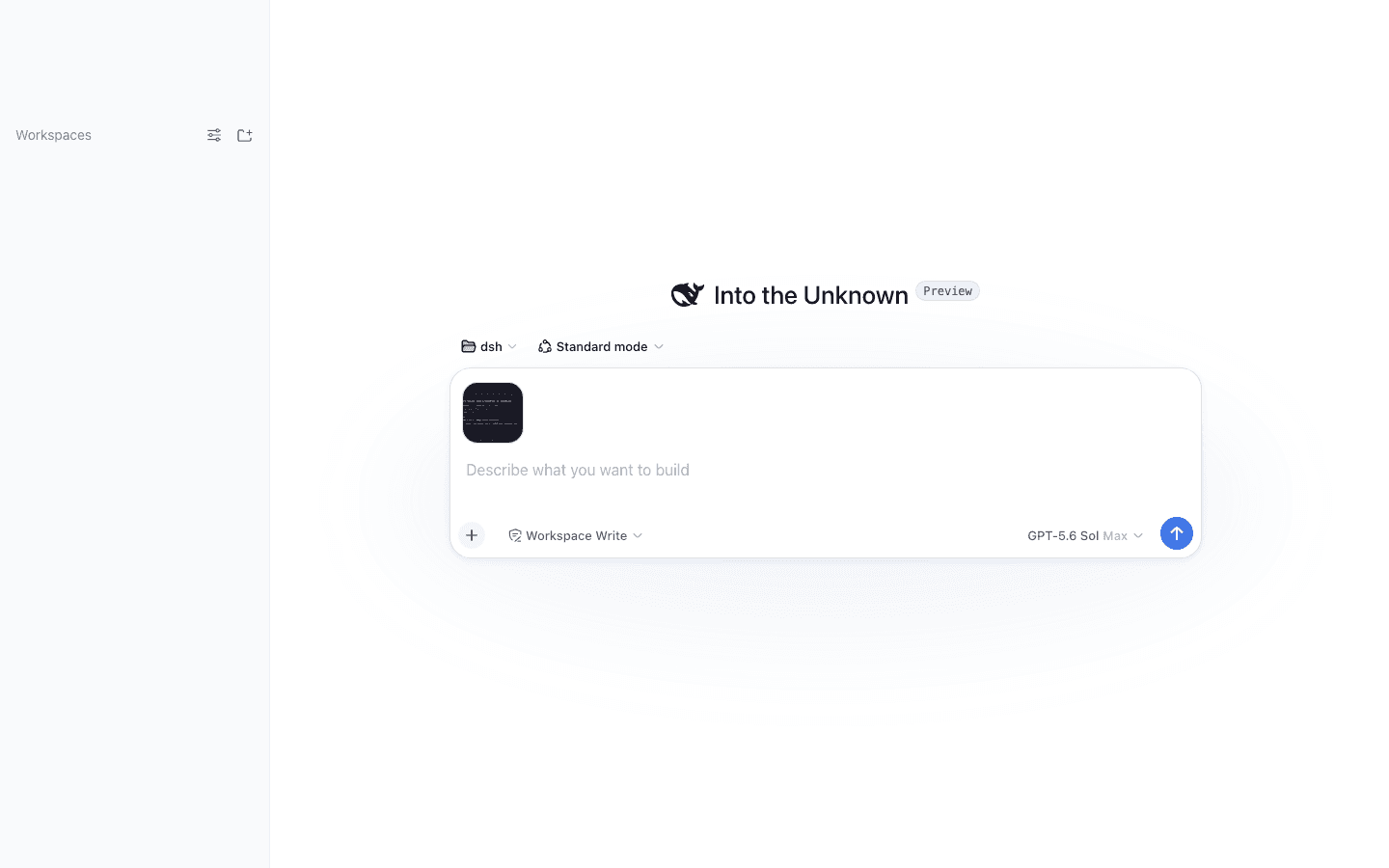
Paste images into the composer (Codex-style)
The Web composer accepts pasted/dropped images natively. On send, the client plugin uploads them to the host endpoint, which:
- validates the session and stores the images as durable attachments (bounded by deployment limits)
- runs ONE vision-route analysis on an isolated context (image bytes never enter the main session), guided by your draft message — the analysis focuses on what your words target (error text for a debugging ask, outfit details for a styling ask) instead of describing everything generically
- sends only the analysis text along with your message — the main model answers immediately, no tool call needed
In the chat history your bubble shows only your own words plus thumbnails; the analysis lives in the lightbox that opens when you click a thumbnail, never duplicated inline. Need the original bytes later (image editing, pixel-level inspection)? The durable message links let the model call vision_image_fetch to materialize the full-fidelity file into the workspace's .dsh-vision/ directory.
On failure (timeout, route error) the message is not sent and the composer draft is preserved. This channel complements the vision_agent tool: pasted images take the automatic path, while workspace files are read by the model calling the tool itself.
MiniMax / Kimi vision models
| Provider | baseURL | Vision models | Key env |
|---|---|---|---|
| Kimi (Moonshot) | https://api.moonshot.cn/v1 | k3 / kimi-k3 / moonshot-v1-8k-vision-preview | MOONSHOT_API_KEY |
| MiniMax | https://api.minimaxi.com/v1 | MiniMax-VL-01 | MINIMAX_API_KEY |
| MiniMax CN | (built-in llm-pi-ai minimax-cn route) | MiniMax-M3 | MINIMAX_CN_API_KEY |
If a route already exists in Settings/Models (e.g. kimi-coding, minimax-cn), the plugin config only names provider + model — the key stays in the route's credential reference. The plugin itself never touches secrets.
Configuration
…