exoticknight/dsh-theme-eink-retro
dsh-theme-eink-retro
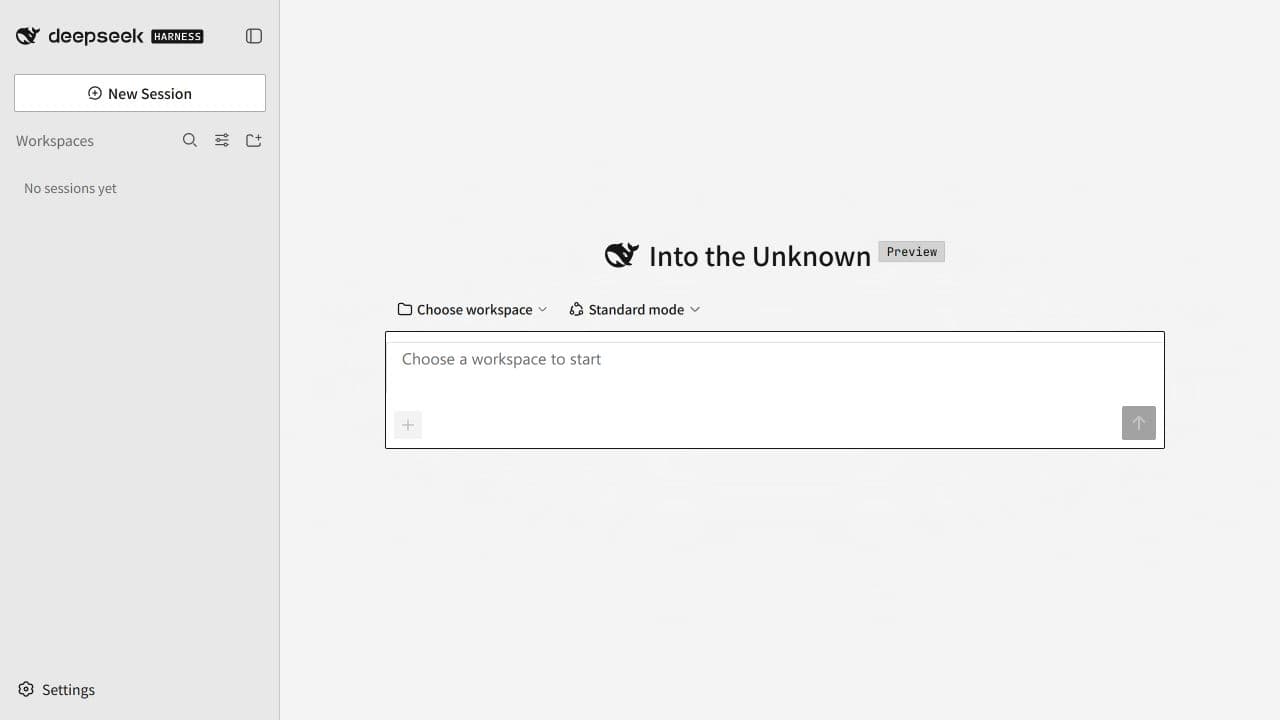
A paper-and-ink client-side theme for DeepSeek Harness with Balanced and Immersive modes.
Install
npx @deepseek-ai/dsh plugin --profile web add github:exoticknight/dsh-theme-eink-retro#v0.1.0Restart `dsh web` after install. Bundle APIs can change during the developer preview.
README badge

[](https://dshhub.dev/plugins/dsh-theme-eink-retro)Paste this into your README. The star count updates with every catalog sync.
From the README
Excerpt from exoticknight/dsh-theme-eink-retro, cleaned of badges and images.
E-Ink Retro for DeepSeek Harness
E-Ink Retro is a client-side theme for DeepSeek Harness. It uses neutral paper surfaces, near-black type, hard offset shadows, compact corners, and black-and-white selection states. The geometry takes cues from classic Macintosh interfaces while keeping the DSH layout and workflows recognizable.
Highlights
- Balanced mode applies the paper-and-ink shell while keeping semantic status colors and user media.
- Immersive mode maps supported DSH surfaces and compatibility layers to a monochrome ink ramp.
- Links, menus, form controls, tree items, and other adapted elements share a visible keyboard focus treatment.
- Images, attachments, video, canvas output, and iframe content keep their original rendering.
- Theme settings follow the DSH page language in English or Simplified Chinese, with English as the fallback.
- The theme pauses when you select another third-party theme.
Modes
| Mode | Behavior |
|---|---|
| Balanced | Applies the paper-and-ink shell and control language. Semantic status colors and user content remain available. |
| Immersive | Maps supported DSH surfaces, status tokens, and verified compatibility layers to grayscale. User media remains unchanged. |
| Off | Releases the theme token layer and removes the active root attribute. The plugin stays installed. |
Install
Requirements:
- DeepSeek Harness with a
webprofile - Node.js 20 or newer
pnpmavailable to the DSH plugin command
Install the tagged GitHub release:
dsh plugin --profile web add github:exoticknight/dsh-theme-eink-retro#v0.1.0
Restart DSH Web after installation, then open Settings → E-Ink Retro.
Update
Install the newer release tag, replacing the version in the command:
dsh plugin --profile web add github:exoticknight/dsh-theme-eink-retro#vX.Y.Z
Restart DSH Web after changing versions. The tag is intentionally pinned, so updates are explicit and reversible.
Disable or remove
Clear Enable theme in Settings → E-Ink Retro to stop applying the theme without removing the plugin.
Remove the package from the profile:
dsh plugin --profile web remove dsh-theme-eink-retro
Restart DSH Web after removal. The plugin removes its injected style and token layer during unload. Two local mode preferences remain in browser storage so a later reinstall can restore your last selection.
Roll back
Install a specific release tag again:
dsh plugin --profile web add github:exoticknight/dsh-theme-eink-retro#v0.1.0
Directories
You can find E-Ink Retro in these directories:
- dsh.pub
- DSH Market
- DSH Marketplace
- HackSing DSH Plugins
- Awesome DSH Plugins
- Awesome DeepSeek Harness
Use
Open Settings → E-Ink Retro, enable the theme, then select Balanced or Immersive.
…

