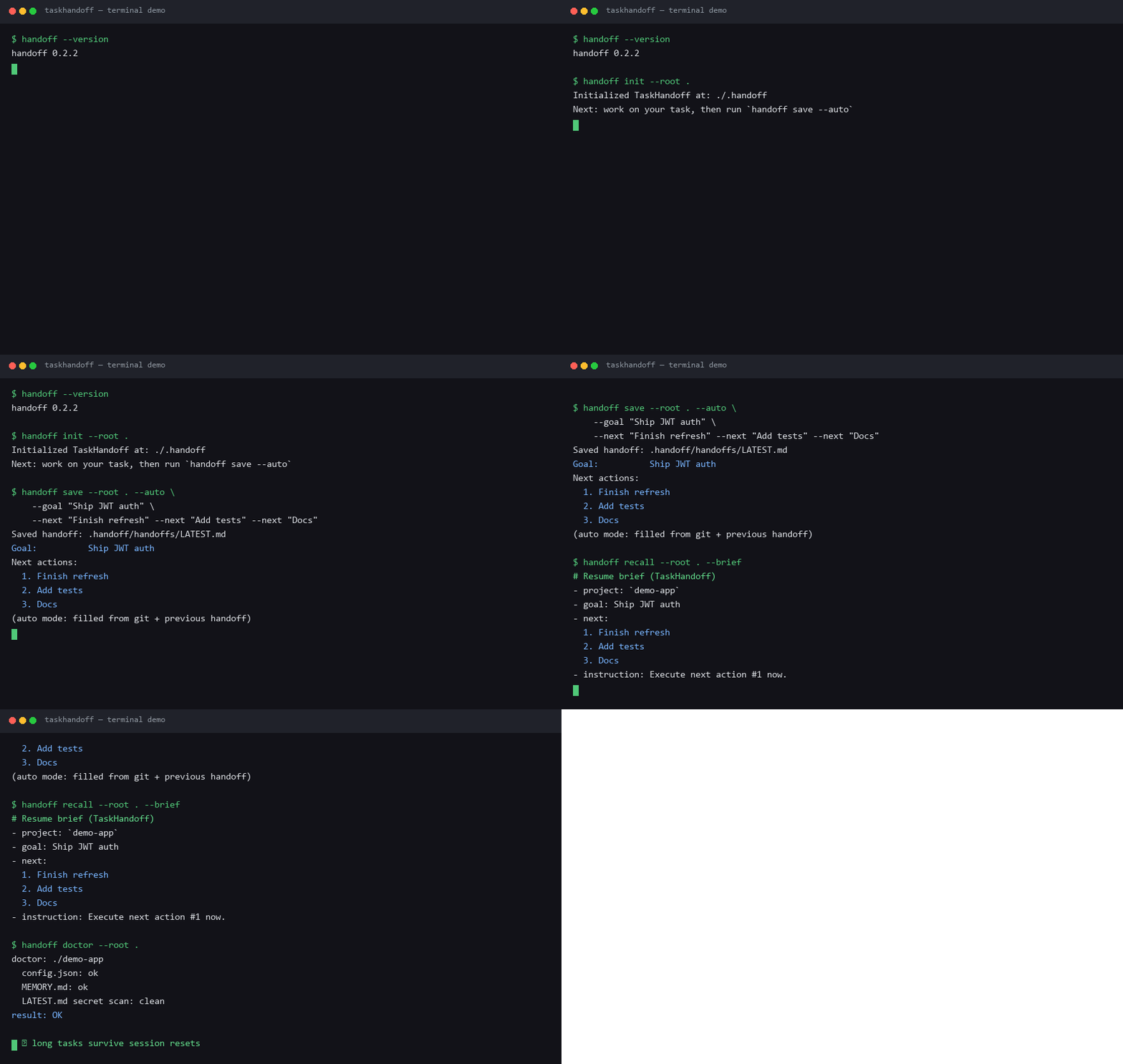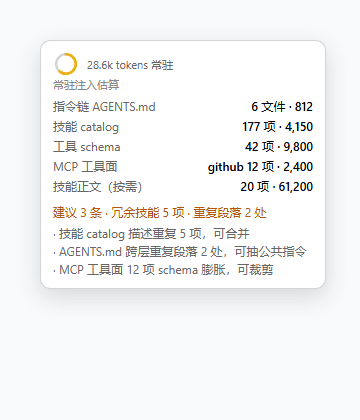
drscrewdriver/dsh-session-search-toggle
dsh-switch-search
dsh-switch-search is a community DeepSeek Harness plugin. Read the repository README before installing.
Install
npx @deepseek-ai/dsh plugin --profile web add github:drscrewdriver/dsh-switch-search#release-v0.1.0Restart `dsh web` after install. Bundle APIs can change during the developer preview.
README badge

[](https://dshhub.dev/plugins/dsh-session-search-toggle)Paste this into your README. The star count updates with every catalog sync.
From the README
Excerpt from drscrewdriver/dsh-session-search-toggle, cleaned of badges and images.
<strong>给 DeepSeek Harness 侧边栏加一个会话内容检索——标题/内容一键切换,还能按用户/回复/工具筛选</strong> <strong>中文</strong> · <a href="README.en.md">English</a>
dsh-switch-search
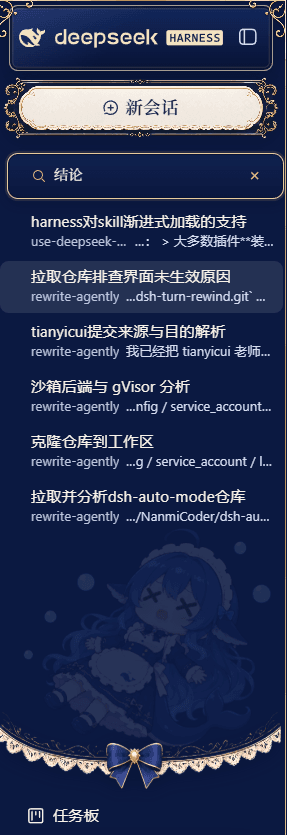
DSH web 侧边栏会话搜索增强:在侧边栏底部新增 "搜索" 入口,浮层面板一键在 标题搜索 ↔ 内容搜索 间切换;内容模式按会话聚合展示标题与命中片段,并按 用户 / 回复 / 工具 分类筛选。
无需修改 dsh 源码、无需提 PR:dsh plugin 命令组装 + bundle patch 装配的 cordis 客户端 + 插件宿主半。
它能做什么
- 标题 ↔ 内容双模式:一个入口两种搜法——切到"标题"按会话标题/工作目录子串即时过滤;切到"内容"走 DSH 自带 FTS5 全文索引搜会话消息正文。
- 内容按会话聚合:内容搜索结果每个会话一行(会话标题 + 最强命中片段 + 类型标签),点击即打开该会话,不刷屏逐条堆消息。
- 内容类型筛选:内容模式顶部筛选 chip——全部 / 用户 / 回复 / 工具;
工具放开tool/call与tool/result事件进结果,直接搜到工具调用参数与返回值。 - 索引可用性探测:Host 侧
search-status探测sessionQuery全文索引是否开启;未开启时内容模式给出一句具体配置指引,而非裸报错"内容搜索不可用"。 - 通用设置行:设置 → 通用新增 "会话搜索" 行——启用开关 + 默认搜索模式(标题/内容),配置即写即生效。
- 点击直达:搜索结果点击跳转打开对应会话,定位到命中内容所在上下文。
界面预览
侧边栏搜索入口与设置面板布局示意:
内容搜索的底层:DSH FTS5 派生索引
内容模式不自己建库,直接复用 DSH 本体的 SQLite FTS5 派生索引(session-query-sqlite):
| 表 | 说明 |
|---|---|
persisted_docs (FTS5) | 持久化会话的全文文档(text 可搜,type/session_id/seq/... 作过滤列) |
temp.live_docs (FTS5) | 当前进程存活会话的全文文档 |
persisted_sessions / live_sessions | 会话头 + revision/fingerprint(增量重建依据) |
search_state | generation 计数,驱动分页游标失效 |
- 懒索引:
openAt: first-search时首次搜索才建索引;每次搜索前增量 reconcile(只重建有差异的会话),大语料首搜稍慢、之后很快。 - tool 内容能搜到:
extraction.ts明确提取了tool/call(工具名+参数)与tool/result(结果文本)进索引——这正是本插件"工具筛选"的数据基础。
⚠️ 前置:开启全文索引
DSH 官方 bundle 默认关闭全文索引(session-query-sqlite 的 openAt: never,见 deepseek-harness/packages/bundle/web-app/cordis.patch.yml)。要内容搜索生效,在你的 profile 的 cordis.patch.yml 或 overlay 里覆盖:
- id: session-query-sqlite
  config:
    path: ':memory:'               # 或可持久化的绝对路径(重启不重建)
    openAt: first-search           # 或 startup
然后重启 DSH web。不开启时插件内容模式会显示配置指引,标题模式不受影响。
安装
# 方式一:从 GitHub 直装(推荐)——仓库已提交 lib/,无需本地构建
dsh plugin --profile web add github:drscrewdriver/dsh-switch-search#release-v0.1.0   # 稳定版
dsh plugin --profile web add github:drscrewdriver/dsh-switch-search#master          # 基线
dsh plugin --profile web add github:drscrewdriver/dsh-switch-search#feat/type-filter-search  # 最新开发

# 方式二:本地路径/源码组装(见"开发"章节)

# 重启 dsh web —— 必做!运行中实例不热载 bundle 层
dsh web
# 或用随包脚本
bash ~/.dsh/profiles/web/node_modules/dsh-switch-search/restart-dsh-web.sh
装完侧边栏底部出现 "搜索" 按钮;设置 → 通用出现 "会话搜索" 配置行。
⚠️ GitHub 网络可达性:github: 直装需要能连通 github.com;网络受限时请先配置可用代理或镜像加速,否则 add 会在拉取阶段卡住。
开发
pnpm install            # 含 @deepseek-ai client 包链 + tsdown/tsc
pnpm typecheck          # tsc --noEmit
pnpm build              # tsc(lib/types) + tsdown(lib/index.mjs + lib/client.js)
工作区结构
src/
├── index.ts            # 宿主半(node):Config schema + installSettingsSection + 路由
├── config.ts           # 纯共享配置(enabled/defaultMode + 命名空间常量,client 免 schemastery)
└── client/
    └── index.ts        # 浏览器半:sidebar.footer.action 入口 + 浮层面板 + settings.general.item 配置行
- 宿主半:注册 fenced HTTP 路由
/switch-search/api(list-sessions/content-search/search-status),浏览器信任围栏与 DSH/api网关一致(loopback Host 或 trustedHosts,拒绝 cross-site)。 - 配置模式:借鉴 dsh-thinking-levels——宿主经
settings服务注册switch-search命名空间 + schemasteryConfig;client 半defineStore+settingsScope.bind镜像读写;共享纯模块src/config.ts保持 client bundle 无 schemastery。 - 构建链:tsdown 复制 harness
packages/client/tsdown.client.ts语义(`_ModuleLoader
…