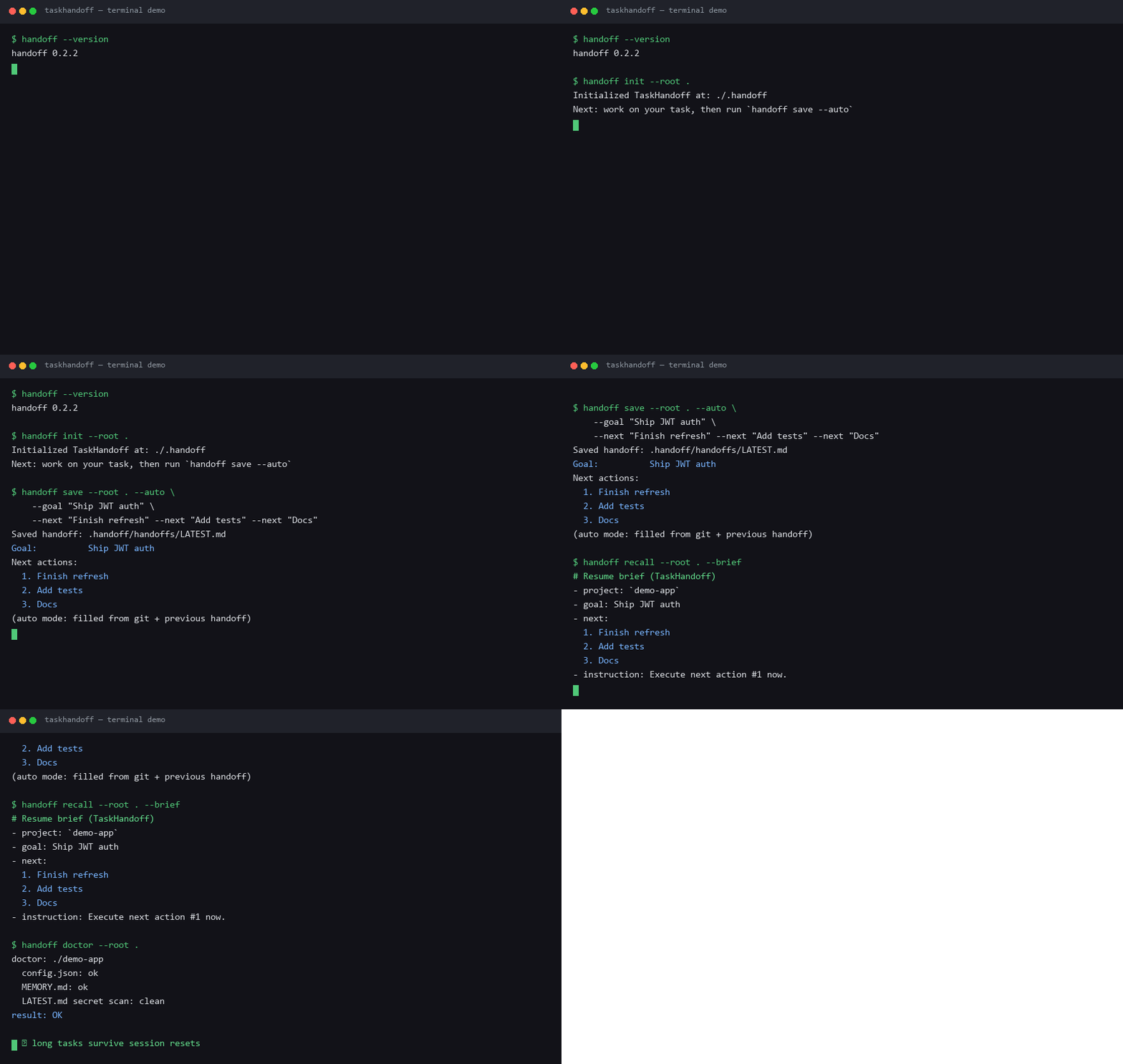
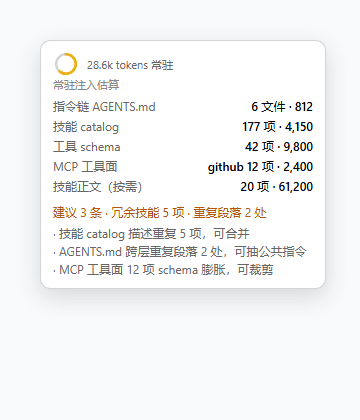
FleetingEcho/dsh-handoff
dsh-handoff
Self-maintaining handoff.md memory per working directory and git branch for DeepSeek Harness — records turns, folds them into concise Markdown, and injects them into future sessions from ~/.agent/agent-handoff (byte-compatible with pi-handoff).
Install
npx @deepseek-ai/dsh plugin --profile web add github:FleetingEcho/dsh-handoffRestart `dsh web` after install. Bundle APIs can change during the developer preview.
README badge

[](https://dshhub.dev/plugins/dsh-handoff)Paste this into your README. The star count updates with every catalog sync.
From the README
Excerpt from FleetingEcho/dsh-handoff, cleaned of badges and images.
dsh-handoff
Persistent working memory for DeepSeek Harness (dsh): one automatically maintained handoff.md per git branch, plus shared project knowledge available on every branch.
This is a Cordis plugin port of pi-handoff. The on-disk store is byte-identical to pi-handoff's, so both agents share one store at ~/.agent/agent-handoff/ and read each other's handoff.md, project.md, and events.jsonl. If you already use pi-handoff with pi, switching to dsh (or running both) reuses your existing handoff files with no migration.
The extension records recent turns, periodically folds them into concise Markdown, and injects the result into future sessions via a dsh runtime-context snapshot. Nothing is written into your repository.
This is an out-of-tree community plugin, not part of the official
@deepseek-ai/*packages. The@deepseek-ai/*runtime packages are optional peer dependencies resolved by dsh at load time.
Quick start
You do not need to clone or build anything — the published repo ships a prebuilt lib/index.js, and dsh plugin add auto-activates it (the package declares a dsh.bundle.patch, so it is reconciled into the profile's bundle list automatically). One command:
# Install into a profile (e.g. "web", the default GUI profile). The short
# `github:` shorthand and the full HTTPS URL are equivalent:
dsh plugin --profile web add github:FleetingEcho/dsh-handoff
# dsh plugin --profile web add https://github.com/FleetingEcho/dsh-handoff.git
Then restart that profile (a running profile won't pick up a new layer until it reboots), open a session, and confirm:
/handoff status
You should see the store path (~/.agent/agent-handoff/...), the detected git branch, and recording: yes. Done — the rest of this README is reference.
First time using dsh?
$DSH_HOMEdefaults to~/.dsh, and profiles live under$DSH_HOME/profiles/<name>/. Rundsh --helpto list commands anddsh plugin --profile <name> --helpfor plugin-management flags.
Install into a profile
dsh profiles are ordered stacks of plugin bundles under $DSH_HOME/profiles/<name>/. This plugin is a self-activating bundle (it declares dsh.bundle.patch in package.json), so dsh plugin add does the whole job: it runs pnpm in the profile directory, copies the package in, and reconciles it into dsh.profile.bundles.
Install from GitHub (recommended)
dsh plugin is a thin pnpm forwarder, so it accepts any pnpm package specifier. The two forms below are equivalent for this plugin — github:owner/repo is the short pnpm shorthand for a GitHub repo, and the full HTTPS URL is the most explicit:
dsh plugin --profile <name> add github:FleetingEcho/dsh-handoff
# equivalent explicit form:
dsh plugin --profile <name> add https://github.com/FleetingEcho/dsh-handoff.git
Either form records the dependency (as github:FleetingEcho/dsh-handoff) and activates the plugin. The same shorthand works for any git-hosted dsh plugin, e.g. github:omdsh-dev/DSH-better-sidebar; you can also pin a ref with github:owner/repo#<branch|tag|commit>. Verify it landed in the bundle list and composed into the config tree:
dsh --profile <name> --dump-config | grep -A8 fleetingecho/dsh-handoff
…