winditer/dsh-elf
dsh-elf
A temporary dialogue elf designed specifically for DSH
Install
npx @deepseek-ai/dsh plugin --profile desktop add dsh-elfRestart `dsh web` after install. Bundle APIs can change during the developer preview.
README badge

[](https://dshhub.dev/plugins/dsh-elf)Paste this into your README. The star count updates with every catalog sync.
From the README
Excerpt from winditer/dsh-elf, cleaned of badges and images.
dsh-elf
English | 中文
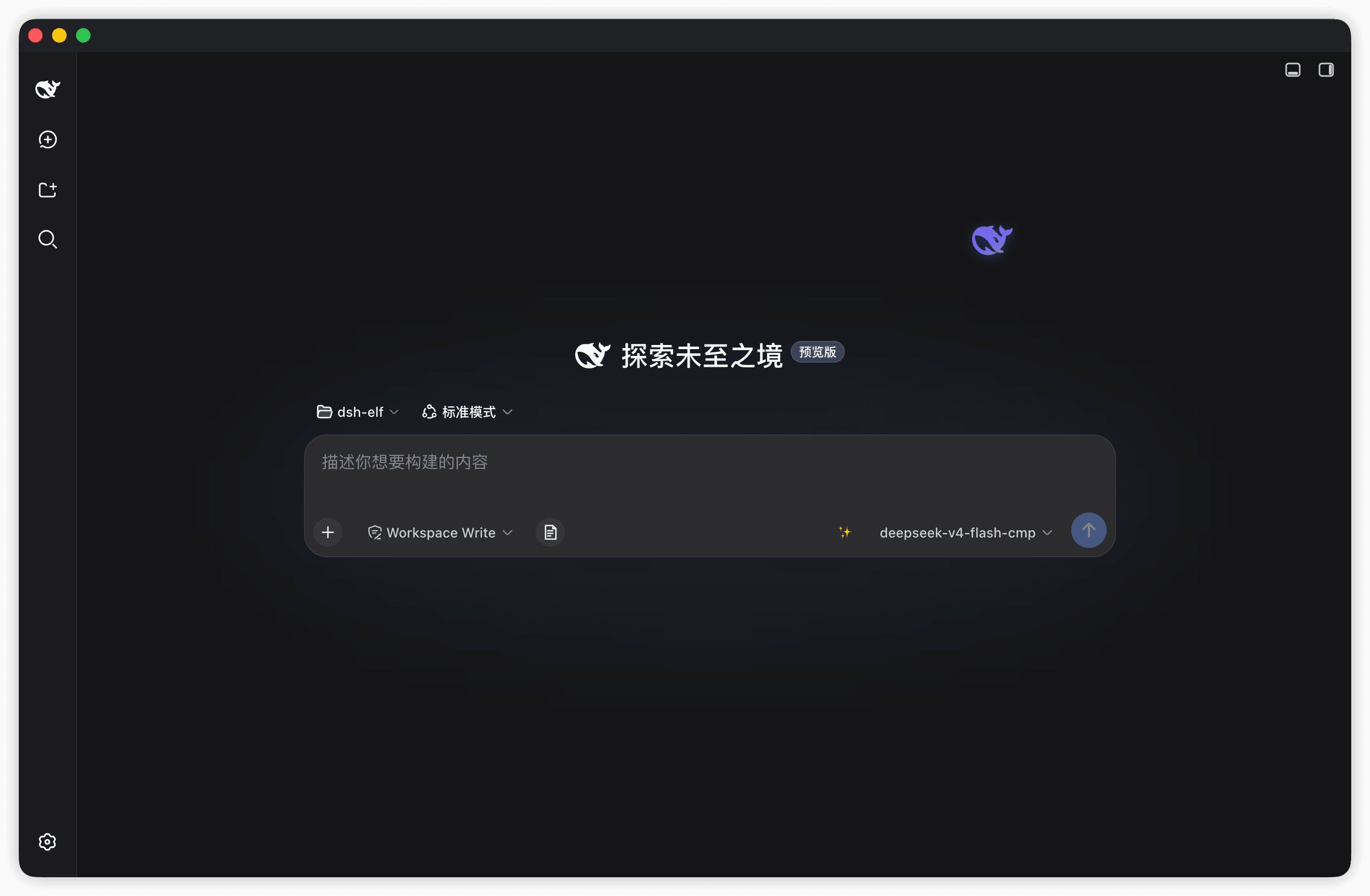
A DeepSeek whale elf that lives on your DSH page. A translucent, slowly drifting whale (rendered from the official DeepSeek favicon path, tinted blue → purple → green) hovers at the edge of the viewport; click it to open a lightweight, draggable chat window that never touches your session history.
Screenshots
Features
- Living elf — the whale slowly wanders around its anchor point (sin/cos drift plus a bob animation); drag it anywhere and the position persists across restarts
- Instant chat — click to open, drag the title bar to move,
—to minimize back to the elf - Zero-config by default — follows the session's default model (the harness's configured provider), no API key required
- Custom endpoint mode — uncheck "follow session default" and plug in any OpenAI-compatible endpoint (DeepSeek / OpenAI / Moonshot / GLM / Qwen / custom base URL), streamed token-by-token directly from the browser
- Real streaming — host-route chats poll the streaming response (~55 ms) so text appears as it is generated; custom endpoints use native SSE
- Nice-to-haves — copy per message, one-click clear, model badge, light/dark theme, empty-state hint, drag clamping (you can't lose the elf off-screen)
- Follows your language — the elf UI switches between 中文 / English automatically, matching the language setting in DSH; no reload needed
Requirements
- DSH with a
webordesktopprofile - Node.js
^22.19.0or>=24.0.0(only needed to build from source) - pnpm is recommended when installing into a profile
Install
The bundle entry (
id: elf) is self-declared by this package'scordis.patch.yml— no manual patch file is needed.
From npm
dsh plugin --profile desktop add dsh-elf
Restart DSH (quit fully and reopen), then a fresh page shows the elf at the bottom-right.
From source (development)
git clone https://github.com/winditer/dsh-elf.git dsh-elf && cd dsh-elf
npm install
npm run build          # produces dist/client.js
dsh plugin --profile desktop add .    # links the workspace into the profile by package name
Or install by hand: in the target profile's package.json (e.g. ~/.dsh/profiles/desktop/package.json):
{
  "dependencies": {
    "dsh-elf": "link:/absolute/path/to/dsh-elf"
    // ...
  },
  "dsh": {
    "profile": {
      "bundles": [ /* ... */, "dsh-elf" ]
    }
  }
}
then pnpm install inside the profile directory and restart DSH.
Uninstall
Remove dsh-elf from the profile's dependencies and dsh.profile.bundles, then clean up the installed link (rm -rf <profile>/node_modules/dsh-elf or pnpm --filter dsh-elf remove --dir <profile>).
Usage
- Drag the elf to park it anywhere (the drop position is persisted under
dsh-elf:orb); click (without dragging) to open the chat window - Chat header: model badge ·
⚙configuration ·—minimize ·清空clear Entersends,Shift+Enterinserts a newline; hover a message and click📋to copy- Chats are temporary: they are never written to DSH sessions and disappear when the plugin stops or you clear them
Configuration
Open ⚙ in the chat header:
…

