ai-eks/dsh-docking-layout
dsh-docking-layout
dsh-docking-layout is a community DeepSeek Harness plugin. Read the repository README before installing.
Install
npx @deepseek-ai/dsh plugin --profile web add github:ai-eks/dsh-docking-layoutRestart `dsh web` after install. Bundle APIs can change during the developer preview.
README badge

[](https://dshhub.dev/plugins/dsh-docking-layout)Paste this into your README. The star count updates with every catalog sync.
From the README
Excerpt from ai-eks/dsh-docking-layout, cleaned of badges and images.
@ai-eks/dsh-docking-layout
English | 中文
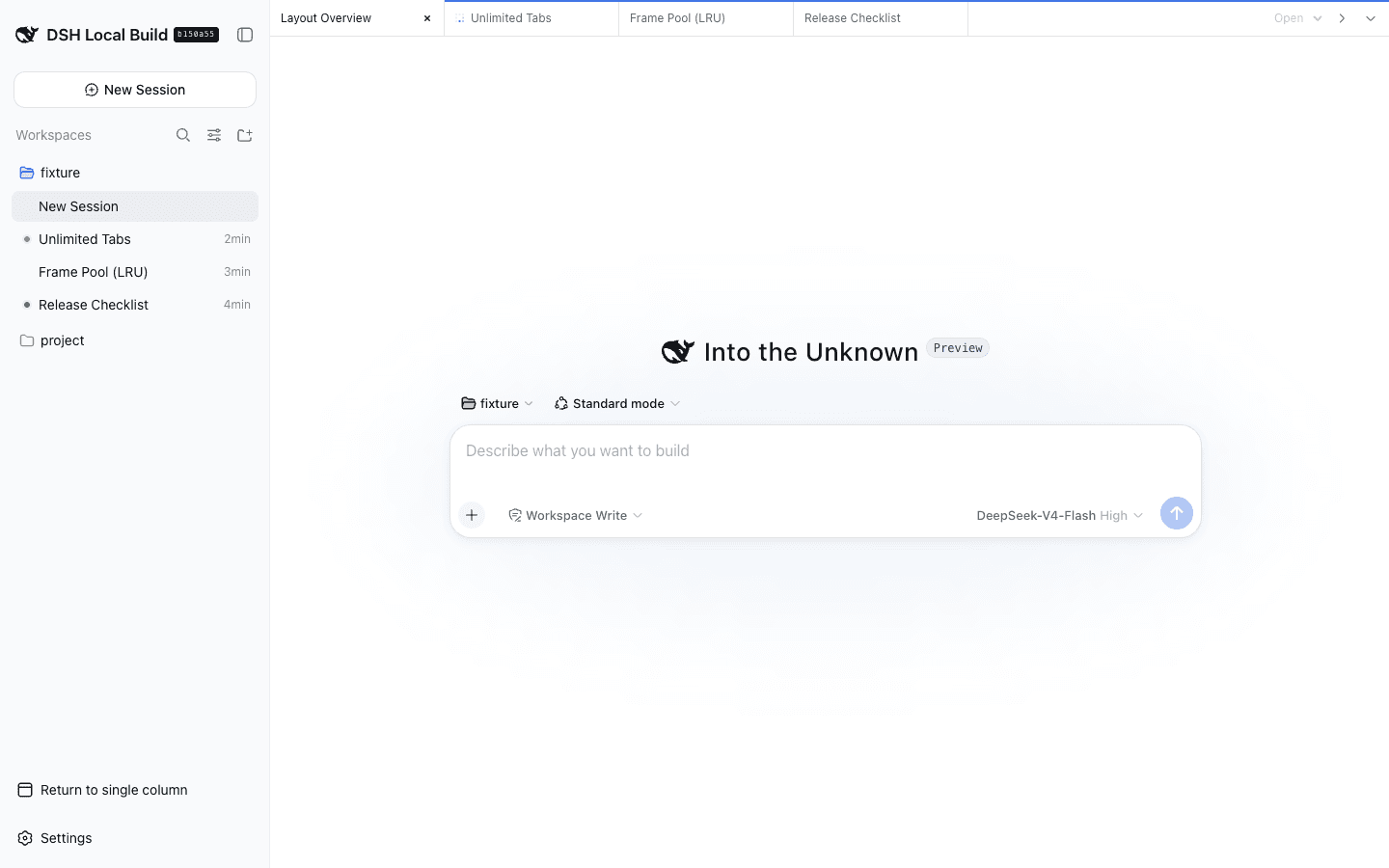
A DeepSeek Harness Web UI plugin for organizing unlimited conversation tabs into editor-style groups. Split freely, then close or move tabs whenever a pane becomes too small.
Preview
| Two groups | Three groups |
|---|---|
Features
- Unlimited tabs and groups, with no fixed pane-size guard.
- Drag a tab to another group to move it, or to an edge to split; toolbar buttons split right or down.
- At widths up to 760 pixels, one full-width group is shown at a time with a group switcher.
- Closing a tab changes only the browser layout and never deletes its DSH Session.
Install
From Git:
dsh plugin --profile web add github:ai-eks/dsh-docking-layout
From a local checkout:
git clone https://github.com/ai-eks/dsh-docking-layout.git
cd dsh-docking-layout
pnpm install
dsh plugin --profile web add .
Remove the plugin with:
dsh plugin --profile web remove @ai-eks/dsh-docking-layout
Enable Docking Layout from the DSH sidebar footer. Open Sessions from the group menu or the DSH sidebar, then drag tabs or use the split buttons to arrange them.
Performance and limitations
The iframe pool keeps every group's active tab plus the two most recently used inactive tabs mounted. Revisiting an evicted tab reloads its embedded client. More groups therefore use more browser memory and DSH Web connections.
The global details panel and companion plugins still follow the outer DSH Session. Archived Sessions and subagent routes use the native conversation view. Touch layouts use split buttons and the group switcher instead of tab dragging.
Only layout preferences are stored locally. The plugin does not copy Session logs, prompts, approvals, or files, and all embedded pages are same-origin. It adds no model-visible prompts, tools, messages, or Session events.
Compatibility
Supports DeepSeek Harness 0.1.0-rc.8 and 0.1.1-rc.2, and is compatible with dsh-better-sidebar.
Development
pnpm install
pnpm typecheck
pnpm test
pnpm build

