stoneface10/dsh-codex-connect-plus
dsh-codex-connect-plus
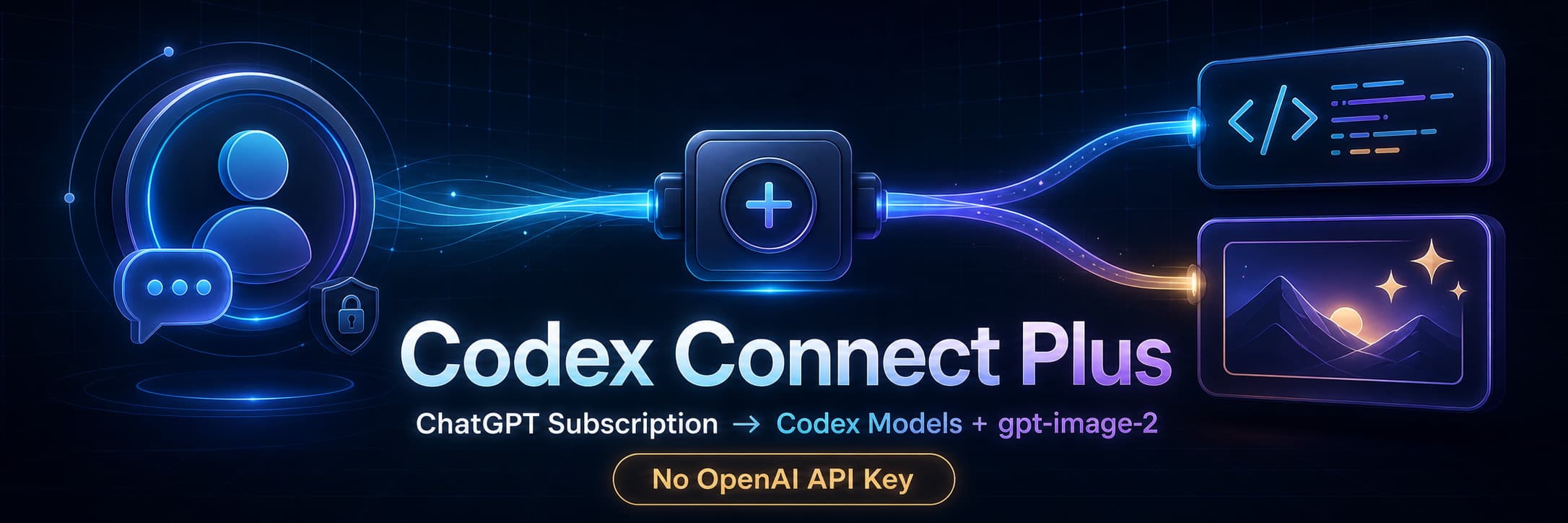
Use your ChatGPT subscription in DeepSeek Harness to access Codex models and generate or edit images with gpt-image-2—no OpenAI Platform API key required.
Install
npx @deepseek-ai/dsh plugin --profile web add dsh-codex-connect-plus@betaRestart `dsh web` after install. Bundle APIs can change during the developer preview.
README badge

[](https://dshhub.dev/plugins/dsh-codex-connect-plus)Paste this into your README. The star count updates with every catalog sync.
From the README
Excerpt from stoneface10/dsh-codex-connect-plus, cleaned of badges and images.
Codex Connect Plus
English | 中文
Use your ChatGPT/Codex subscription inside DeepSeek Harness for Codex models and
gpt-image-2generation/editing—without an OpenAI Platform API key.
Sign in once with ChatGPT OAuth. Codex model requests use the signed-in account's subscription capacity; image generation/editing uses the same OAuth session and remains subject to account availability, region, limits, and upstream policy.
What you get
- Codex models in the normal DSH model picker — no separate CLI workflow.
gpt-image-2generation and editing — create images from prompts or edit 1–8 local references, with inline previews and local output files.- No OpenAI Platform API key or pay-as-you-go API billing setup — authorization comes from your user-approved ChatGPT/Codex OAuth session.
- Quota-conscious defaults — automatic model retries default to
0, and image requests are never silently retried.
Community derivative. Not affiliated with or endorsed by OpenAI, DeepSeek, or the upstream Codex Connect maintainers.
Features
- ChatGPT/Codex OAuth login and provider-native automatic refresh.
- OpenAI Codex model catalog through Harness's normal LLM service.
- Optional standalone Codex search provider.
- Optional
view_imagetool for vision-capable models. codex_image_generatefor 1-4gpt-image-2outputs.codex_image_editfor 1-8 local PNG/JPEG/WebP references and an optional mask.- Durable DSH attachments, session-authorized replay, inline preview, and local files under
outputs/codex-image. - Fixed upstream origins, no redirects, bounded inputs/responses, cancellation, timeout, strict image signatures, and redacted provider errors.
Requirements
- DeepSeek Harness
0.1.0-rc.7or newer. This release is adapted to the rc.7 keyed-slot settings-card API. On older Harness versions the package still installs (the plugin system does not enforce peer ranges), but the Plugin configuration card may not render, so upgrade Harness first or stay on0.1.0-beta.2for0.1.0-rc.5/rc.6-era Harness. - Node.js
^22.19.0 || >=24.0.0.
Install
Install the public npm beta:
dsh plugin --profile web add dsh-codex-connect-plus@beta
Immutable GitHub fallback:
dsh plugin --profile web add 'github:stoneface10/dsh-codex-connect-plus#v0.1.0-beta.4'
A matching .tgz is also attached to the GitHub prerelease.
For local development:
dsh plugin --profile web add link:/absolute/path/to/dsh-codex-connect-plus
Do not install dsh-codex-connect, dsh-codex-image-connect, and this combined package in the same profile: they own the same provider and tool names.
Configure
Open Settings → Plugins → Plugin configuration → Codex Connect Plus.
- Sign in with ChatGPT.
- Keep or change optional capability toggles.
- Save profile settings.
Default capability and quota-safety settings:
modelMaxRetries: 0
enableSearch: false
enableImageTool: false
enableImageGeneration: true
…