aa2246740/dsh-better-display
dsh-better-display
A calmer reading view for DeepSeek Harness: native process details, live reasoning, and clean final answers.
Install
npx @deepseek-ai/dsh plugin --profile web add github:aa2246740/dsh-better-display#v0.3.3Restart `dsh web` after install. Bundle APIs can change during the developer preview.
README badge

[](https://dshhub.dev/plugins/dsh-better-display)Paste this into your README. The star count updates with every catalog sync.
From the README
Excerpt from aa2246740/dsh-better-display, cleaned of badges and images.
dsh-better-display
安装
DSH Studio 桌面 App(推荐)
打开 设置 → 插件 → 添加插件,在“包名或地址”中输入:
github:aa2246740/dsh-better-display#v0.3.3
桌面端的插件管理器负责 Desktop profile 和其内置包管理器。本发布已包含编译好的 lib/;普通使用不需要 clone、构建或安装 DSHX。若应用在安装完成后提示刷新或重新打开,请按提示完成。
Web CLI
dsh plugin --profile web add github:aa2246740/dsh-better-display#v0.3.3
这条官方 CLI 命令只写入 web profile,不能修改 Desktop App 的 profile。对于已经运行的 Web Host,请重新打开该 Host 一次,再刷新网页;插件 bundle 会在启动时读取。
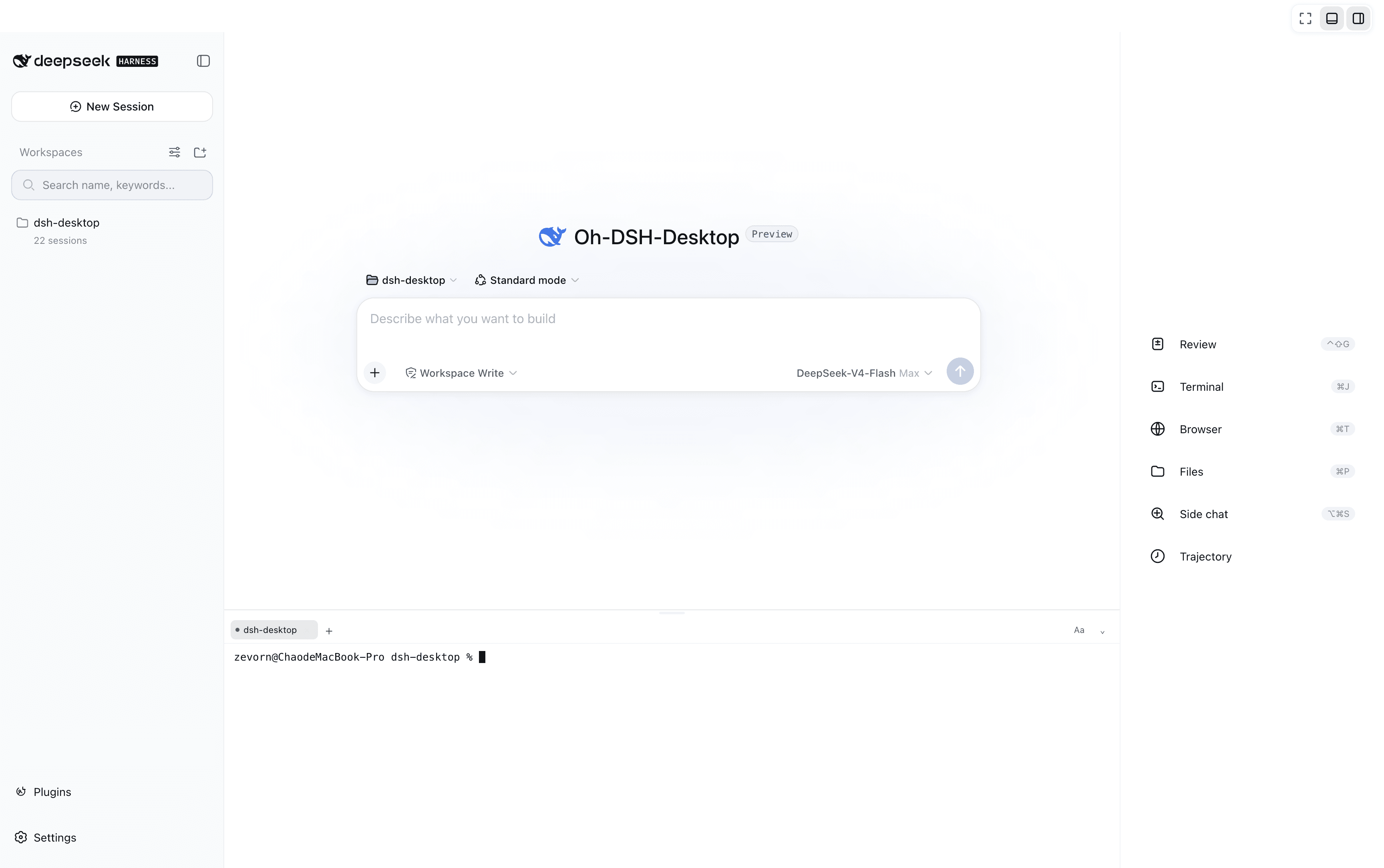
给 DeepSeek Harness 加一个 阅读 页签:执行时能看到步骤、思考和进度;整轮成功结束后把过程收起来,留下最终回答。原版「对话 / 轨迹」、输入框、模型选择、工具和审批都还在。阅读列保留宿主 ChatView 的 data-chat-flow 钩子,依赖该标记显示输入框的第三方皮肤不会把阅读页当成仅检视视图。
最终回答里的 ````mcp-app代码块会在阅读视图里挂成交互卡片,跑在<iframe sandbox="allow-scripts allow-forms">里,没有allow-same-origin。卡片可以通过 JSON-RPC 把下一轮 prompt 填进输入框。技能包在 [skills/generative-mcpapps/`](skills/generative-mcpapps/)。设置里的 Better Display 可把产物改为右侧栏预览(默认仍用系统应用),打开半透明毛玻璃(默认关),设置过程自动折叠开关(默认开),并检测该技能是否已装进宿主技能目录。
面向 DeepSeek Harness 0.1.7-rc.2。只改展示,不改 Agent 执行、SDK 或模型凭据。Node.js ^22.19.0 || >=24。新会话默认进阅读。
0.3.0 保留现有阅读布局、折叠和动效,接入官方反馈、工具详情、文件卡片及文件链接;并修复重新开启自动折叠后仍保持展开的问题。接入范围和升级检查见 官方能力接入说明。
本地目录或 tarball(开发/本地测试):
dsh plugin --profile web add ./dsh-better-display
dsh plugin --profile web add ./dsh-better-display-0.3.3.tgz
dsh.bundle 是开机捕获的。不要再往 profile 的 cordis.patch.yml 手写同一条 insert,会重复挂载。
dsh plugin --profile web remove dsh-better-display
开发
npm test
npm run typecheck
许可
展示与 Markdown 部分来自 DeepSeek Harness(MIT)。动效参考 Transitions.dev。本仓库代码 MIT。