sumarilkkxx/dsh-artifact
dsh-artifact
Inline ECharts rendering plugin for DeepSeek Harness
Install
npx @deepseek-ai/dsh plugin --profile web add github:sumarilkkxx/dsh-artifactRestart `dsh web` after install. Bundle APIs can change during the developer preview.
README badge

[](https://dshhub.dev/plugins/dsh-artifact)Paste this into your README. The star count updates with every catalog sync.
From the README
Excerpt from sumarilkkxx/dsh-artifact, cleaned of badges and images.
What it is
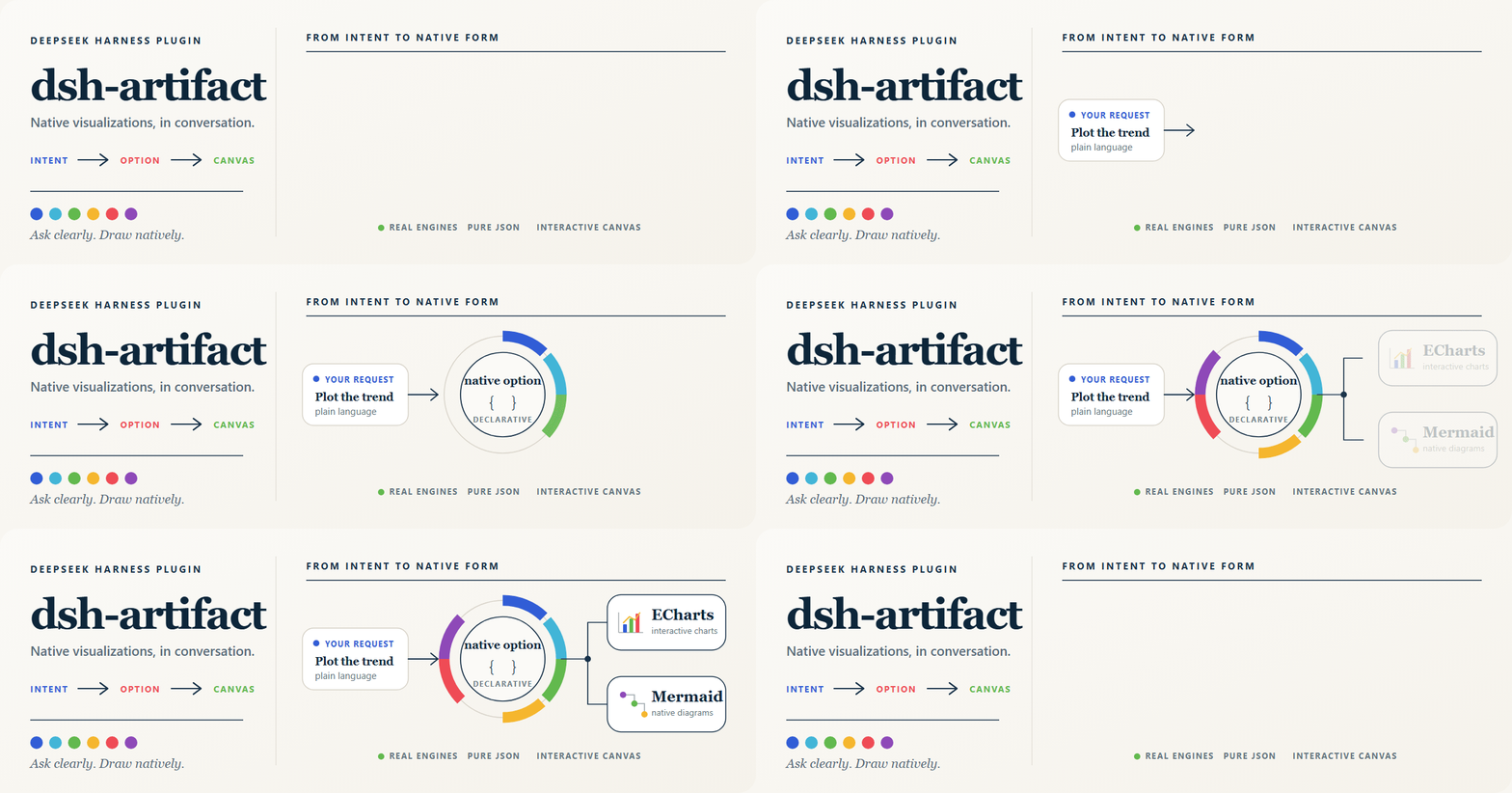
dsh-artifact is a visualization renderer for DeepSeek Harness. Ask for a chart or diagram in ordinary language; the model understands the intent, chooses the appropriate native engine, emits a declarative payload, and the result appears directly in the conversation as an interactive canvas.
It is built for a near-native ECharts and Mermaid authoring experience—not a small set of hand-drawn chart templates. The browser receives a real ECharts option or Mermaid source and renders it with the real engine.
Your request → model understands the intent → ECharts option / Mermaid code → interactive canvas
Highlights
From a request to a native canvas
Describe the visualization you need in ordinary language. dsh-artifact keeps the complete workflow inside the conversation: the model reasons about the request, prepares a native engine payload, and renders the result as an interactive canvas with appearance controls and PNG export.
Built around real rendering engines
| Capability | |
|---|---|
| Native engines | ECharts 6, the official ECharts-GL extension when an option needs it, and Mermaid 11 |
| Broad ECharts coverage | Native JSON-expressible series and components: cartesian, pie, radar, calendar heatmap, graph, sankey, tree, map, parallel, timeline, dataset, visualMap, dataZoom, and more |
| Diagram-first Mermaid | Flowcharts, sequence, class, state, ER, gantt, journey, pie, and other Mermaid-supported diagrams |
| Interactive canvas | Tooltips, legends, zoom, pan, 3D controls, and responsive resizing come from the actual renderer |
| Appearance controls | In-canvas ECharts-inspired palettes and light/dark backgrounds; photographic globes retain their real-world surface and expose background mode only |
| Image download | Download ECharts, ECharts-GL, and Mermaid canvases as 2× PNG images using the active background; standard ECharts and Mermaid diagrams also support SVG download |
| Safe by design | Pure JSON across the declarative boundary; isolated custom HTML runs in a CSP-restricted sandbox iframe |
Install
Install the DeepSeek Harness CLI first (one time):
npm install -g @deepseek-ai/dsh
If this is your first time using DSH, run dsh web once to initialize the web profile, then stop it before adding the plugin.
# GitHub install (recommended; prebuilt engine assets are included)
dsh plugin --profile web add github:sumarilkkxx/dsh-artifact

# Local development
dsh plugin --profile web add link:/path/to/dsh-artifact
Start or restart dsh web, then hard-refresh the browser (Cmd/Ctrl+Shift+R). pnpm must be available on PATH because the DSH plugin command uses it internally.
Use it naturally
Ask for the result you need. For example:
Compare quarterly revenue and margin for 2024 in a dual-axis chart, highlight the best quarter, and use a dark canvas.
Create a GitHub-style calendar heatmap for this year's daily commits.
Draw a sequence diagram for OAuth login with success and failure paths.
…

