chokwinlee/deepseek-harness-desktop
dsh-desktop
Compact DeepSeek Harness desktop host with a native SwiftUI iPhone Remote source preview.
Install
npx @deepseek-ai/dsh plugin --profile web add github:owner/repoRestart `dsh web` after install. Bundle APIs can change during the developer preview.
README badge

[](https://dshhub.dev/plugins/deepseek-harness-desktop)Paste this into your README. The star count updates with every catalog sync.
From the README
Excerpt from chokwinlee/deepseek-harness-desktop, cleaned of badges and images.
macOS DMGs around 100 MB, with the complete Harness runtime included.
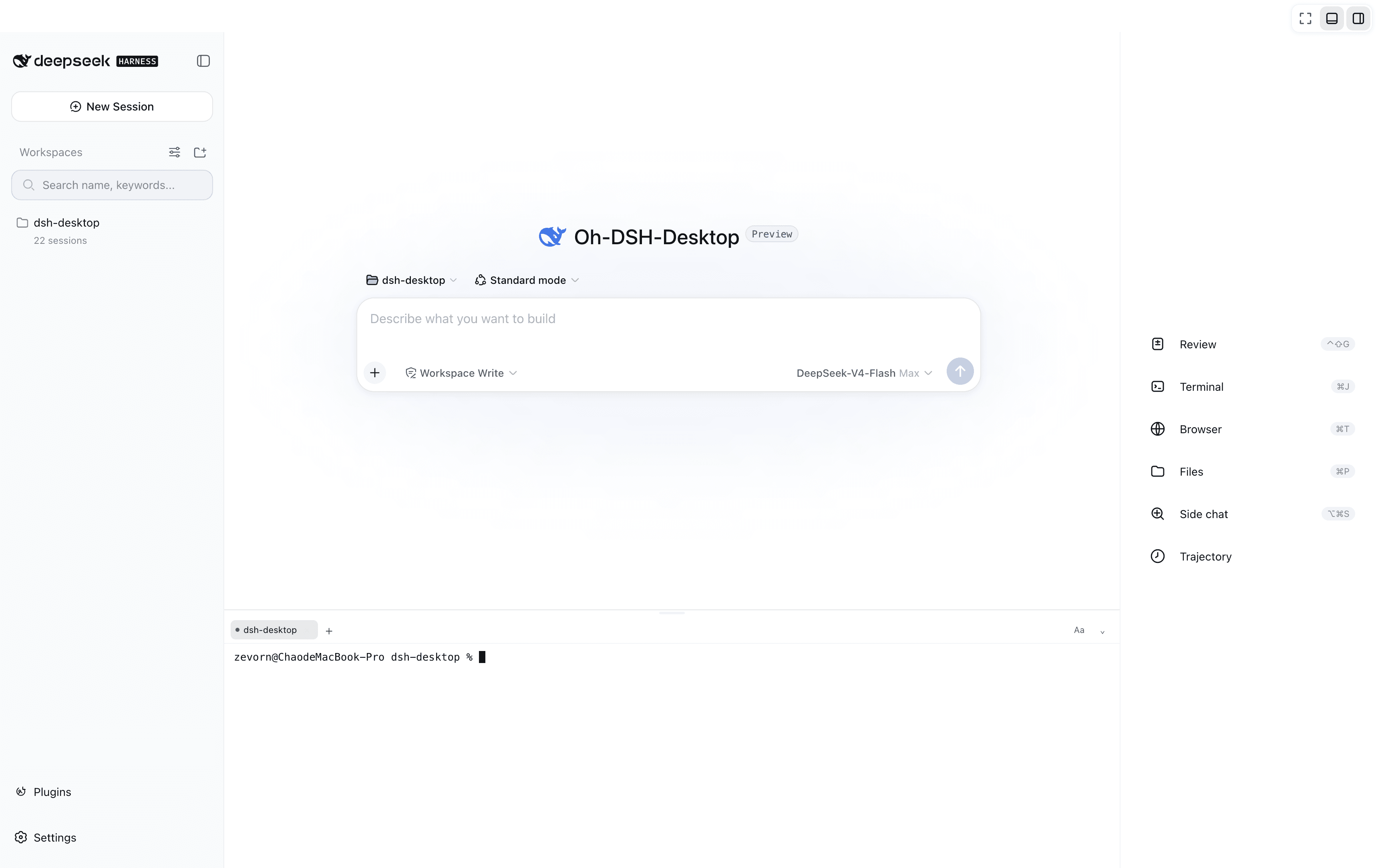
DSH Desktop runs the official DeepSeek Harness Web UI and runtime in a desktop window. The repository also contains DSH Remote native companions for continuing the computer's projects, sessions, and running tasks from iPhone and Android. This build is aligned with @deepseek-ai/[email protected] and shows that bundled Harness version in the sidebar. The desktop app manages the local Harness process automatically, so users do not need to install Node.js or start dsh web themselves.
[!IMPORTANT] This is an independent community project, not an official DeepSeek AI product. DeepSeek Harness is a developer preview and may introduce breaking changes.
Highlights
- Multimodal sessions — paste or attach images and send them through the normal Harness conversation flow when the selected provider and model declare image input support. Image messages remain visible in session history.
- Usage at a glance on macOS — see today and seven-day token totals, estimated cost, active task count, and aggregate running throughput without leaving the current session.
- Compact macOS package — around 100 MB while bundling the complete Harness runtime, using Tauri and the system WKWebView instead of shipping Chromium.
- Visible runtime alignment — the sidebar identifies both the Desktop release and its bundled Harness version, such as
DSH Desktop v0.5.0 · Harness 0.1.5-rc.2. - Ready to run — includes everything needed to start Harness, with no separate Node.js installation or terminal command. The app starts and stops the local runtime automatically.
- Native mobile Remote — the SwiftUI iPhone client and Kotlin/Compose Android client pair on trusted Wi-Fi or the user's own Tailscale network, then browse projects, create sessions, steer tasks, handle approvals, send images, and follow subagents without moving execution off the computer.
Cost figures are estimates derived from local token logs and available public model prices. Unmatched models stay visibly unpriced rather than being counted as free.
Multimodal and usage insights
A real Harness rc.8 image-input session with live token and cost insights, using google/gemini-2.5-flash-lite through OpenRouter.
The compact title-bar summary stays visible while you work. Open it for input, output, cache, cost, and live-throughput details. Usage is calculated locally from Harness session history, with estimated costs based on available public model prices.
iPhone Remote (TestFlight beta)
<p align="center"><sub>Same-Wi-Fi pairing · Projects and running sessions · Approval handling</sub></p>[!IMPORTANT] DSH Remote is available as a public iPhone beta. Join with TestFlight.
…